
MiskoThief - Minecraft Skins & Skin History
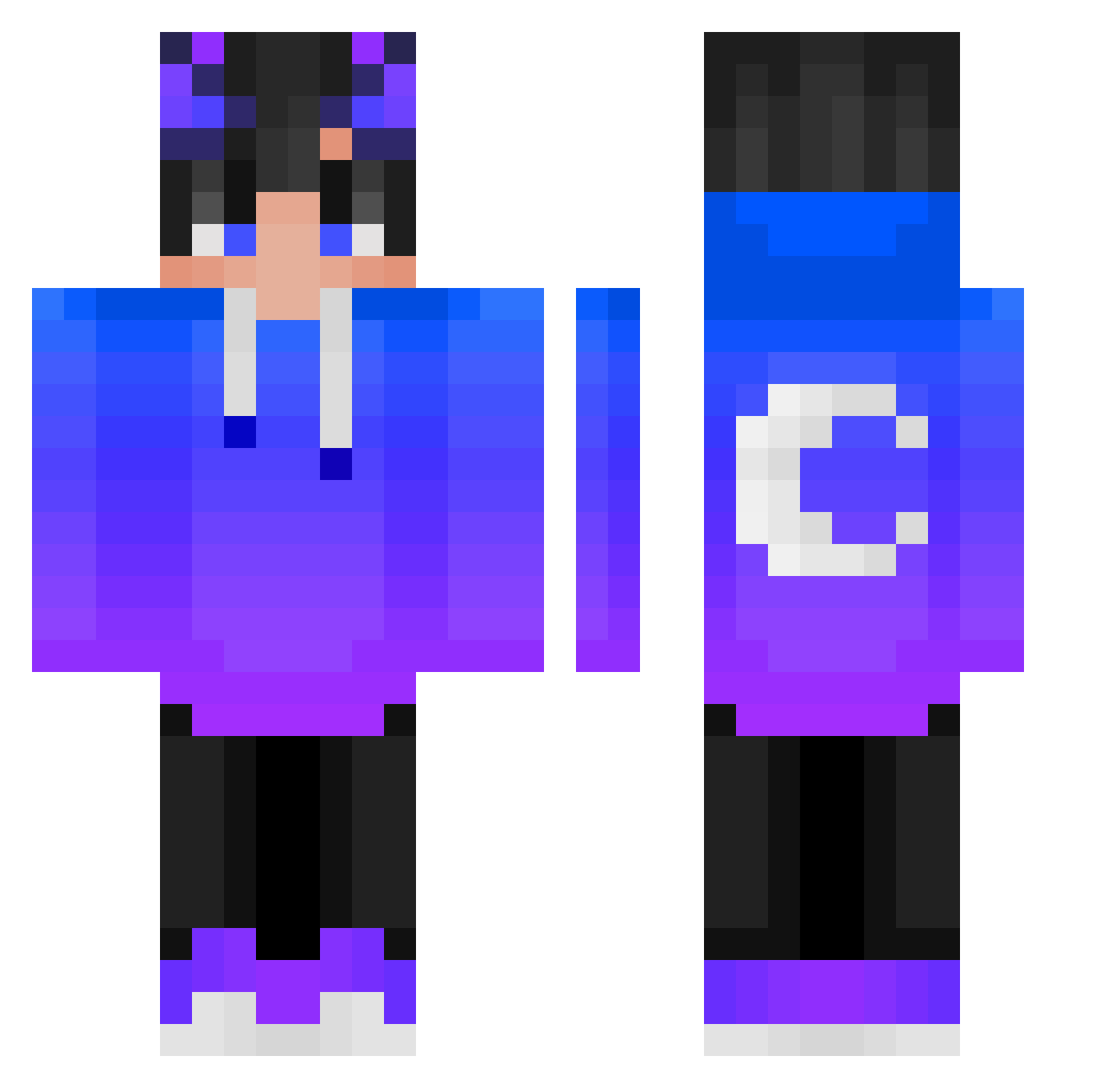
Current Minecraft skin of the player MiskoThief, loaded from the official Mojang API. Rotate the 3D model with your mouse or finger, then download the skin as a PNG file and use it in Minecraft: Bedrock Edition or Java Edition for free. When MiskoThief changes their skin, this page updates automatically and the old skin stays in the history below.
Other players with this skin (509)
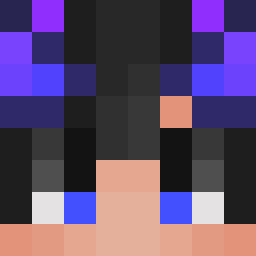
MiskoThief was the 492nd player we have seen with this skin, first spotted on 15.11.2026. The same skin was seen on these players. Open a nickname to see their current skin and skin history.
 Nicklevis Spleek Nil_Nihil BerkayGENC Sinhyuck27 Nuts0005 Arajack Crqka Xud0 Rectiqq Traveller4896 KiriWLF Szarymatris kAkkAaa suppeting cyberjunkie7666 Gixi14 hamjiyul NaPlex19 SultanHJ 11100729 ablockyplayer9 wxhsylm99 SheHatesIce loris57 Gymjam1234 3sawa8 eertt9exe MdMelih svezzia pablo_cdlr whitedragon_wad yitianhuan123 Rowley__ NqZExE IgN0R08 GranPuschel AlanPisarek KQ1337 chanbin24 d5Wo VioNebunu ParkGyoungTae Xeran_YT Ckx1166 ziye666 tonador blzzd To_taKu QDDRE SolosNA Vexlonn XMischi2009X Katrah42 Scins Asiana_Airlines theYman__ Katecoulouch YoonG_SC ButterSuushi
More Moon Minecraft skins
How to install the MiskoThief skin
- Press the Download button above to save the skin as a PNG file.
- Minecraft: Bedrock Edition (PE): open the Dressing Room from the main menu (or tap your character → Edit Character), go to Classic Skins → Owned, press the + (new skin) button, choose the downloaded PNG and pick the Classic (Steve) model. Works on PC and mobile; consoles cannot import custom skins.
- Minecraft: Java Edition: open the Minecraft Launcher, go to the Skins tab, click New Skin, load the PNG, pick the Classic (Steve) model and press Save & Use. You can also upload it at minecraft.net → Profile → Change Skin.
The skin does not show up after import - what should I do?
Restart Minecraft and open the Dressing Room again - imported skins sometimes appear only after a restart. Also make sure you selected the imported skin and picked the Classic (Steve) model.
Which model should I choose, Classic or Slim?
This skin is designed for the Classic (Steve) model. If you pick the wrong model, the arms of the skin will look stretched or squeezed.
Is the skin of MiskoThief free to download?
Yes. Press Download, save the PNG file and use it in Minecraft: Bedrock Edition or Java Edition - no payment or registration needed. The skin also works on multiplayer servers and Realms.
More skins
Looking for more? Go back to all Minecraft skins and check the top skins of the week, month and all time, or find any player's skin by nickname.