
Mikimob - Minecraft Skins & Skin History
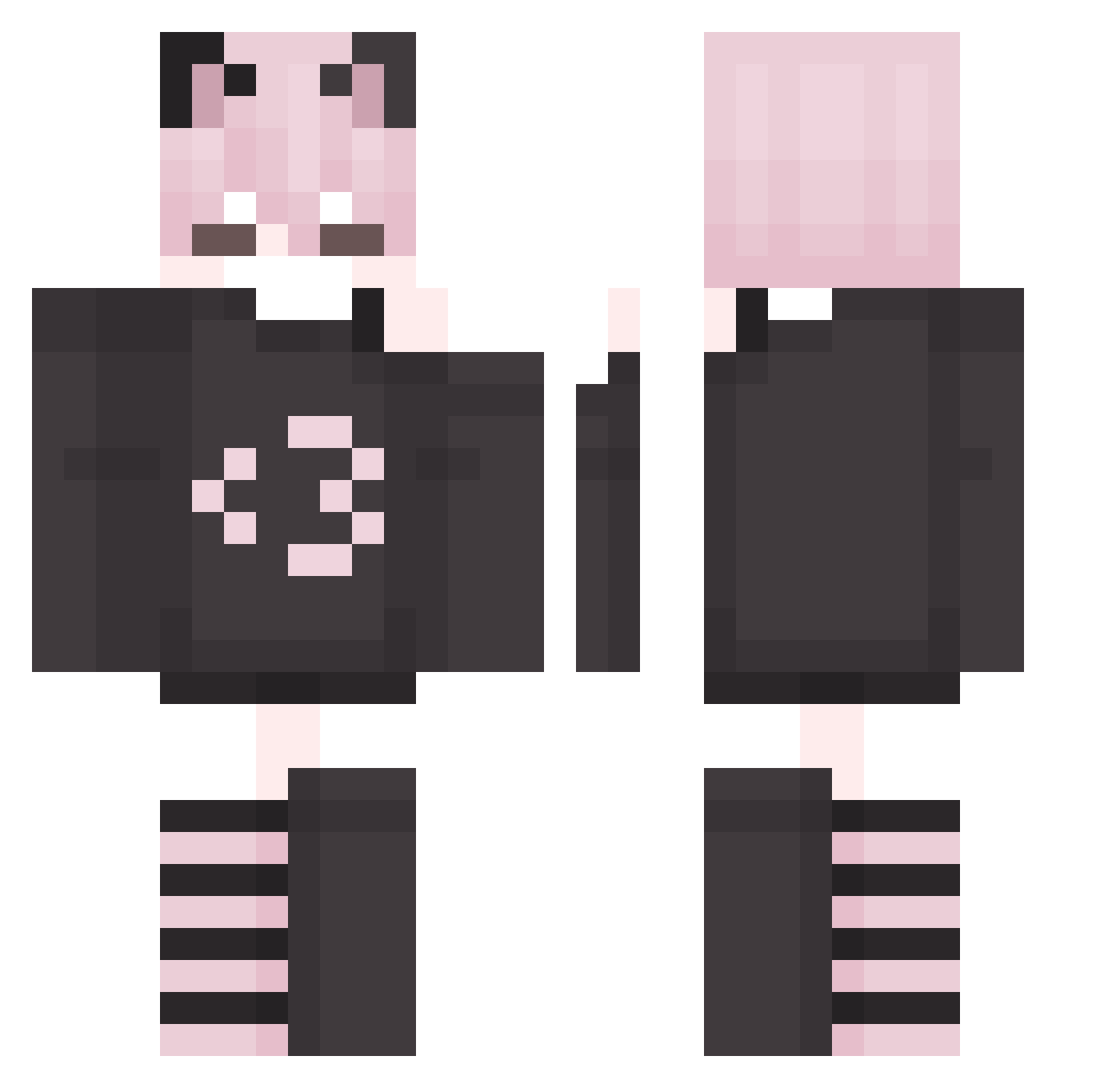
Current Minecraft skin of the player Mikimob, loaded from the official Mojang API. Rotate the 3D model with your mouse or finger, then download the skin as a PNG file and use it in Minecraft: Bedrock Edition or Java Edition for free. When Mikimob changes their skin, this page updates automatically and the old skin stays in the history below.
Other players with this skin (248)
Mikimob was the 224th player we have seen with this skin, first spotted on 03.11.2026. The same skin was seen on these players. Open a nickname to see their current skin and skin history.
 LuckyDog696977 Plasma887 Cooryx_z hegyikevin Zffu 1SRD1 Rio122777 NNicNic ndplayz Perfect_Thinking 2CuteTea Kooplung z3r7o FreeF3mboyMilk Kzntha Nena19_ norah324 Fib0 LeBonBonJames_9 enopli MattiGaming17 Marz0xD Kellon83 Apeprohlik OnyxmewE DYSTVRD LilByul Catz_In_SPACEEEE Fishy_Kitty X1mems Sensorio FlowerBoy_Nico Mnezch leweiikf skibidi_rizz_ HorizenFlash Fihddy ImaharaViper pica_lopi Fpancer ftcys skunktank32 Chappie7773 Vetocity Steve33758 stevggf JimGriff YkItzVipr noahnoah__ Wolfixxz_ B_rkman chewypotato69 FemboyMocha wronged_angel LazyCisco TAOTT doxxabusador Explsn DFAC2007 Ha1se_CCG
More Cat Ears Minecraft skins
How to install the Mikimob skin
- Press the Download button above to save the skin as a PNG file.
- Minecraft: Bedrock Edition (PE): open the Dressing Room from the main menu (or tap your character → Edit Character), go to Classic Skins → Owned, press the + (new skin) button, choose the downloaded PNG and pick the Classic (Steve) model. Works on PC and mobile; consoles cannot import custom skins.
- Minecraft: Java Edition: open the Minecraft Launcher, go to the Skins tab, click New Skin, load the PNG, pick the Classic (Steve) model and press Save & Use. You can also upload it at minecraft.net → Profile → Change Skin.
The skin does not show up after import - what should I do?
Restart Minecraft and open the Dressing Room again - imported skins sometimes appear only after a restart. Also make sure you selected the imported skin and picked the Classic (Steve) model.
Which model should I choose, Classic or Slim?
This skin is designed for the Classic (Steve) model. If you pick the wrong model, the arms of the skin will look stretched or squeezed.
Is the skin of Mikimob free to download?
Yes. Press Download, save the PNG file and use it in Minecraft: Bedrock Edition or Java Edition - no payment or registration needed. The skin also works on multiplayer servers and Realms.
More skins
Looking for more? Go back to all Minecraft skins and check the top skins of the week, month and all time, or find any player's skin by nickname.