
Midake1 - Minecraft Skins & Skin History
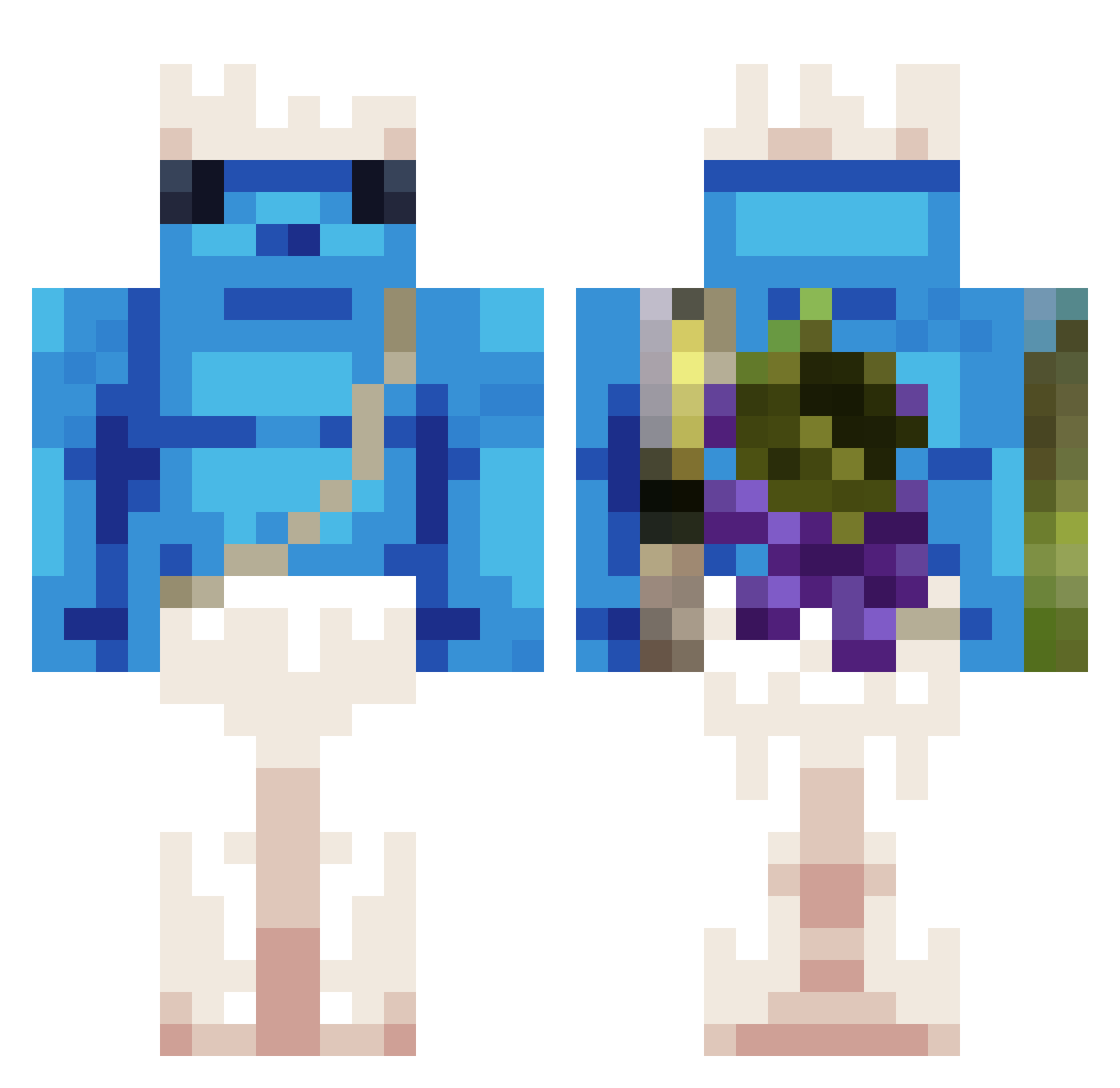
Current Minecraft skin of the player Midake1, loaded from the official Mojang API. Rotate the 3D model with your mouse or finger, then download the skin as a PNG file and use it in Minecraft: Bedrock Edition or Java Edition for free. When Midake1 changes their skin, this page updates automatically and the old skin stays in the history below.
Other players with this skin (443)
Midake1 was the 391st player we have seen with this skin, first spotted on 06.11.2026. The same skin was seen on these players. Open a nickname to see their current skin and skin history.
 SEM_CHOURO spamzyyyy EvILEULe 1Daniiel Kamly CiasteczKot Miguel_A_T_G bydgoszcz56 Eloxtri MythicHypixel blns3 g0ld_jQUBj_0818 MCFLORI064 Surubeiro solidvx seobin05 Josk01 JFC420692023 Polly___ NOT_BERGER_ Zoo100 Morosita29 Pixocho RARECOIL123 RichJinWoo KiliTroll22 s11_t sneiker02 PARIGIINFIAMME AnatolijBonczek Felixyzz lashshtumae icrugameplay4433 HissingPretty898 GabALV01 vaseca123 Canoa_furad4 Dawciom iSAYERi Jackychiu Italicdeath lasuszekk_ MisPRO007 yacine016 Bastysss Henta1desuu n0ugatcreme Samukiss ER_RIDO Oreste1998 chzinn444 m100m100 Warin4534 Fou975 Nick_Hartman grospie Ravityx jubzs Idrinkdolphin Nayt0
More Papa Smurf Minecraft skins
How to install the Midake1 skin
- Press the Download button above to save the skin as a PNG file.
- Minecraft: Bedrock Edition (PE): open the Dressing Room from the main menu (or tap your character → Edit Character), go to Classic Skins → Owned, press the + (new skin) button, choose the downloaded PNG and pick the Classic (Steve) model. Works on PC and mobile; consoles cannot import custom skins.
- Minecraft: Java Edition: open the Minecraft Launcher, go to the Skins tab, click New Skin, load the PNG, pick the Classic (Steve) model and press Save & Use. You can also upload it at minecraft.net → Profile → Change Skin.
The skin does not show up after import - what should I do?
Restart Minecraft and open the Dressing Room again - imported skins sometimes appear only after a restart. Also make sure you selected the imported skin and picked the Classic (Steve) model.
Which model should I choose, Classic or Slim?
This skin is designed for the Classic (Steve) model. If you pick the wrong model, the arms of the skin will look stretched or squeezed.
Is the skin of Midake1 free to download?
Yes. Press Download, save the PNG file and use it in Minecraft: Bedrock Edition or Java Edition - no payment or registration needed. The skin also works on multiplayer servers and Realms.
More skins
Looking for more? Go back to all Minecraft skins and check the top skins of the week, month and all time, or find any player's skin by nickname.