
MessiGod19 - Minecraft Skins & Skin History
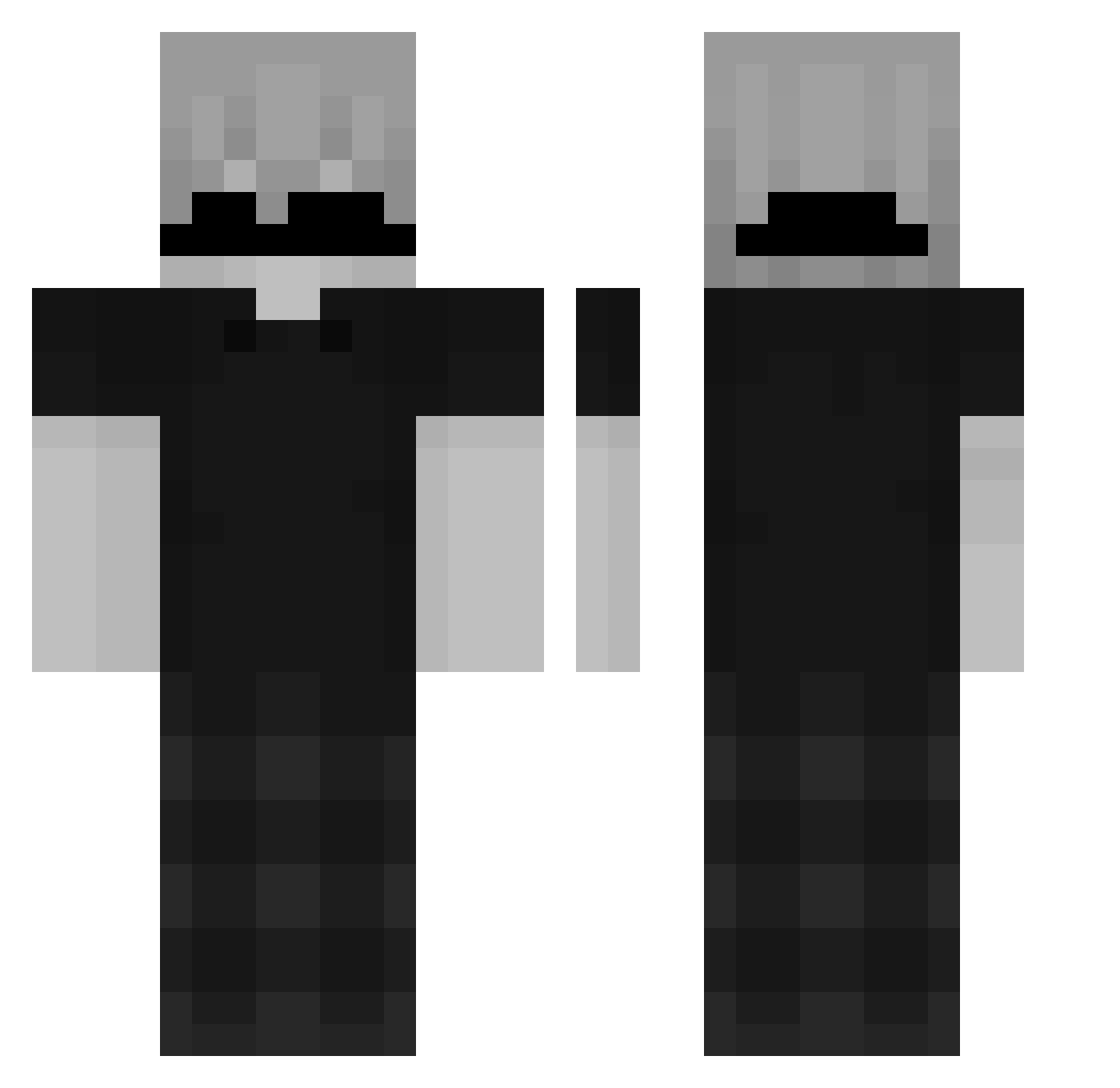
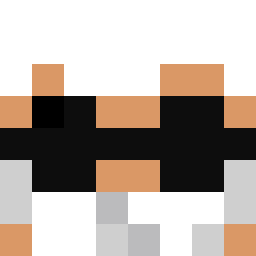
Current Minecraft skin of the player MessiGod19, loaded from the official Mojang API. Rotate the 3D model with your mouse or finger, then download the skin as a PNG file and use it in Minecraft: Bedrock Edition or Java Edition for free. When MessiGod19 changes their skin, this page updates automatically and the old skin stays in the history below.
Other players with this skin (163)
MessiGod19 was the 20th player we have seen with this skin, first spotted on 11.08.2026. The same skin was seen on these players. Open a nickname to see their current skin and skin history.
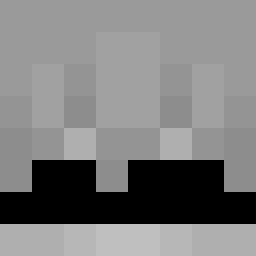 jp_kkjs__
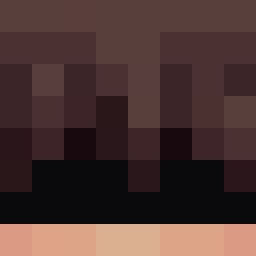 ZenZenin
 Pengu5528 HarvestFeast julrsgtx _Shanks_1 ItzNiro chifrinho Destylacja limongoSC
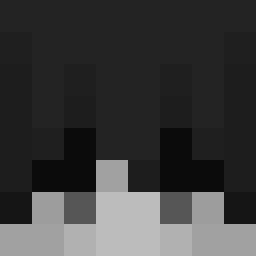 Orecchietti vishnuop94_ sniipyy drizzzzyyy cuclwr white33kdd ref_caught_you dark_void12575 S3Kemal
 wezyyeez get2mylvl ziolux Xzivorrr theft22 Txrture
 fajhsk visuallss 2079184 Twixzzy_ Dx_rox STIVK_ Forty142 ViniWile Frost_Byt3 TR4P_666 _alg_ toji6855
 Wissamgoty Pandaazsz Viperrules NahuiGG 100GBs Tempest_MC_ LianRiley AAron8244 Tobicc_ MTRINHH KAAFTHEGOAT Angoisser Kudla_12 iKentaroz JAEYOMI Yoriwxz ItsSzs nauj_ienos NOPONDX2 RiftSlayer_2 Sebasigma nicelowkey housty1910
How to install the MessiGod19 skin
- Press the Download button above to save the skin as a PNG file.
- Minecraft: Bedrock Edition (PE): open the Dressing Room from the main menu (or tap your character → Edit Character), go to Classic Skins → Owned, press the + (new skin) button, choose the downloaded PNG and pick the Classic (Steve) model. Works on PC and mobile; consoles cannot import custom skins.
- Minecraft: Java Edition: open the Minecraft Launcher, go to the Skins tab, click New Skin, load the PNG, pick the Classic (Steve) model and press Save & Use. You can also upload it at minecraft.net → Profile → Change Skin.
The skin does not show up after import - what should I do?
Restart Minecraft and open the Dressing Room again - imported skins sometimes appear only after a restart. Also make sure you selected the imported skin and picked the Classic (Steve) model.
Which model should I choose, Classic or Slim?
This skin is designed for the Classic (Steve) model. If you pick the wrong model, the arms of the skin will look stretched or squeezed.
Is the skin of MessiGod19 free to download?
Yes. Press Download, save the PNG file and use it in Minecraft: Bedrock Edition or Java Edition - no payment or registration needed. The skin also works on multiplayer servers and Realms.
More skins
Looking for more? Go back to all Minecraft skins and check the top skins of the week, month and all time, or find any player's skin by nickname.