
Mendit - Minecraft Skins & Skin History
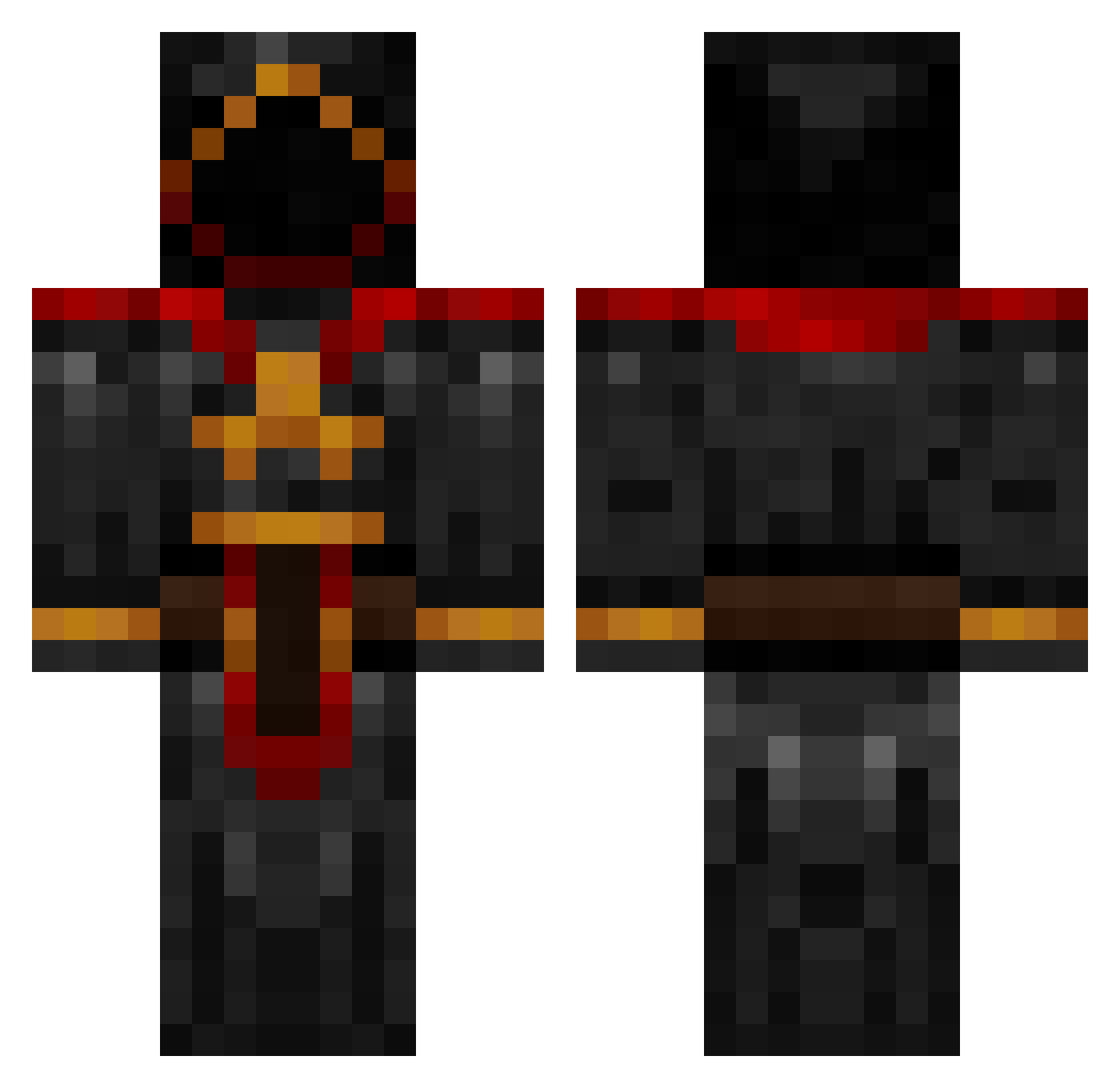
Current Minecraft skin of the player Mendit, loaded from the official Mojang API. Rotate the 3D model with your mouse or finger, then download the skin as a PNG file and use it in Minecraft: Bedrock Edition or Java Edition for free. When Mendit changes their skin, this page updates automatically and the old skin stays in the history below.
Other players with this skin (885)
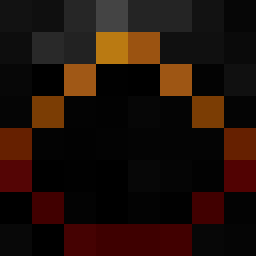
Mendit was the 80th player we have seen with this skin, first spotted on 04.08.2026. The same skin was seen on these players. Open a nickname to see their current skin and skin history.
 BloodCrow2 FlightlessAngel Putll si1en7 LeSchinken cosmicmuffins Seregfin Ferr3t CrimsonReaper69 Callummm21 Zaibached General_R SilentNovaX DrHolyMoly ncgimp DarkNinja110 Spiritassassin45 Eaglegroove wigglypickly Chasefire75 johnlee3290 MaRcI2702 BLAZE29256 revelationary princeofawesomne Malakriss robert101518 Valsung amooor900 AuntyBetty zachkz varenhed Roczilla Tokelu beavie1 kt20 edencraft101 OhhCollect Aristede nilz3000 Isfahan ALPHATiGa pieter015x Callyhewitt panther0127 AlyaShurtugal trolling_is_fun galbatorix68 SW4Gboi jamesoc marqueepolo theevilisback SmaTTor Garedan drasticbuddypal ApexDippin Crazy_Merk Cthulhu2k the_silver_fish tuXpr0
More Cultist Minecraft skins
How to install the Mendit skin
- Press the Download button above to save the skin as a PNG file.
- Minecraft: Bedrock Edition (PE): open the Dressing Room from the main menu (or tap your character → Edit Character), go to Classic Skins → Owned, press the + (new skin) button, choose the downloaded PNG and pick the Classic (Steve) model. Works on PC and mobile; consoles cannot import custom skins.
- Minecraft: Java Edition: open the Minecraft Launcher, go to the Skins tab, click New Skin, load the PNG, pick the Classic (Steve) model and press Save & Use. You can also upload it at minecraft.net → Profile → Change Skin.
The skin does not show up after import - what should I do?
Restart Minecraft and open the Dressing Room again - imported skins sometimes appear only after a restart. Also make sure you selected the imported skin and picked the Classic (Steve) model.
Which model should I choose, Classic or Slim?
This skin is designed for the Classic (Steve) model. If you pick the wrong model, the arms of the skin will look stretched or squeezed.
Is the skin of Mendit free to download?
Yes. Press Download, save the PNG file and use it in Minecraft: Bedrock Edition or Java Edition - no payment or registration needed. The skin also works on multiplayer servers and Realms.
More skins
Looking for more? Go back to all Minecraft skins and check the top skins of the week, month and all time, or find any player's skin by nickname.