
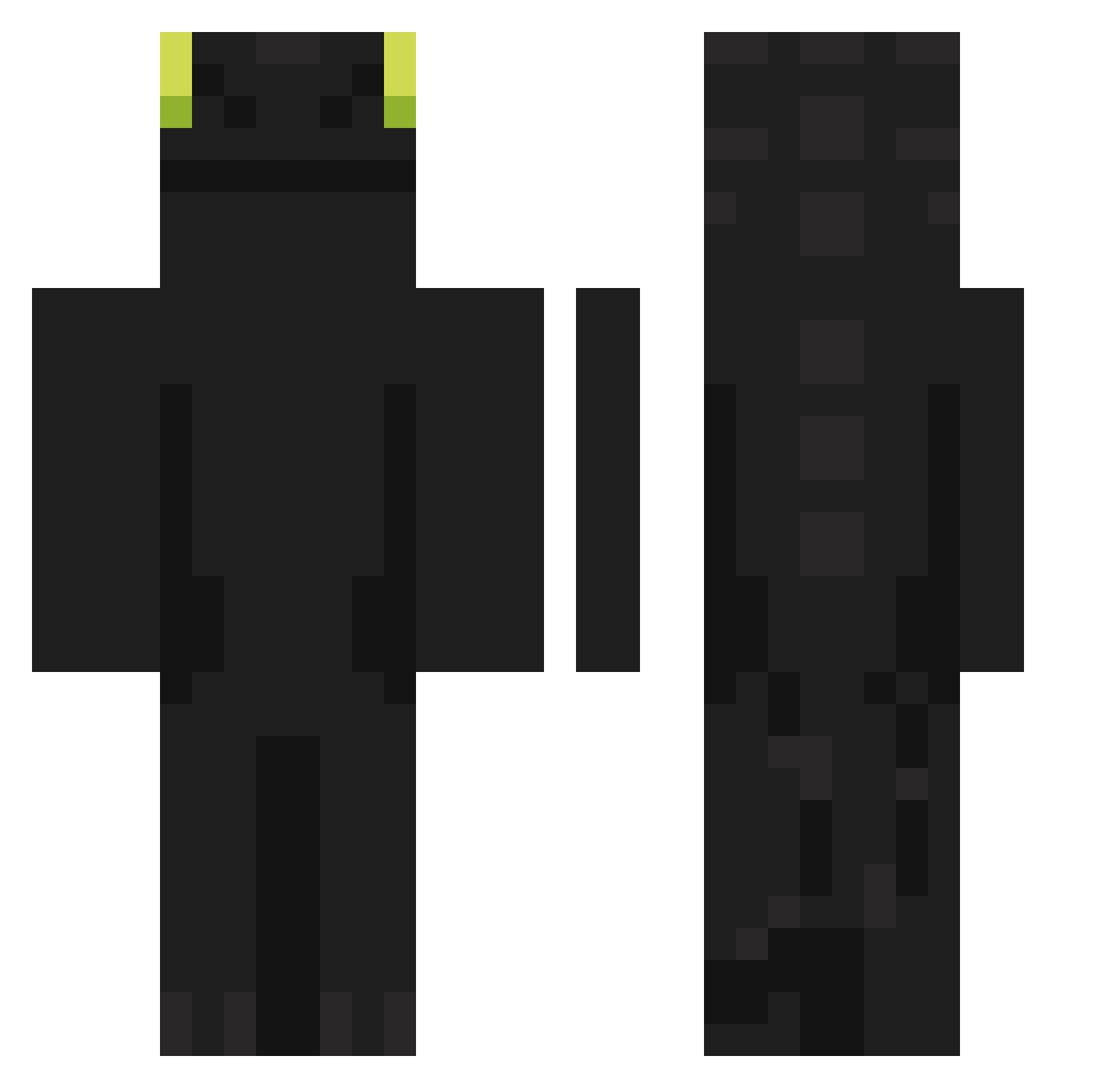
Current Minecraft skin of the player MegaSum_, loaded from the official Mojang API. Rotate the 3D model with your mouse or finger, then download the skin as a PNG file and use it in Minecraft: Bedrock Edition or Java Edition for free. When MegaSum_ changes their skin, this page updates automatically and the old skin stays in the history below.
Other players with this skin (707)
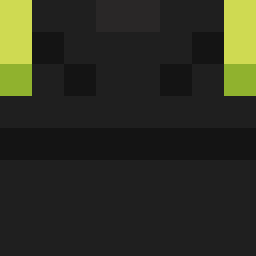
MegaSum_ was the 682nd player we have seen with this skin, first spotted on 14.10.2026. The same skin was seen on these players. Open a nickname to see their current skin and skin history.
 unknown_o Knight_ts Battlewood XDMacakPlacakXD CCPPPP Poit899 leejunehwan nanande05 kch0121 Z1nn1x MehdiGamingHD ham31599 ggochuking132 YunHo1221 Hasiek_785 rabid_vampire666 aimeeebun lYugen AD_MGK Charlie2M Calvera10 pulsemon NekoMomoX Lawd_Humongous Bemsi M4t1_xD FeinerRochen iLLogic_6 caizinzZ ninouche_ Raklam BondHome O_BabyGoat69_O isaislohs DanGame0604 CoasterCrazed_TT Shaetane bigmacenjoyer35 Duckchord lisahero XxYEDMAExX SkyZerx andrewlu950515 cherrylvr OrangeThread LIVELEAK808 nnyam MAZZ3L ArnFrikr Rkenly SAIIIIIQK CarlosRRA Fartboy_balls Iam_pickl KamilosPolakos Ganduulf _0req BEXioR aleefp Fuol
More Night Fury Minecraft skins
How to install the MegaSum_ skin
- Press the Download button above to save the skin as a PNG file.
- Minecraft: Bedrock Edition (PE): open the Dressing Room from the main menu (or tap your character → Edit Character), go to Classic Skins → Owned, press the + (new skin) button, choose the downloaded PNG and pick the Classic (Steve) model. Works on PC and mobile; consoles cannot import custom skins.
- Minecraft: Java Edition: open the Minecraft Launcher, go to the Skins tab, click New Skin, load the PNG, pick the Classic (Steve) model and press Save & Use. You can also upload it at minecraft.net → Profile → Change Skin.
The skin does not show up after import - what should I do?
Restart Minecraft and open the Dressing Room again - imported skins sometimes appear only after a restart. Also make sure you selected the imported skin and picked the Classic (Steve) model.
Which model should I choose, Classic or Slim?
This skin is designed for the Classic (Steve) model. If you pick the wrong model, the arms of the skin will look stretched or squeezed.
Is the skin of MegaSum_ free to download?
Yes. Press Download, save the PNG file and use it in Minecraft: Bedrock Edition or Java Edition - no payment or registration needed. The skin also works on multiplayer servers and Realms.
More skins
Looking for more? Go back to all Minecraft skins and check the top skins of the week, month and all time, or find any player's skin by nickname.