
MegaMinor03 - Minecraft Skins & Skin History
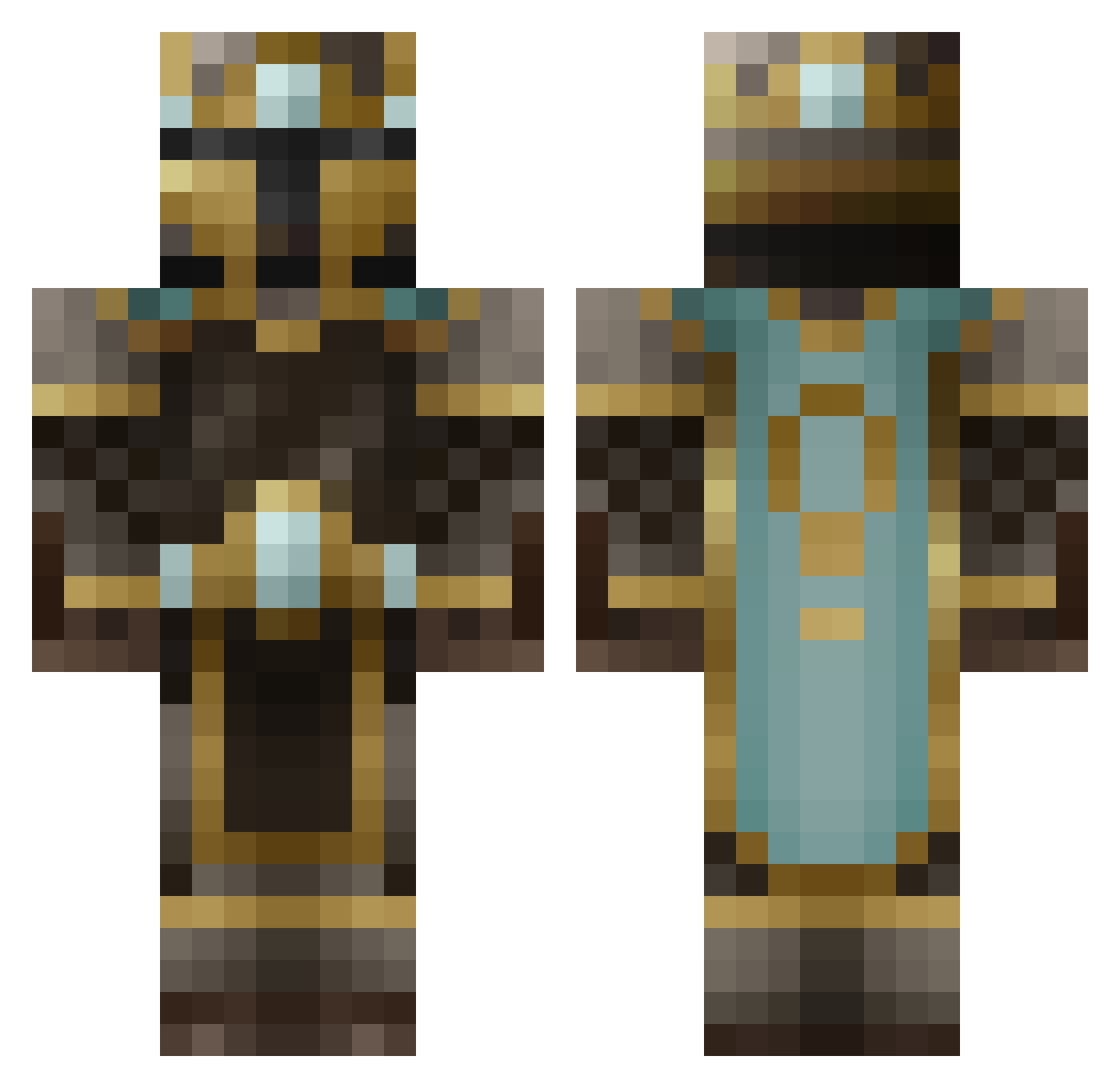
Current Minecraft skin of the player MegaMinor03, loaded from the official Mojang API. Rotate the 3D model with your mouse or finger, then download the skin as a PNG file and use it in Minecraft: Bedrock Edition or Java Edition for free. When MegaMinor03 changes their skin, this page updates automatically and the old skin stays in the history below.
Other players with this skin (484)
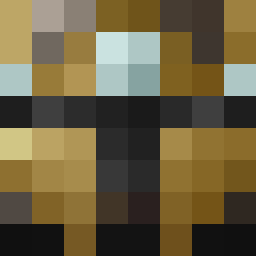
MegaMinor03 was the 178th player we have seen with this skin, first spotted on 31.08.2026. The same skin was seen on these players. Open a nickname to see their current skin and skin history.
 mbsatuito treytos24 Zsomac98 superawesomepoop pillam Razma390 danijager Thijsdezeeuw Ko_Krillex MaxwellOfRivia gabexsauce55 JadeNGems WheresMyNoose DeFeater OneAngryMcNugget ParkinglotPimp shinkoshoku Faust_Pops LeoneScorne Raffa08 127timelosers DazeHero leskylor chodezilla92 oreoboy101 monkeybomber2 lilgrim9 Grant4255 dsornstein Sanea_ MofflDoffl AlexLostBoy _Manu_123 playedalive Refirst Tiger1171 Seasnakez TouchedByCreeper Shipdrag B33PIS TheZorMaster appl3jewz NightBurnout dougdanger RouRocks1234 juggernaut199 iBeBallin22 MattestHatter SplitJawLewy Chuckwonder Svartbjornen Solvess TROPHY_COLLECTED threelim Bengan720 JakeSnake400 FungalDragon MagicAss SkreenShot olidenstore
More King Minecraft skins
How to install the MegaMinor03 skin
- Press the Download button above to save the skin as a PNG file.
- Minecraft: Bedrock Edition (PE): open the Dressing Room from the main menu (or tap your character → Edit Character), go to Classic Skins → Owned, press the + (new skin) button, choose the downloaded PNG and pick the Classic (Steve) model. Works on PC and mobile; consoles cannot import custom skins.
- Minecraft: Java Edition: open the Minecraft Launcher, go to the Skins tab, click New Skin, load the PNG, pick the Classic (Steve) model and press Save & Use. You can also upload it at minecraft.net → Profile → Change Skin.
The skin does not show up after import - what should I do?
Restart Minecraft and open the Dressing Room again - imported skins sometimes appear only after a restart. Also make sure you selected the imported skin and picked the Classic (Steve) model.
Which model should I choose, Classic or Slim?
This skin is designed for the Classic (Steve) model. If you pick the wrong model, the arms of the skin will look stretched or squeezed.
Is the skin of MegaMinor03 free to download?
Yes. Press Download, save the PNG file and use it in Minecraft: Bedrock Edition or Java Edition - no payment or registration needed. The skin also works on multiplayer servers and Realms.
More skins
Looking for more? Go back to all Minecraft skins and check the top skins of the week, month and all time, or find any player's skin by nickname.