
MatiVrom - Minecraft Skins & Skin History
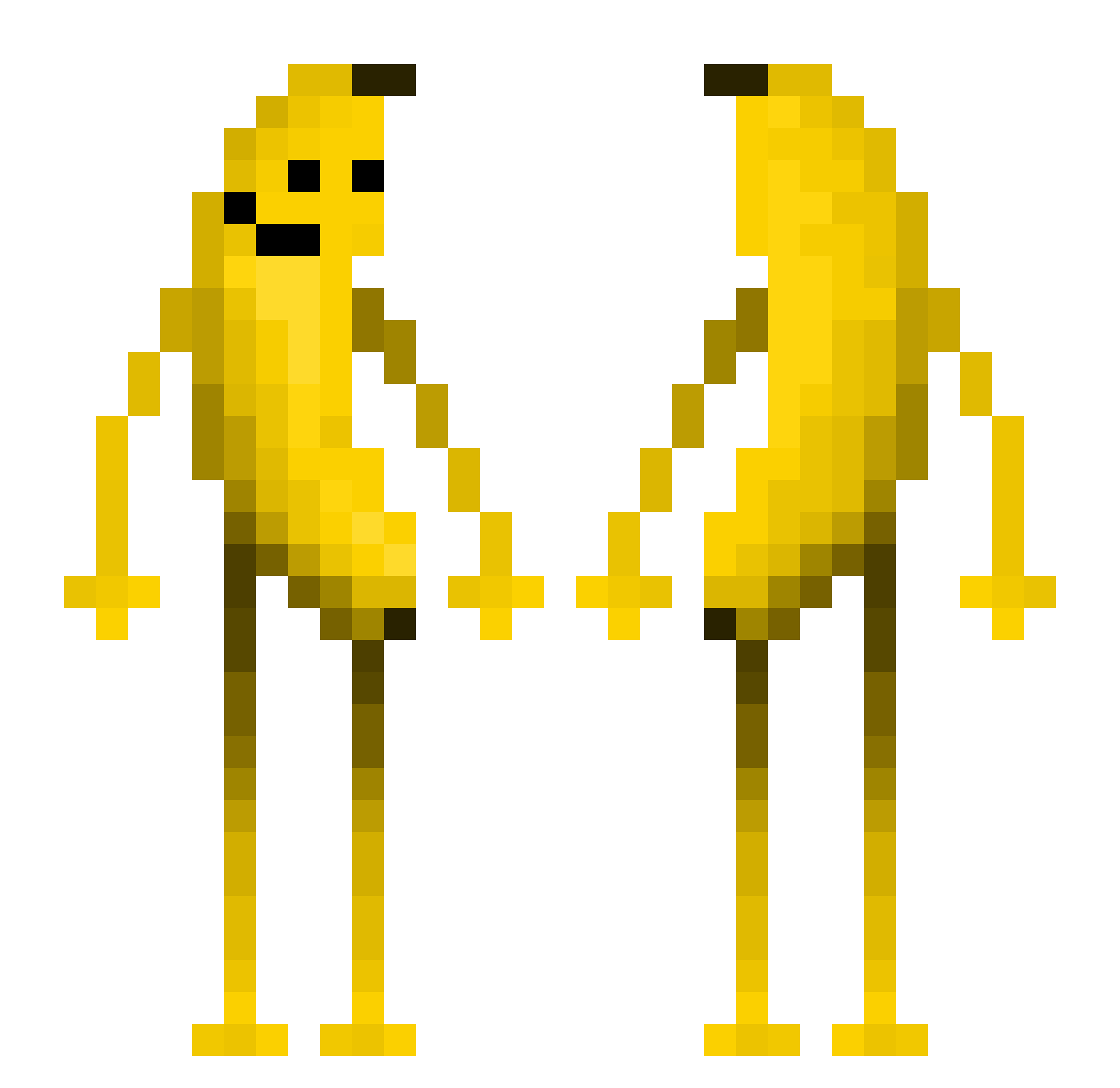
Current Minecraft skin of the player MatiVrom, loaded from the official Mojang API. Rotate the 3D model with your mouse or finger, then download the skin as a PNG file and use it in Minecraft: Bedrock Edition or Java Edition for free. When MatiVrom changes their skin, this page updates automatically and the old skin stays in the history below.
Other players with this skin (558)
MatiVrom was the 251st player we have seen with this skin, first spotted on 11.09.2026. The same skin was seen on these players. Open a nickname to see their current skin and skin history.
 Slyderz182 reentierkopp NotDasreyh ManzanaDorada76 Olive_cheek Pogs87 BANANAmlik Misterbomba777 Xiaolg MineMineBoy JAVA5408 TwNesk __Rals tadekdg ChanningB RainInOuterSpace iambrandon02 spadki_fpesuw Nekrozinho Dragowhit0 Allexei essieelite26 FuFu0418 702ACR DOOR_OPEN fak_boi Kevinkejp ilovecats5555 zoesong theMissouri3042 SLEEPLA AznGoodies moonslayer2 SWAGBOY7 QWQ145 Elenais2 Bruck_C E3VO123 DAREDEVILDOG1 1Gabri1 heye11 rubik1700 boppo1 jacob2242 bosteroloko Tae_Shik kutiekenzie ho1yhaein BananaMilk81 altflash titoklein funkythemonk3y yeeyeeyeettt pisang04 s3lmzz D3jw1d Nimdiebahn Bonto07 melle68 Dogari0
More Fruit Minecraft skins
How to install the MatiVrom skin
- Press the Download button above to save the skin as a PNG file.
- Minecraft: Bedrock Edition (PE): open the Dressing Room from the main menu (or tap your character → Edit Character), go to Classic Skins → Owned, press the + (new skin) button, choose the downloaded PNG and pick the Classic (Steve) model. Works on PC and mobile; consoles cannot import custom skins.
- Minecraft: Java Edition: open the Minecraft Launcher, go to the Skins tab, click New Skin, load the PNG, pick the Classic (Steve) model and press Save & Use. You can also upload it at minecraft.net → Profile → Change Skin.
The skin does not show up after import - what should I do?
Restart Minecraft and open the Dressing Room again - imported skins sometimes appear only after a restart. Also make sure you selected the imported skin and picked the Classic (Steve) model.
Which model should I choose, Classic or Slim?
This skin is designed for the Classic (Steve) model. If you pick the wrong model, the arms of the skin will look stretched or squeezed.
Is the skin of MatiVrom free to download?
Yes. Press Download, save the PNG file and use it in Minecraft: Bedrock Edition or Java Edition - no payment or registration needed. The skin also works on multiplayer servers and Realms.
More skins
Looking for more? Go back to all Minecraft skins and check the top skins of the week, month and all time, or find any player's skin by nickname.