
 0_t1m_ koksumat Jaggeman03 _Wtf__ BruceLee295 sverreboii guilh3rmej zazuballs missi7 StinkyFairy Laytoo mojhawk mezzo_21 sp00kygnome surman jimyunglove MrEndOfTime ThereWasNoCandy 2xloi dynx0_0 laguibole bananarepublic32 capyy675 Zyzytroun DapperSqualid783 Martanek777 3AXN PedroBK10 Anton0230465 PHASEDRAGON556 Superpants1113 nummynoodles Neji__Hyuuga commonlytired akrm6969 Mr_miki0130 kintsugi123 DongoBongo_ zekneyyy half_stash SchwanzGaming201 bas_flips_tw Beurois JustJuliow ACf7 TomicaPopica gulezi Nad62 ChaoticBlasphemy Aiste_ilg Ouss33 BANANO_109 nadixs PingoMaw mango_bg otoko_omori DomoriSi iLoveYoungMiners angiedot RSP7777
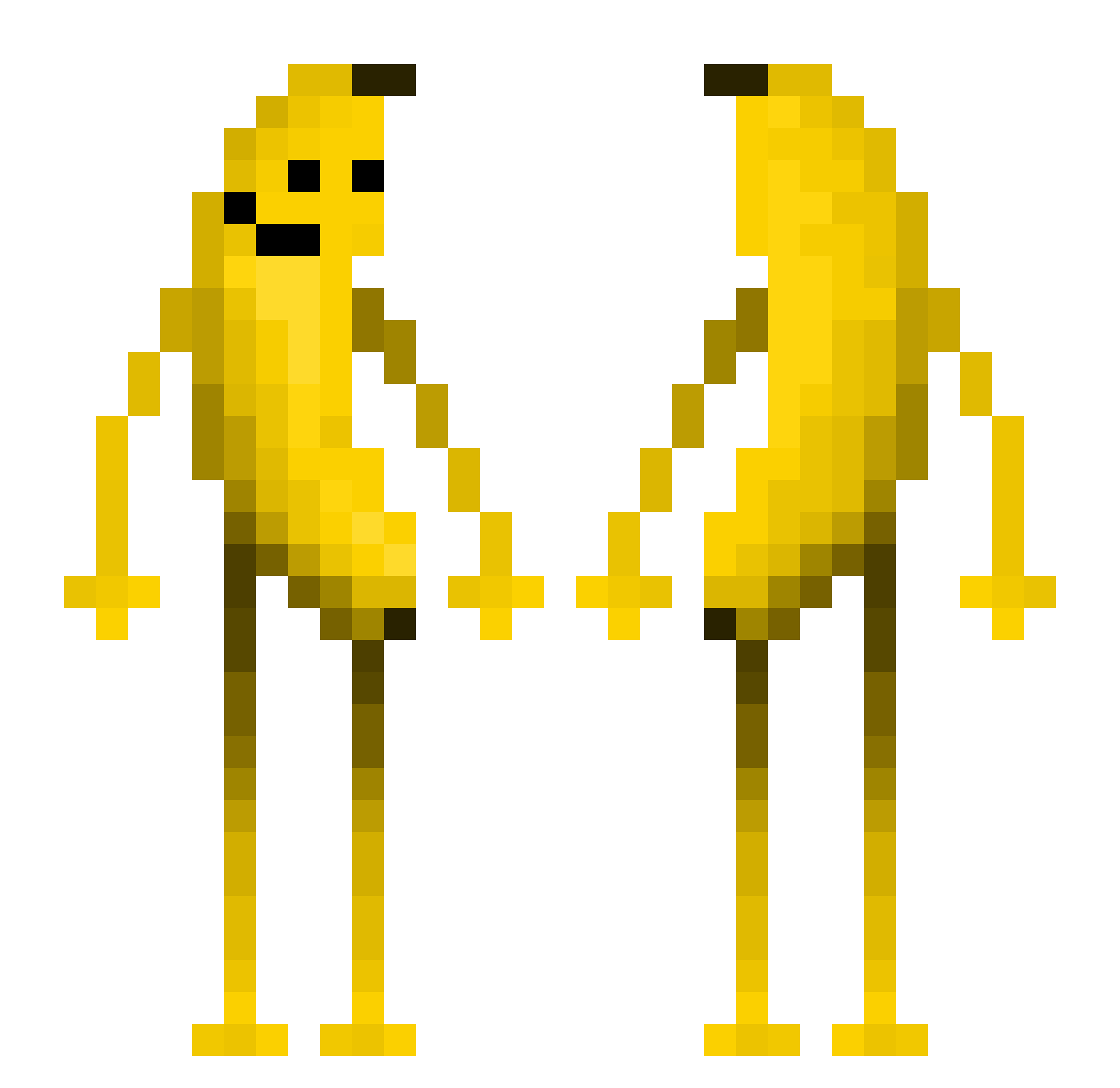
Minecraft skin of antoine71150. Rotate the 3D model with your mouse or finger to view the skin from every angle, then download it as a PNG file and use it in Minecraft: Bedrock Edition or Java Edition for free. Rate the skin with stars to help other players find the best skins in our collection.
How to install the antoine71150 skin
- Press the Download button above to save the skin as a PNG file.
- Minecraft: Bedrock Edition (PE): open the Dressing Room from the main menu (or tap your character → Edit Character), go to Classic Skins → Owned, press the + (new skin) button, choose the downloaded PNG and pick the Classic (Steve) model. Works on PC and mobile; consoles cannot import custom skins.
- Minecraft: Java Edition: open the Minecraft Launcher, go to the Skins tab, click New Skin, load the PNG, pick the Classic (Steve) model and press Save & Use. You can also upload it at minecraft.net → Profile → Change Skin.
The skin does not show up after import - what should I do?
Restart Minecraft and open the Dressing Room again - imported skins sometimes appear only after a restart. Also make sure you selected the imported skin and picked the Classic (Steve) model.
Which model should I choose, Classic or Slim?
This skin is designed for the Classic (Steve) model. If you pick the wrong model, the arms of the skin will look stretched or squeezed.
Is this skin free to use?
Yes. Press Download, save the PNG file and use it in Minecraft: Bedrock Edition or Java Edition - no payment or registration needed. The skin also works on multiplayer servers and Realms.
More Fruit Minecraft skins
More skins
Looking for more? Go back to all Minecraft skins and check the top skins of the week, month and all time, or find any player's skin by nickname.