
Current Minecraft skin of the player Masterninja11, loaded from the official Mojang API. Rotate the 3D model with your mouse or finger, then download the skin as a PNG file and use it in Minecraft: Bedrock Edition or Java Edition for free. When Masterninja11 changes their skin, this page updates automatically and the old skin stays in the history below.
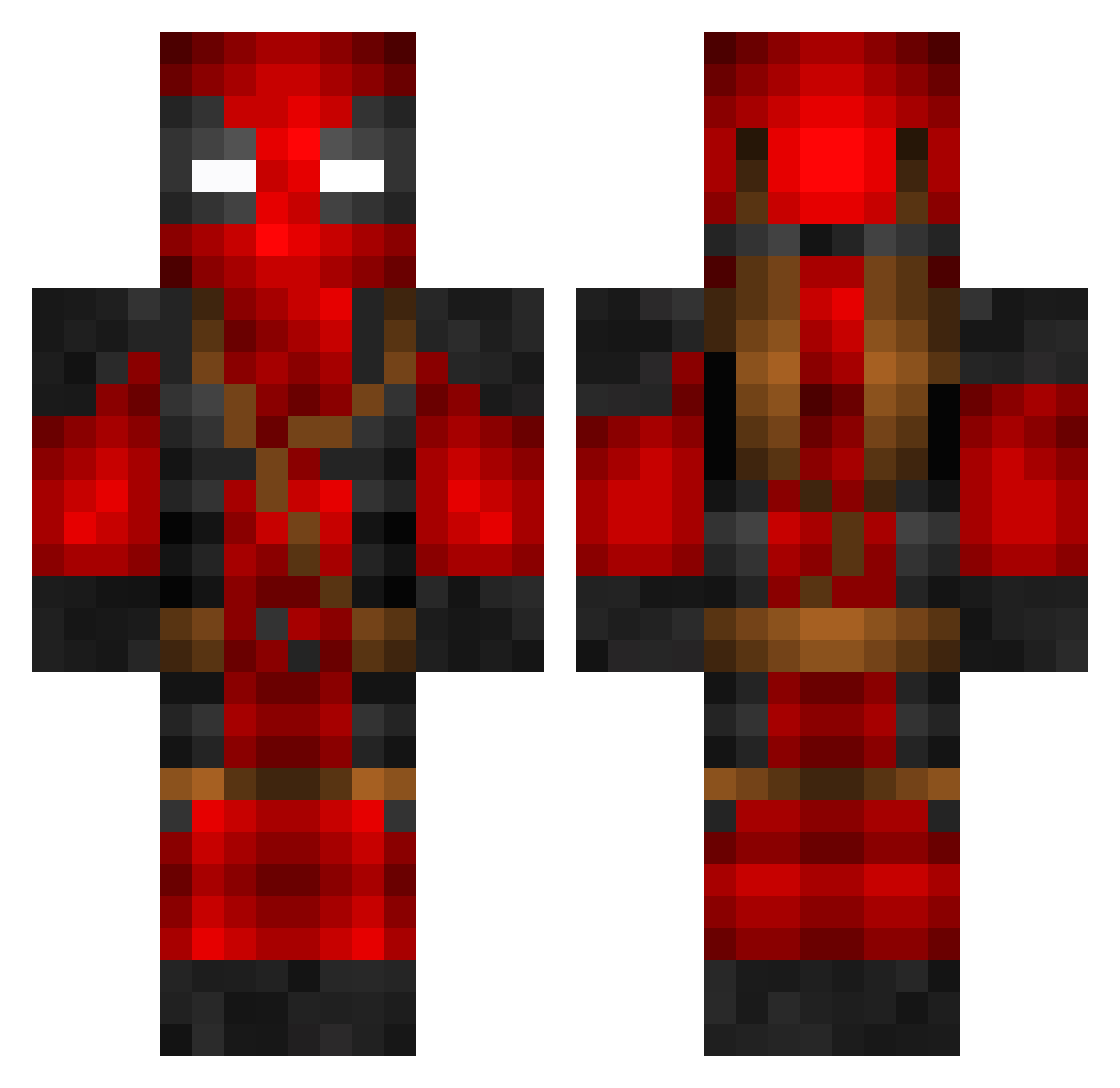
Other players with this skin (88)
Masterninja11 was the 20th player we have seen with this skin, first spotted on 10.08.2026. The same skin was seen on these players. Open a nickname to see their current skin and skin history.
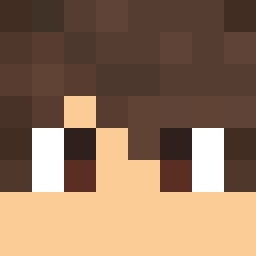 DiehardTooth9
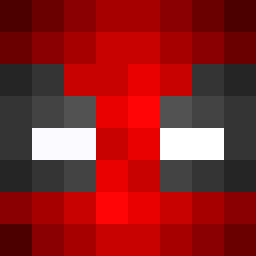 Hadowa sully898 sonicsub nhaemmerle Davindawn Pferd23 Leon_Lund iTzDiBByyx samstewart Chunks_Lds N1ghtfoxx CyborgBette TJS410 Jesister Da_Zai GOINGBIG Chaoscrazy13 Saved_4_Life JBens Onene1962 iKEX25 karateelice CampM01 Rosco289 MillGod MaRii0220 CaptainMacTavish Pxtrckk leighten_the_man Coram_Wolf generalpancakes9 Miss_Anne_ Seppi2k SneakyGeraldy DrKakashi OVERLORD69 cardelta allmighty_jesus DameMoon Terrowinn31 KodaArchon therealMarphy moocow42001 theaden Ida4ever BodoKlappstuhl Ozzieboy_21 explorer4life Bill1909 WolfLrd3 AraxXxis scull9876 aHappyMuffin zeroxbunner45 Zovier707 wnslrdl yuchi28 SavageTear ninjavirus
More Deadpool Minecraft skins
How to install the Masterninja11 skin
- Press the Download button above to save the skin as a PNG file.
- Minecraft: Bedrock Edition (PE): open the Dressing Room from the main menu (or tap your character → Edit Character), go to Classic Skins → Owned, press the + (new skin) button, choose the downloaded PNG and pick the Classic (Steve) model. Works on PC and mobile; consoles cannot import custom skins.
- Minecraft: Java Edition: open the Minecraft Launcher, go to the Skins tab, click New Skin, load the PNG, pick the Classic (Steve) model and press Save & Use. You can also upload it at minecraft.net → Profile → Change Skin.
The skin does not show up after import - what should I do?
Restart Minecraft and open the Dressing Room again - imported skins sometimes appear only after a restart. Also make sure you selected the imported skin and picked the Classic (Steve) model.
Which model should I choose, Classic or Slim?
This skin is designed for the Classic (Steve) model. If you pick the wrong model, the arms of the skin will look stretched or squeezed.
Is the skin of Masterninja11 free to download?
Yes. Press Download, save the PNG file and use it in Minecraft: Bedrock Edition or Java Edition - no payment or registration needed. The skin also works on multiplayer servers and Realms.
More skins
Looking for more? Go back to all Minecraft skins and check the top skins of the week, month and all time, or find any player's skin by nickname.