
MarkvdB - Minecraft Skins & Skin History
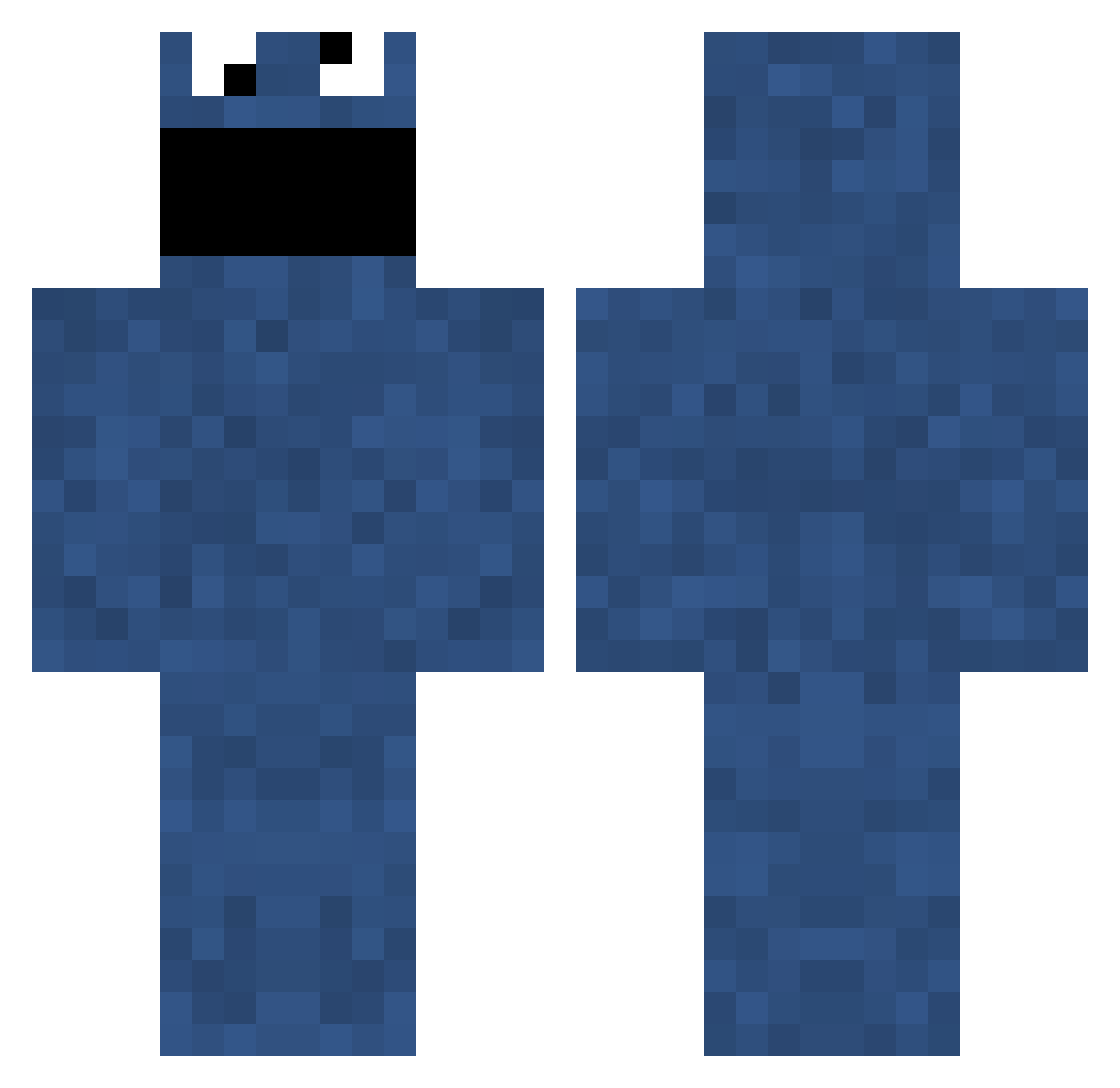
Current Minecraft skin of the player MarkvdB, loaded from the official Mojang API. Rotate the 3D model with your mouse or finger, then download the skin as a PNG file and use it in Minecraft: Bedrock Edition or Java Edition for free. When MarkvdB changes their skin, this page updates automatically and the old skin stays in the history below.
Other players with this skin (696)
MarkvdB was the 645th player we have seen with this skin, first spotted on 15.10.2026. The same skin was seen on these players. Open a nickname to see their current skin and skin history.
 Disgruntled_Goat Xaeviator68 PrettyBadCatFood Hankyspanky1996 calrik TurdPhoenix Soada slayerfan0096 Jack_Knifed Gilbuan Insu09 Nordstrom runeminecraft jt6 PNKBSTR ghostblood Schmittyman Johead2000 nerds24 Chazmu Vax Leproceymagic Scrambleds adllopez HydroBro cayden66 totte13 Radiance11 bacon_boy24245 BethK SeductiveGinger Swinny6 jkillingsworth Blue__waffle Killerfatty7 hjr14 eames Uberskills Cycas Spangoman martin791 Devil_Dick_Willy zuzu030 MrIsaac42 Astrovato daned86 davidpsych Knoxcide otisisfat123 aleex12 BlueLeg ansdog mr_lakris d4nw0n mariru TheLegacyLivesOn iSimon Manninz diegosse swaglord
More Cookie Monster Minecraft skins
See all 241 Cookie Monster skins
How to install the MarkvdB skin
- Press the Download button above to save the skin as a PNG file.
- Minecraft: Bedrock Edition (PE): open the Dressing Room from the main menu (or tap your character → Edit Character), go to Classic Skins → Owned, press the + (new skin) button, choose the downloaded PNG and pick the Classic (Steve) model. Works on PC and mobile; consoles cannot import custom skins.
- Minecraft: Java Edition: open the Minecraft Launcher, go to the Skins tab, click New Skin, load the PNG, pick the Classic (Steve) model and press Save & Use. You can also upload it at minecraft.net → Profile → Change Skin.
The skin does not show up after import - what should I do?
Restart Minecraft and open the Dressing Room again - imported skins sometimes appear only after a restart. Also make sure you selected the imported skin and picked the Classic (Steve) model.
Which model should I choose, Classic or Slim?
This skin is designed for the Classic (Steve) model. If you pick the wrong model, the arms of the skin will look stretched or squeezed.
Is the skin of MarkvdB free to download?
Yes. Press Download, save the PNG file and use it in Minecraft: Bedrock Edition or Java Edition - no payment or registration needed. The skin also works on multiplayer servers and Realms.
More skins
Looking for more? Go back to all Minecraft skins and check the top skins of the week, month and all time, or find any player's skin by nickname.