
Mannbaerschwein7 - Minecraft Skins & Skin History
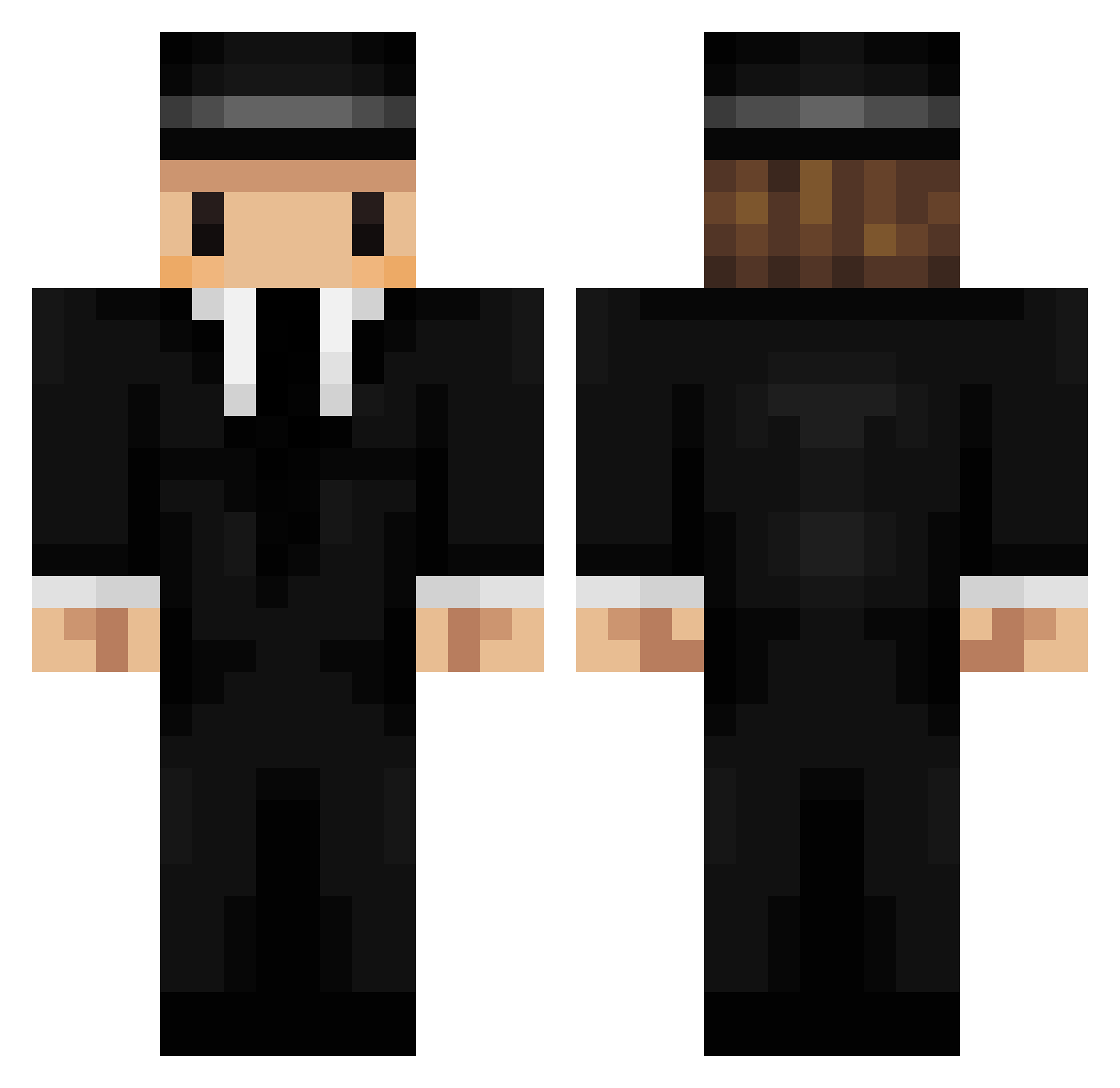
Current Minecraft skin of the player Mannbaerschwein7, loaded from the official Mojang API. Rotate the 3D model with your mouse or finger, then download the skin as a PNG file and use it in Minecraft: Bedrock Edition or Java Edition for free. When Mannbaerschwein7 changes their skin, this page updates automatically and the old skin stays in the history below.
Other players with this skin (201)
Mannbaerschwein7 was the 31st player we have seen with this skin, first spotted on 30.07.2026. The same skin was seen on these players. Open a nickname to see their current skin and skin history.
 _030_v bluestar22 MoulaLux Uncastle LolipopPP03 _y_o_n_ MrElementum YOON_2002 iiDqvi Asot HeartAlp MarTyNsP Marc_508 190k Forge_Was_Taken Naza160_ HeyImJoshz FRESHZ_X debbiedi DEINANDT Noobbtastic Blablallo pableteee NovaPrim loljohnson Whyattic bz9918 Hungry4tacos tobitobson MeisterRoshii 4uBlacky notSleepy_ Mister_lovefolk Elodeas lodeOnkel ImBoop oJei SILENCEN ZanyFrog buralisik0077 Andiron xXmaraboutXx Peppone420 zxcv7362 crazyrider115 dimebaag ScropyTR Himmet937 Bcinn Algebriste Bymi kokushi57 eca130 Fanchito Trey_02 NathanWarrick zSuprema _PlPO_ Art_Lionsoul CevdetMertC
More Mafia Minecraft skins
How to install the Mannbaerschwein7 skin
- Press the Download button above to save the skin as a PNG file.
- Minecraft: Bedrock Edition (PE): open the Dressing Room from the main menu (or tap your character → Edit Character), go to Classic Skins → Owned, press the + (new skin) button, choose the downloaded PNG and pick the Classic (Steve) model. Works on PC and mobile; consoles cannot import custom skins.
- Minecraft: Java Edition: open the Minecraft Launcher, go to the Skins tab, click New Skin, load the PNG, pick the Classic (Steve) model and press Save & Use. You can also upload it at minecraft.net → Profile → Change Skin.
The skin does not show up after import - what should I do?
Restart Minecraft and open the Dressing Room again - imported skins sometimes appear only after a restart. Also make sure you selected the imported skin and picked the Classic (Steve) model.
Which model should I choose, Classic or Slim?
This skin is designed for the Classic (Steve) model. If you pick the wrong model, the arms of the skin will look stretched or squeezed.
Is the skin of Mannbaerschwein7 free to download?
Yes. Press Download, save the PNG file and use it in Minecraft: Bedrock Edition or Java Edition - no payment or registration needed. The skin also works on multiplayer servers and Realms.
More skins
Looking for more? Go back to all Minecraft skins and check the top skins of the week, month and all time, or find any player's skin by nickname.