
Majeczka331 - Minecraft Skins & Skin History
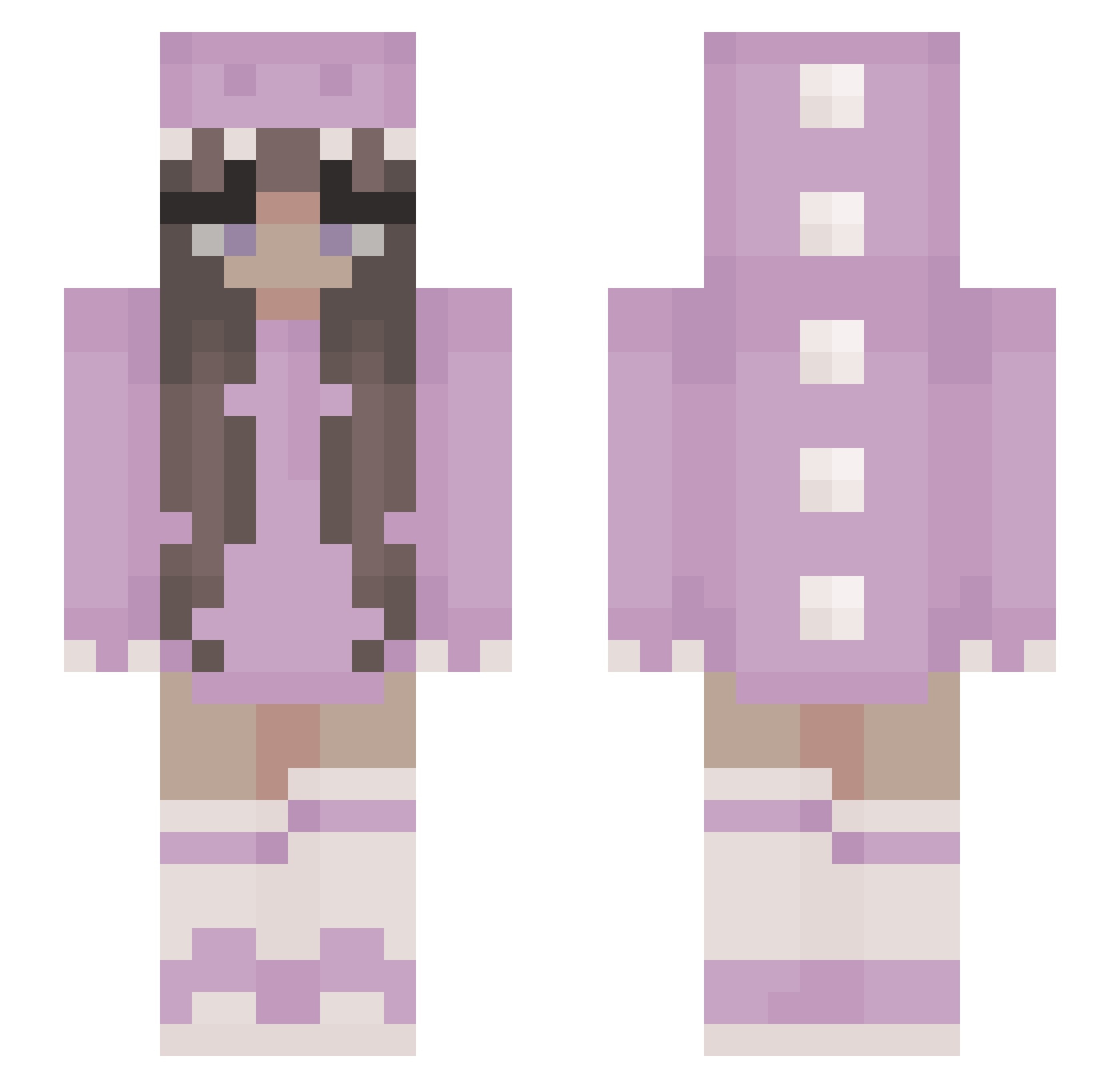
Current Minecraft skin of the player Majeczka331, loaded from the official Mojang API. Rotate the 3D model with your mouse or finger, then download the skin as a PNG file and use it in Minecraft: Bedrock Edition or Java Edition for free. When Majeczka331 changes their skin, this page updates automatically and the old skin stays in the history below.
Other players with this skin (347)
Majeczka331 was the 203rd player we have seen with this skin, first spotted on 20.09.2026. The same skin was seen on these players. Open a nickname to see their current skin and skin history.
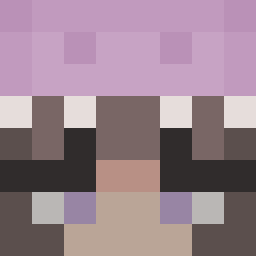 me___0 nate3e blackpinc maiieaa auraful_predator Sociogenesis JustineMeg JennyKickass brontiess nicoleelaine8 Dinoqueen11 Helieanthus qqyuanyuan Norie_H Jenny6200 puddingmeisje BananaNanoo Ruby_cutie IngenDanskTack Lollypop8274 ambrosiaaa_ Vio_sc Karineczka Annix_ Zoemcchxo GoodKelev Nittinkaaa iMorganC _Zyara_ Anafelia melAnie4 Xoarih Magwenta bubblestar98 maerilw Betta2017 Juvoni schaboweoko123 AniaSkywalker 084k uwugurl69 Aurore__ eriikajoy bunnyplay24 MayNelly suimin9 Watti775 Sakura1453 lilltuckk LouKater EmilyMcIntyre21 MamaLama13 CutieCat0801 Plehaha Voxatide R1zkq Alejandracraft12 Youn8C0rn Iacedthighs DaddyMandy
More Kigurumi Minecraft skins
How to install the Majeczka331 skin
- Press the Download button above to save the skin as a PNG file.
- Minecraft: Bedrock Edition (PE): open the Dressing Room from the main menu (or tap your character → Edit Character), go to Classic Skins → Owned, press the + (new skin) button, choose the downloaded PNG and pick the Slim (Alex) model. Works on PC and mobile; consoles cannot import custom skins.
- Minecraft: Java Edition: open the Minecraft Launcher, go to the Skins tab, click New Skin, load the PNG, pick the Slim (Alex) model and press Save & Use. You can also upload it at minecraft.net → Profile → Change Skin.
The skin does not show up after import - what should I do?
Restart Minecraft and open the Dressing Room again - imported skins sometimes appear only after a restart. Also make sure you selected the imported skin and picked the Slim (Alex) model.
Which model should I choose, Classic or Slim?
This skin is designed for the Slim (Alex) model. If you pick the wrong model, the arms of the skin will look stretched or squeezed.
Is the skin of Majeczka331 free to download?
Yes. Press Download, save the PNG file and use it in Minecraft: Bedrock Edition or Java Edition - no payment or registration needed. The skin also works on multiplayer servers and Realms.
More skins
Looking for more? Go back to all Minecraft skins and check the top skins of the week, month and all time, or find any player's skin by nickname.