
Magnuc - Minecraft Skins & Skin History
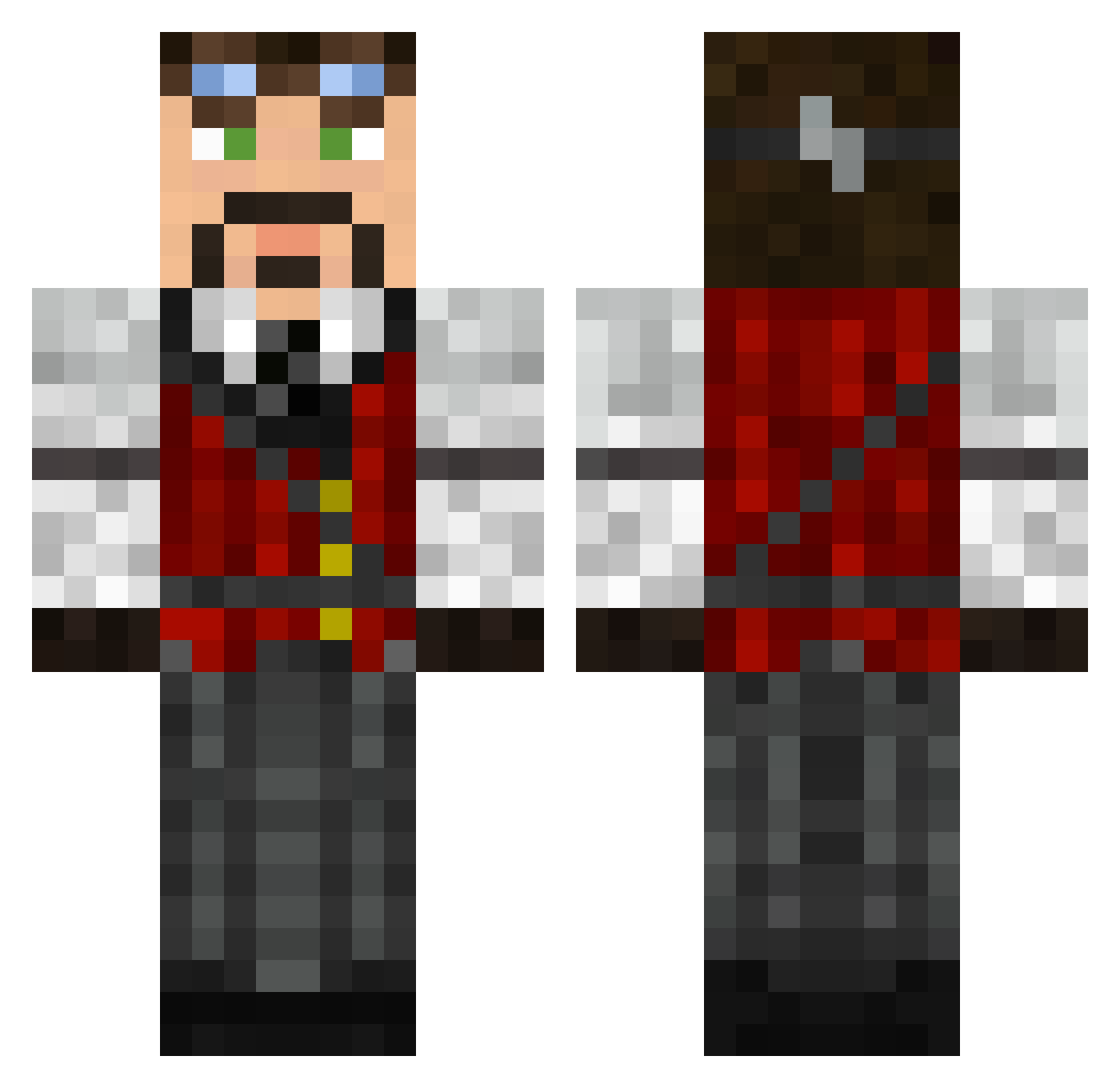
Current Minecraft skin of the player Magnuc, loaded from the official Mojang API. Rotate the 3D model with your mouse or finger, then download the skin as a PNG file and use it in Minecraft: Bedrock Edition or Java Edition for free. When Magnuc changes their skin, this page updates automatically and the old skin stays in the history below.
Other players with this skin (626)
Magnuc was the 115th player we have seen with this skin, first spotted on 18.08.2026. The same skin was seen on these players. Open a nickname to see their current skin and skin history.
 Black_Phoenix_25 Revaard popmomo gaming_titan seemonkeys MasterSherman Schmeeky TheSethr magicman44 Nutter_irish Picke85 konida221 kytix_ glorycraft51 mrKSB lassli BIoodRose PaperTapir Garnasour Alamaurie Blu3D charcoalian FlyingPete Homer304737 MaxEngineer X_Morten throdrin ChrisGrey Vevexo ONEANDONLYG Kuggie Ronnock854 rhettisrepo Galton Spenceee dyave sancer420 j_12_h FlufflyLlama Ash_Tracks adamsheldon98 TheSlowmotucker ZiggySquarePants crimsonwolf42 Gellardo jjn37 kingguy123 Daken_TheDwarf sammy12345604 Jokla96 Kenzington02 eoawyn ClonedTheWasp ExuSe_ RickelPunk AtomicPopc0rn TakingAWalk Liongate Zoyway Ryank516
More Steampunk Minecraft skins
How to install the Magnuc skin
- Press the Download button above to save the skin as a PNG file.
- Minecraft: Bedrock Edition (PE): open the Dressing Room from the main menu (or tap your character → Edit Character), go to Classic Skins → Owned, press the + (new skin) button, choose the downloaded PNG and pick the Classic (Steve) model. Works on PC and mobile; consoles cannot import custom skins.
- Minecraft: Java Edition: open the Minecraft Launcher, go to the Skins tab, click New Skin, load the PNG, pick the Classic (Steve) model and press Save & Use. You can also upload it at minecraft.net → Profile → Change Skin.
The skin does not show up after import - what should I do?
Restart Minecraft and open the Dressing Room again - imported skins sometimes appear only after a restart. Also make sure you selected the imported skin and picked the Classic (Steve) model.
Which model should I choose, Classic or Slim?
This skin is designed for the Classic (Steve) model. If you pick the wrong model, the arms of the skin will look stretched or squeezed.
Is the skin of Magnuc free to download?
Yes. Press Download, save the PNG file and use it in Minecraft: Bedrock Edition or Java Edition - no payment or registration needed. The skin also works on multiplayer servers and Realms.
More skins
Looking for more? Go back to all Minecraft skins and check the top skins of the week, month and all time, or find any player's skin by nickname.