
MaBacon - Minecraft Skins & Skin History
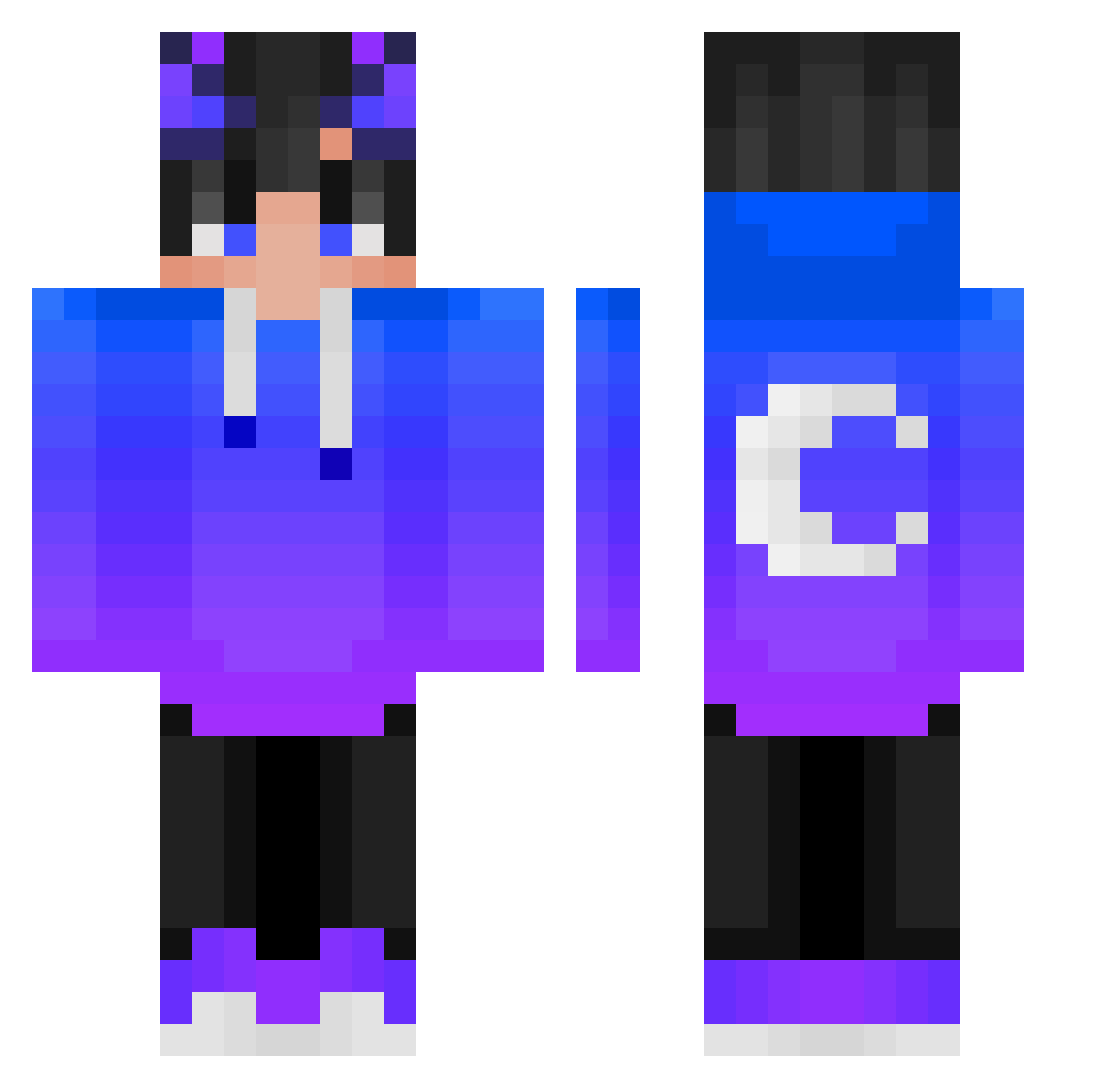
Current Minecraft skin of the player MaBacon, loaded from the official Mojang API. Rotate the 3D model with your mouse or finger, then download the skin as a PNG file and use it in Minecraft: Bedrock Edition or Java Edition for free. When MaBacon changes their skin, this page updates automatically and the old skin stays in the history below.
Other players with this skin (389)
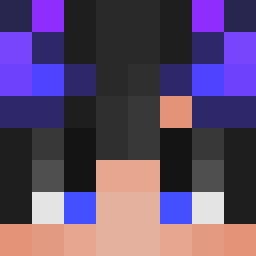
MaBacon was the 87th player we have seen with this skin, first spotted on 14.08.2026. The same skin was seen on these players. Open a nickname to see their current skin and skin history.
 MaxStarHeart Ronald_Reagan91 Mikzuuz yJoaoH2O Godino0424 Aokama274 anoiby SelfNim CHANEKIM romanticboy33 Lunacy717 qdnk_ YSHUH GOLFPC dyniek yejun6619 KAi__Zi Charro007 KacperM777 JesperNFT VTCds LunaticEclipse Framianos Jakobi2009 MarcCyberien _SzyHu_ _R34dY_ Zylojr Davidcitoxx Fuochista2000 spooderman34 Twinkletoesdora koichifreeze Feng_Fan_ Komblokk laurenelizabeth CatFriend1 AwesomeTwiggle BeanAmor TomasBarbosaTV samue1103 ERWANITOW blueeasycastle Sadoxcodd oitem KIM08012 allen6668 Mino222 GovernorRomney ZenAzarasi iHaimon xXThinIceXx654 Liuck2003 35Fuka_ isthatuye nextdoorSiCook Wojtek10000 poblocki OREOXRUSH DinoAntony
More Moon Minecraft skins
How to install the MaBacon skin
- Press the Download button above to save the skin as a PNG file.
- Minecraft: Bedrock Edition (PE): open the Dressing Room from the main menu (or tap your character → Edit Character), go to Classic Skins → Owned, press the + (new skin) button, choose the downloaded PNG and pick the Classic (Steve) model. Works on PC and mobile; consoles cannot import custom skins.
- Minecraft: Java Edition: open the Minecraft Launcher, go to the Skins tab, click New Skin, load the PNG, pick the Classic (Steve) model and press Save & Use. You can also upload it at minecraft.net → Profile → Change Skin.
The skin does not show up after import - what should I do?
Restart Minecraft and open the Dressing Room again - imported skins sometimes appear only after a restart. Also make sure you selected the imported skin and picked the Classic (Steve) model.
Which model should I choose, Classic or Slim?
This skin is designed for the Classic (Steve) model. If you pick the wrong model, the arms of the skin will look stretched or squeezed.
Is the skin of MaBacon free to download?
Yes. Press Download, save the PNG file and use it in Minecraft: Bedrock Edition or Java Edition - no payment or registration needed. The skin also works on multiplayer servers and Realms.
More skins
Looking for more? Go back to all Minecraft skins and check the top skins of the week, month and all time, or find any player's skin by nickname.