
MMARsand - Minecraft Skins & Skin History
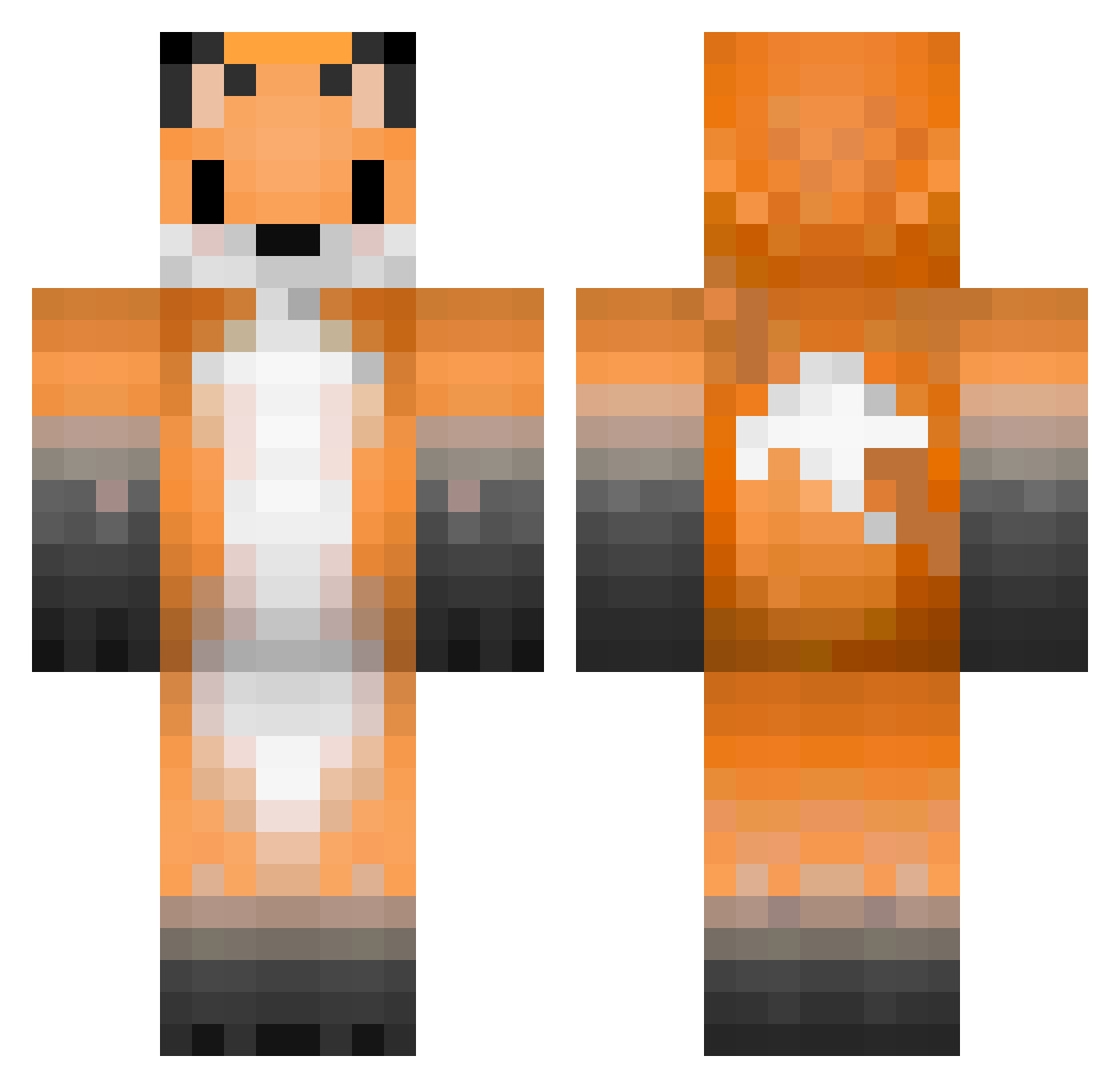
Current Minecraft skin of the player MMARsand, loaded from the official Mojang API. Rotate the 3D model with your mouse or finger, then download the skin as a PNG file and use it in Minecraft: Bedrock Edition or Java Edition for free. When MMARsand changes their skin, this page updates automatically and the old skin stays in the history below.
Other players with this skin (385)
MMARsand was the 384th player we have seen with this skin, first spotted on 18.11.2026. The same skin was seen on these players. Open a nickname to see their current skin and skin history.
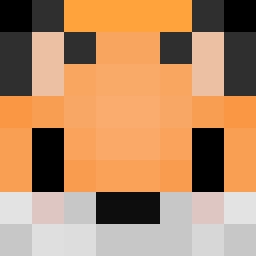 marquinio32 Internal_Playz mountainhopy Scalogno CraftyGoblin Fuxxs FantasticMxFox yukineko3 fmlfox Floof1234 Xx_ZFoxy_xX amazinggrass Cyberstriker defdani ASPIT14 gothesque asteroide2341 KOYLLLL SlipFunebre atreww2 Ash_A2215 chen_yu_wang red_foxxx freddydrive GusaJ1n Foxik_09 siguremaru SevenTailedFoxx vKUR0 Toast17 JustTavita13 Zedeff64 BlueBoof kofude100 KeeperFr CapricornBoy hunteroliverv2 Zorori Tinsc_elotro PetitFilouRaisin firefoxYT10 Xposcura Madderle Kaiyim_CP GameTerror9455 RedFox_Kiran Hoshigitsune Nia_YU BAHNYO SoilNoob Hailey5421 kapitanmandaryn aotinel SuperherosFox Polyhedrun Rynerinno Leonardo_Disney GameFox78 Smarky07 yukomafu
More Animal Ears Minecraft skins
See all 1192 Animal Ears skins
How to install the MMARsand skin
- Press the Download button above to save the skin as a PNG file.
- Minecraft: Bedrock Edition (PE): open the Dressing Room from the main menu (or tap your character → Edit Character), go to Classic Skins → Owned, press the + (new skin) button, choose the downloaded PNG and pick the Classic (Steve) model. Works on PC and mobile; consoles cannot import custom skins.
- Minecraft: Java Edition: open the Minecraft Launcher, go to the Skins tab, click New Skin, load the PNG, pick the Classic (Steve) model and press Save & Use. You can also upload it at minecraft.net → Profile → Change Skin.
The skin does not show up after import - what should I do?
Restart Minecraft and open the Dressing Room again - imported skins sometimes appear only after a restart. Also make sure you selected the imported skin and picked the Classic (Steve) model.
Which model should I choose, Classic or Slim?
This skin is designed for the Classic (Steve) model. If you pick the wrong model, the arms of the skin will look stretched or squeezed.
Is the skin of MMARsand free to download?
Yes. Press Download, save the PNG file and use it in Minecraft: Bedrock Edition or Java Edition - no payment or registration needed. The skin also works on multiplayer servers and Realms.
More skins
Looking for more? Go back to all Minecraft skins and check the top skins of the week, month and all time, or find any player's skin by nickname.