
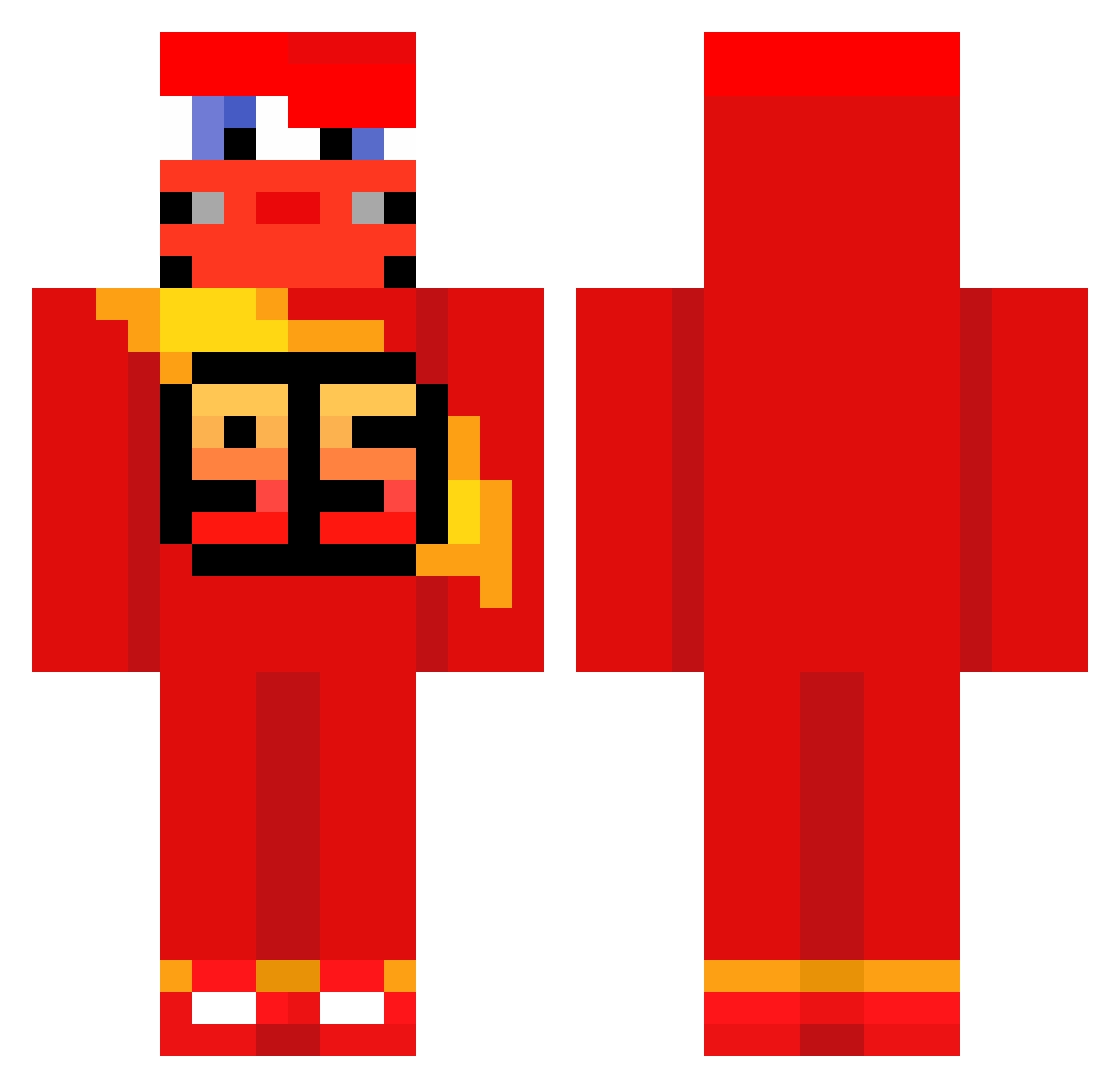
Current Minecraft skin of the player MLYNISGOD, loaded from the official Mojang API. Rotate the 3D model with your mouse or finger, then download the skin as a PNG file and use it in Minecraft: Bedrock Edition or Java Edition for free. When MLYNISGOD changes their skin, this page updates automatically and the old skin stays in the history below.
Other players with this skin (513)
MLYNISGOD was the 269th player we have seen with this skin, first spotted on 07.09.2026. The same skin was seen on these players. Open a nickname to see their current skin and skin history.
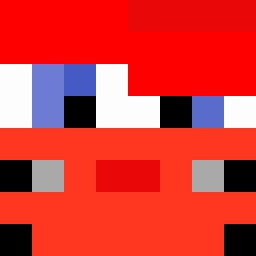 RosseWolf IBAR111 Douwass Matheus9199 losangelescounty They_Fw_Conner22 NoahSko Elmalditokid Possibly_deaf realllminseo MichiGreif RubSkayFR DerProfi321go LegendryDiecast QuadDoubloon443 Qoraky Random_Akuma vol3r WojtasMB EMMA_72 itsssiris Warex__ Pupsi__ NAVET_ Exodyne Vorfell Beechwoody its_Sytex leftyBeats hivssvx Lautarogu HAR1BOWS Taha295123 ItZ_Dexter0918 jsnickers69 mportella SoulOFrefi Krasnyy86 adriel_lol P4ND466 Patthai JorginhoClah RoughRider1220 gomiasty fortjim iBuyEgirls2 Kachow0095 BennoBums Martin1202 _McEddie_ luisito1910 otomotto 13_krecik_37 nikuduro Mergulu Zohan2K Rhaaegar joao0014 ChenChen14 maryconazoo
More Lightning Mcqueen Minecraft skins
See all 105 Lightning Mcqueen skins
How to install the MLYNISGOD skin
- Press the Download button above to save the skin as a PNG file.
- Minecraft: Bedrock Edition (PE): open the Dressing Room from the main menu (or tap your character → Edit Character), go to Classic Skins → Owned, press the + (new skin) button, choose the downloaded PNG and pick the Classic (Steve) model. Works on PC and mobile; consoles cannot import custom skins.
- Minecraft: Java Edition: open the Minecraft Launcher, go to the Skins tab, click New Skin, load the PNG, pick the Classic (Steve) model and press Save & Use. You can also upload it at minecraft.net → Profile → Change Skin.
The skin does not show up after import - what should I do?
Restart Minecraft and open the Dressing Room again - imported skins sometimes appear only after a restart. Also make sure you selected the imported skin and picked the Classic (Steve) model.
Which model should I choose, Classic or Slim?
This skin is designed for the Classic (Steve) model. If you pick the wrong model, the arms of the skin will look stretched or squeezed.
Is the skin of MLYNISGOD free to download?
Yes. Press Download, save the PNG file and use it in Minecraft: Bedrock Edition or Java Edition - no payment or registration needed. The skin also works on multiplayer servers and Realms.
More skins
Looking for more? Go back to all Minecraft skins and check the top skins of the week, month and all time, or find any player's skin by nickname.