
MERAKO34 - Minecraft Skins & Skin History
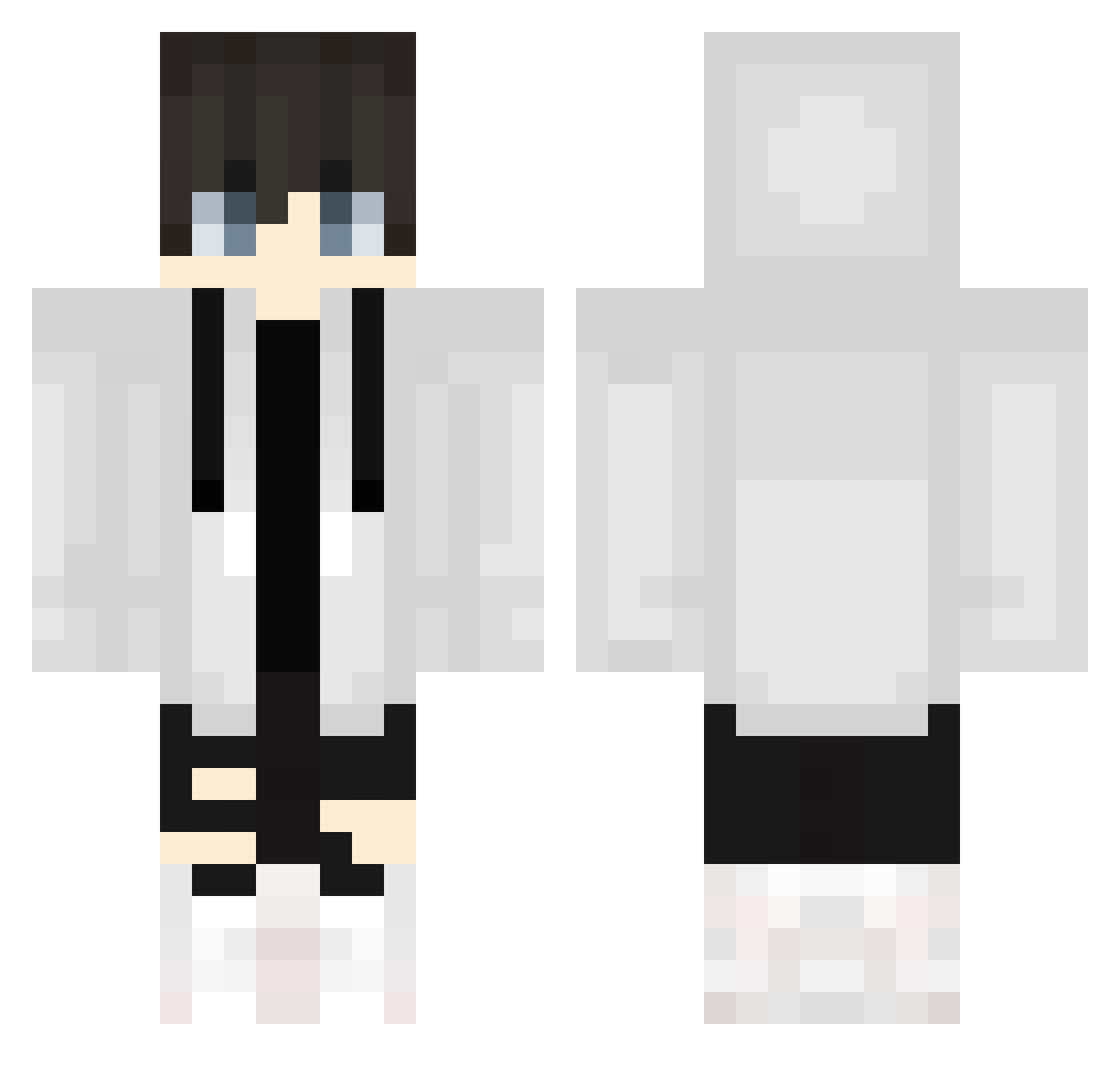
Current Minecraft skin of the player MERAKO34, loaded from the official Mojang API. Rotate the 3D model with your mouse or finger, then download the skin as a PNG file and use it in Minecraft: Bedrock Edition or Java Edition for free. When MERAKO34 changes their skin, this page updates automatically and the old skin stays in the history below.
Other players with this skin (686)
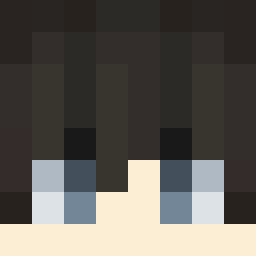
MERAKO34 was the 267th player we have seen with this skin, first spotted on 05.09.2026. The same skin was seen on these players. Open a nickname to see their current skin and skin history.
 keipull draken_ryu 27_Miyamura edmaestro YaneXD Laserback5 Re1nv Louis_Li euzineumesmo Pawelix16elo Nath19952 Thu142 L0B1NH0M Shami_nyan Gwendolyn1205 percy0930TW Smey2 FelakCZ AirPods20 Sadirien Herobrine2734 Kojikoji0405 Forex0406 Aaron_Choi Naito_z henborcol th512824 Favchas sou5010 Kou5308 ITS_CELLAR_470R luvkayden im_ariell tex433 itzzzluggel sp1crc TheStiven_ ituki0926 gurun0209 luck1y hasuwo Ali0m MekaaninenPlayer Cordless_teen Zane_J LonelehKitteh siranui19132 Hera1618 ThrasherBANNED Yuuhi1118 Achapi2525 Plabitu Xiria_ Starry_Sky250 Unlucky598 HypixelVR cocoro0810 joao23gd hato_You TSoonami
More Streetwear Minecraft skins
How to install the MERAKO34 skin
- Press the Download button above to save the skin as a PNG file.
- Minecraft: Bedrock Edition (PE): open the Dressing Room from the main menu (or tap your character → Edit Character), go to Classic Skins → Owned, press the + (new skin) button, choose the downloaded PNG and pick the Classic (Steve) model. Works on PC and mobile; consoles cannot import custom skins.
- Minecraft: Java Edition: open the Minecraft Launcher, go to the Skins tab, click New Skin, load the PNG, pick the Classic (Steve) model and press Save & Use. You can also upload it at minecraft.net → Profile → Change Skin.
The skin does not show up after import - what should I do?
Restart Minecraft and open the Dressing Room again - imported skins sometimes appear only after a restart. Also make sure you selected the imported skin and picked the Classic (Steve) model.
Which model should I choose, Classic or Slim?
This skin is designed for the Classic (Steve) model. If you pick the wrong model, the arms of the skin will look stretched or squeezed.
Is the skin of MERAKO34 free to download?
Yes. Press Download, save the PNG file and use it in Minecraft: Bedrock Edition or Java Edition - no payment or registration needed. The skin also works on multiplayer servers and Realms.
More skins
Looking for more? Go back to all Minecraft skins and check the top skins of the week, month and all time, or find any player's skin by nickname.