
MAPLO_g - Minecraft Skins & Skin History
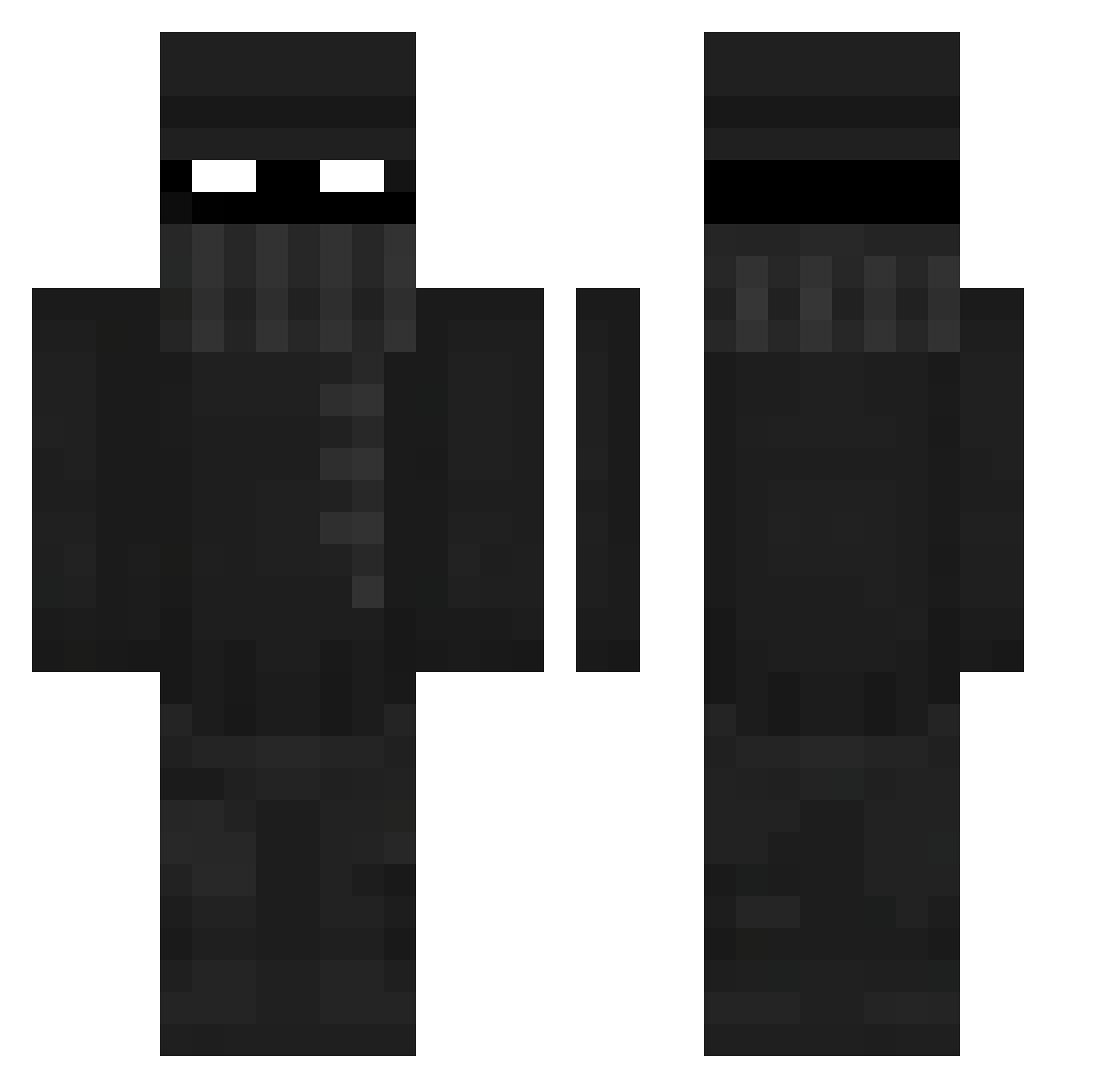
Current Minecraft skin of the player MAPLO_g, loaded from the official Mojang API. Rotate the 3D model with your mouse or finger, then download the skin as a PNG file and use it in Minecraft: Bedrock Edition or Java Edition for free. When MAPLO_g changes their skin, this page updates automatically and the old skin stays in the history below.
Other players with this skin (413)
MAPLO_g was the 103rd player we have seen with this skin, first spotted on 26.08.2026. The same skin was seen on these players. Open a nickname to see their current skin and skin history.
 CruzKilla98 Shawtys_mom _OhSnap_ MrNute444 BigPoooky Camikazee420 Ace97804 newMikO epitqvist
 VanderWal Bit2MuchGaming imabottom4L Dabjo _DEADLY_777 JBtheonly OneShotz16 BlitzOnnaBlitz BillyBoy111213 FlickT01 BeeO08 GataFC theeTitan murillo3214 The_Minority VoidRoc 77_Zelex BronzeRose568 Goatedjac0b junnnnxd BroPanda007 SaltyFriesss ballsasgna Svehlon StraightFaceJay batfish2 Mr_Duida Az4lyf _Travv8 xAstroTVx_ Saggiii Buddhabirne lemminoyo RaadJZ BigVan220 SummitAssassinII M00nrider Pla_Fon Yasok25_2b IcemanLancer Kraftskiva CantBeAsked_ TheLostOnejk djtripp20 Sebitas1903 PierogVendor BnananBraed surfy42 vaezi Rodo2 laii2
More Robber Minecraft skins
How to install the MAPLO_g skin
- Press the Download button above to save the skin as a PNG file.
- Minecraft: Bedrock Edition (PE): open the Dressing Room from the main menu (or tap your character → Edit Character), go to Classic Skins → Owned, press the + (new skin) button, choose the downloaded PNG and pick the Classic (Steve) model. Works on PC and mobile; consoles cannot import custom skins.
- Minecraft: Java Edition: open the Minecraft Launcher, go to the Skins tab, click New Skin, load the PNG, pick the Classic (Steve) model and press Save & Use. You can also upload it at minecraft.net → Profile → Change Skin.
The skin does not show up after import - what should I do?
Restart Minecraft and open the Dressing Room again - imported skins sometimes appear only after a restart. Also make sure you selected the imported skin and picked the Classic (Steve) model.
Which model should I choose, Classic or Slim?
This skin is designed for the Classic (Steve) model. If you pick the wrong model, the arms of the skin will look stretched or squeezed.
Is the skin of MAPLO_g free to download?
Yes. Press Download, save the PNG file and use it in Minecraft: Bedrock Edition or Java Edition - no payment or registration needed. The skin also works on multiplayer servers and Realms.
More skins
Looking for more? Go back to all Minecraft skins and check the top skins of the week, month and all time, or find any player's skin by nickname.