
Lunarim_ - Minecraft Skins & Skin History
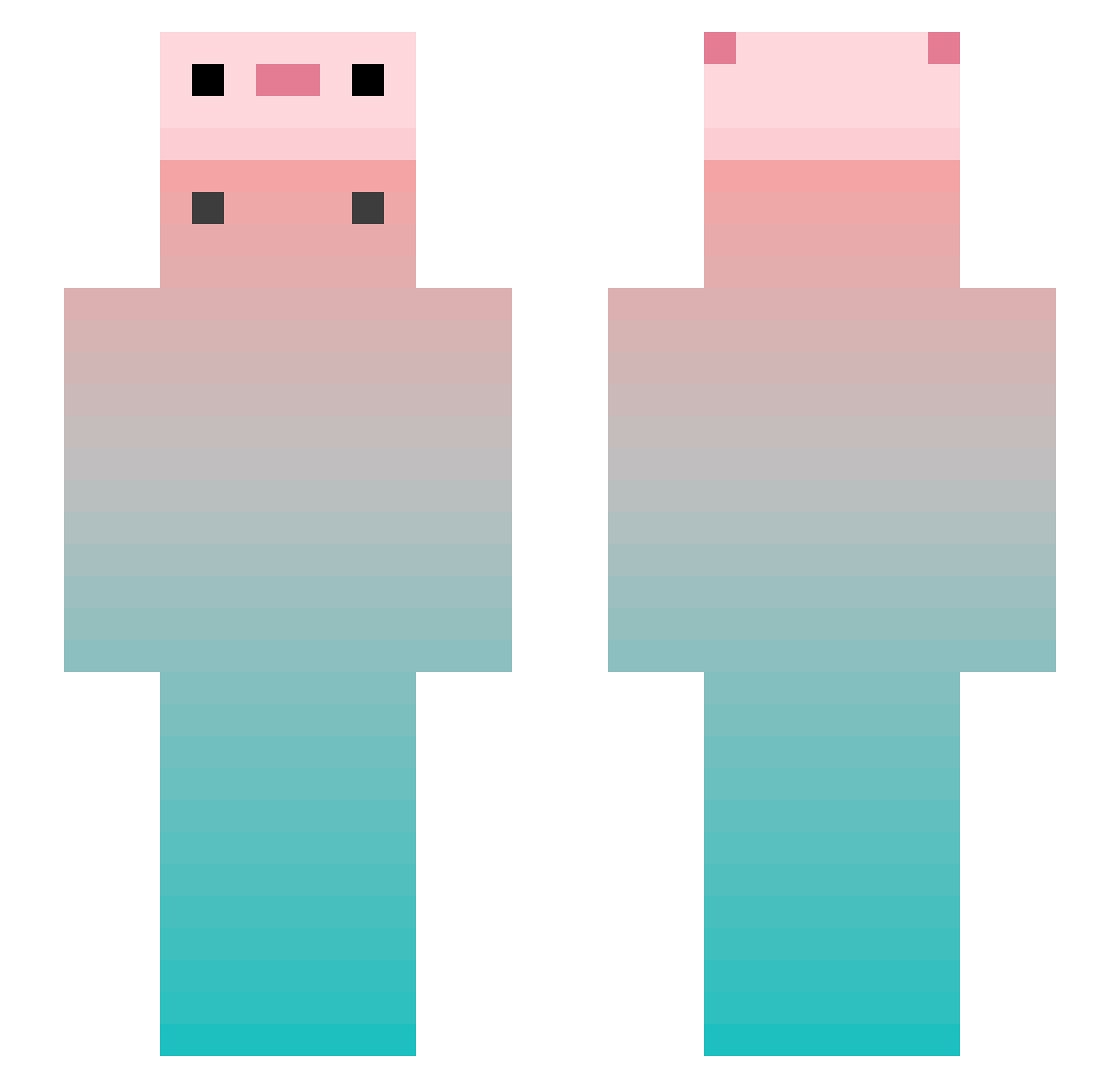
Current Minecraft skin of the player Lunarim_, loaded from the official Mojang API. Rotate the 3D model with your mouse or finger, then download the skin as a PNG file and use it in Minecraft: Bedrock Edition or Java Edition for free. When Lunarim_ changes their skin, this page updates automatically and the old skin stays in the history below.
Other players with this skin (668)
Lunarim_ was the 436th player we have seen with this skin, first spotted on 23.09.2026. The same skin was seen on these players. Open a nickname to see their current skin and skin history.
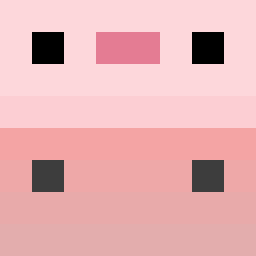 GaryLeec BAIbain _Asuu_ MacMillan1225 bai0714 NagiJP 9Paper_Clip laowu521 THECAST17 f1V3R Zodyyac mmtou monthscwc wltal zdojoy Aotvl_ Pugzzi zhiqin koberiver PipoPotam93 Flabbergasted121 Exonlyone110 TuoLaJiSiJi Yshioah KnocktOut freshcampus pxt0720 manhuang1 liz_kalden NoHaccJustPanda resong_ ZefiRkaS Champi_123 Jiaslee Daydream_49 TomateUnMatee Ruan_er 1_yun_1 le_gei kuretan Jay02092000 Hotreeree Lester1225 XB_SHP _Caku HuaYuXin nmcgpGG YzhZds zelsko_ BEAR90405 HRM111 FurkanPack xiduoxd jiangshuizeyumin Z3roD4y I_xxs different97 Toilet3308 Juhayo OVOnion
More Gradient Minecraft skins
How to install the Lunarim_ skin
- Press the Download button above to save the skin as a PNG file.
- Minecraft: Bedrock Edition (PE): open the Dressing Room from the main menu (or tap your character → Edit Character), go to Classic Skins → Owned, press the + (new skin) button, choose the downloaded PNG and pick the Slim (Alex) model. Works on PC and mobile; consoles cannot import custom skins.
- Minecraft: Java Edition: open the Minecraft Launcher, go to the Skins tab, click New Skin, load the PNG, pick the Slim (Alex) model and press Save & Use. You can also upload it at minecraft.net → Profile → Change Skin.
The skin does not show up after import - what should I do?
Restart Minecraft and open the Dressing Room again - imported skins sometimes appear only after a restart. Also make sure you selected the imported skin and picked the Slim (Alex) model.
Which model should I choose, Classic or Slim?
This skin is designed for the Slim (Alex) model. If you pick the wrong model, the arms of the skin will look stretched or squeezed.
Is the skin of Lunarim_ free to download?
Yes. Press Download, save the PNG file and use it in Minecraft: Bedrock Edition or Java Edition - no payment or registration needed. The skin also works on multiplayer servers and Realms.
More skins
Looking for more? Go back to all Minecraft skins and check the top skins of the week, month and all time, or find any player's skin by nickname.