
Lukasola - Minecraft Skins & Skin History
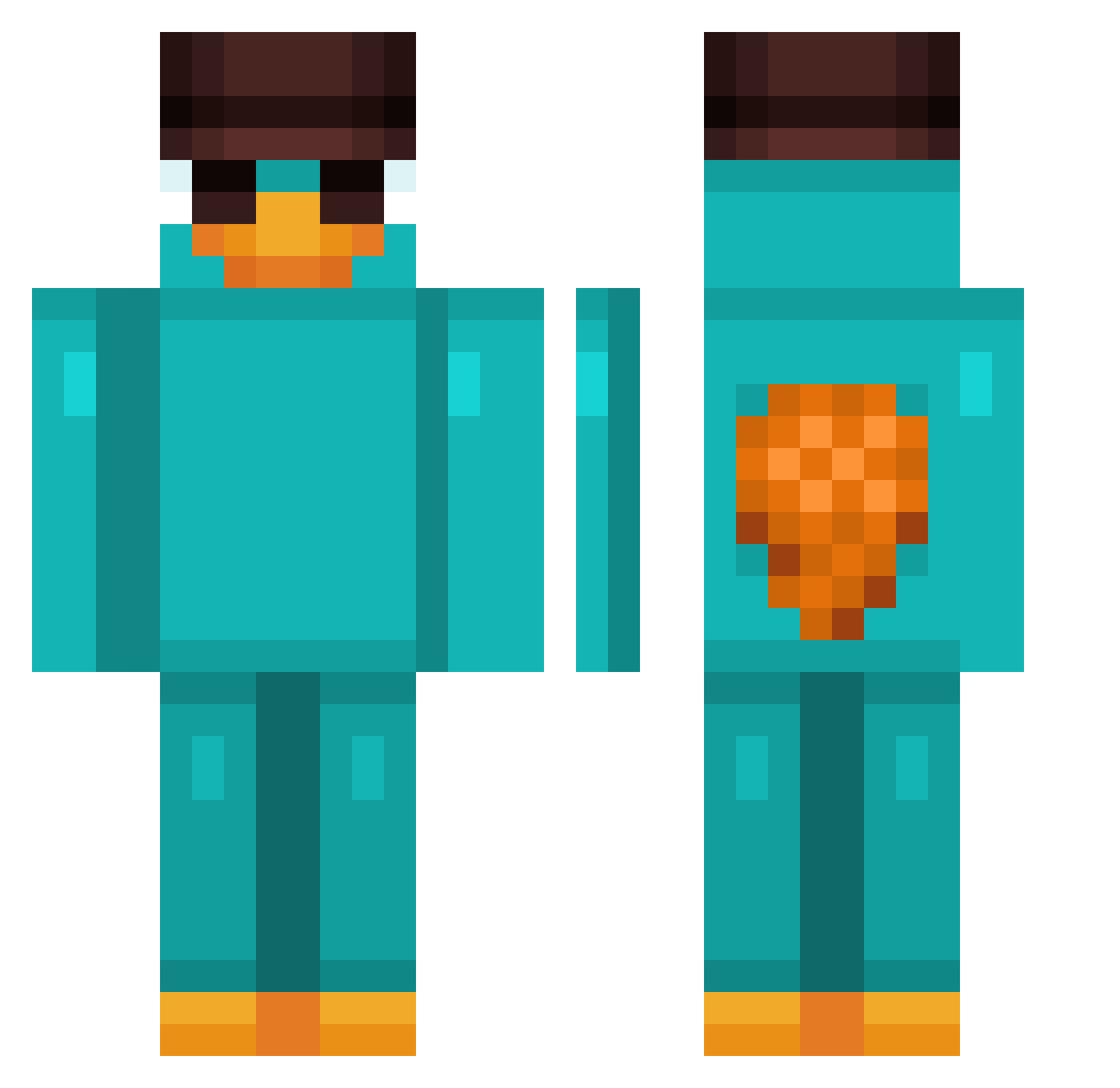
Current Minecraft skin of the player Lukasola, loaded from the official Mojang API. Rotate the 3D model with your mouse or finger, then download the skin as a PNG file and use it in Minecraft: Bedrock Edition or Java Edition for free. When Lukasola changes their skin, this page updates automatically and the old skin stays in the history below.
Other players with this skin (811)
Lukasola was the 191st player we have seen with this skin, first spotted on 17.08.2026. The same skin was seen on these players. Open a nickname to see their current skin and skin history.
 ZULU43 JuniorAshe ferchukaaaa Brendanmp01 dannyx10123 Theo1935 AlphaBark10 SockenBob09 emirarasara thtballentineboi stupiidturtle KERLONBR umitt_ mihawk2068 gabsterson Fernandothe3rd rynotheking A_yummi Muyol Regeda Milano5 Oxilost GodFelps 739xQUECKS Dominoool _Klopik_ manumanito_ Kacpripro Commander_Oskar PropertyOfcourse VitinhoBobRx NAYSOGOOD 4bhi6yan adom2003 PlatinumRad JKunhaPt russiandancing Kubasio909 Falkore42 ppopp0 Hroni_Phoenix Zw_628 NoahKim9 Lejonn77 IAM_1000 FAADeeL Szymon_KL pablorodriguezg Ray7605 NieAdam Watila25 tjtnsepdy Jallerr Oreo158 NetherNomad7 BENIJU4424 Marius0911 DepressedMi K5R_Niko easY7_
More Platypus Minecraft skins
How to install the Lukasola skin
- Press the Download button above to save the skin as a PNG file.
- Minecraft: Bedrock Edition (PE): open the Dressing Room from the main menu (or tap your character → Edit Character), go to Classic Skins → Owned, press the + (new skin) button, choose the downloaded PNG and pick the Classic (Steve) model. Works on PC and mobile; consoles cannot import custom skins.
- Minecraft: Java Edition: open the Minecraft Launcher, go to the Skins tab, click New Skin, load the PNG, pick the Classic (Steve) model and press Save & Use. You can also upload it at minecraft.net → Profile → Change Skin.
The skin does not show up after import - what should I do?
Restart Minecraft and open the Dressing Room again - imported skins sometimes appear only after a restart. Also make sure you selected the imported skin and picked the Classic (Steve) model.
Which model should I choose, Classic or Slim?
This skin is designed for the Classic (Steve) model. If you pick the wrong model, the arms of the skin will look stretched or squeezed.
Is the skin of Lukasola free to download?
Yes. Press Download, save the PNG file and use it in Minecraft: Bedrock Edition or Java Edition - no payment or registration needed. The skin also works on multiplayer servers and Realms.
More skins
Looking for more? Go back to all Minecraft skins and check the top skins of the week, month and all time, or find any player's skin by nickname.