
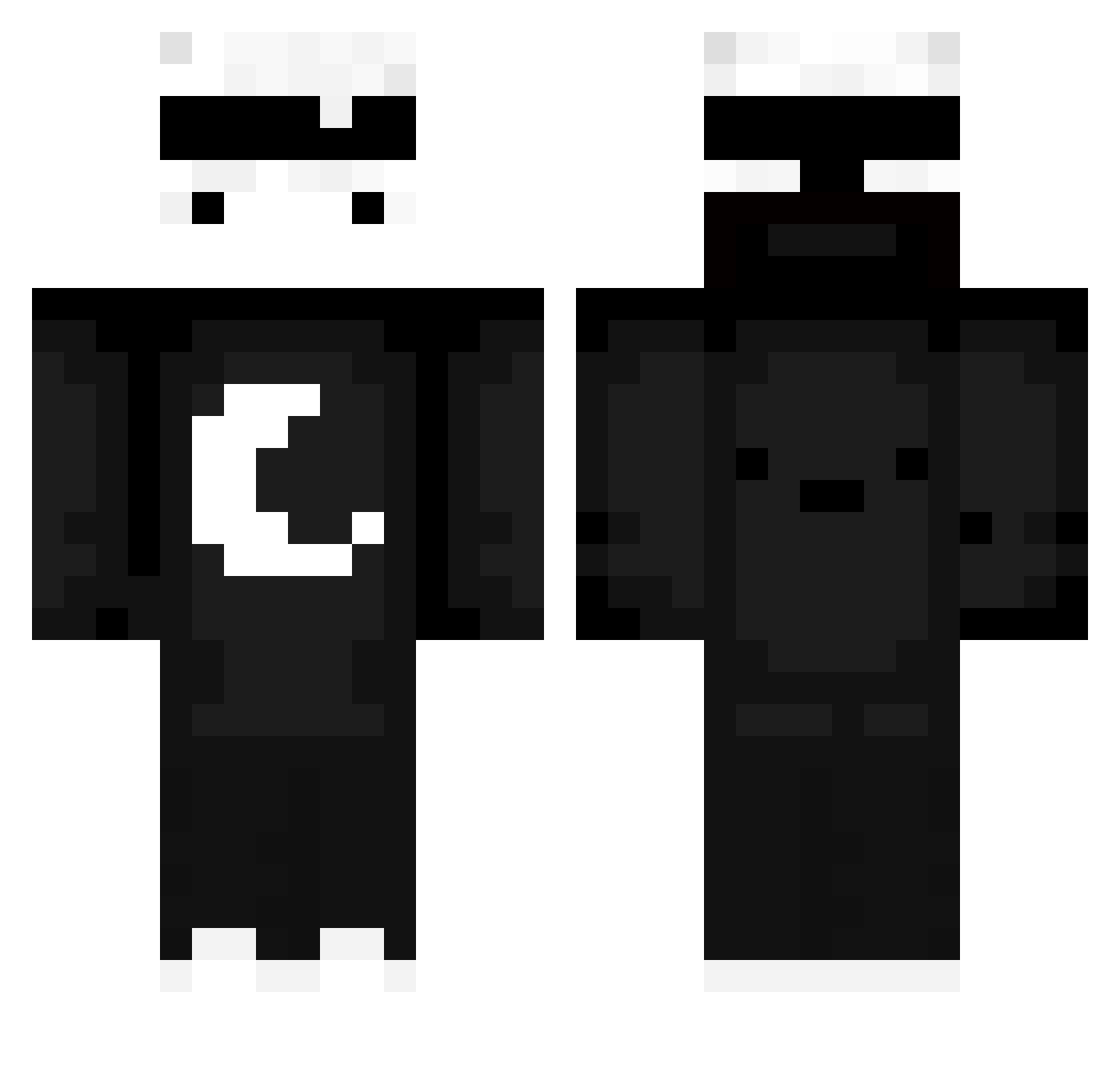
Current Minecraft skin of the player LuckyL___, loaded from the official Mojang API. Rotate the 3D model with your mouse or finger, then download the skin as a PNG file and use it in Minecraft: Bedrock Edition or Java Edition for free. When LuckyL___ changes their skin, this page updates automatically and the old skin stays in the history below.
Other players with this skin (534)
LuckyL___ was the 382nd player we have seen with this skin, first spotted on 27.09.2026. The same skin was seen on these players. Open a nickname to see their current skin and skin history.
 randomrenda BlackAngel4325 Uniwoqi rasspass12 _DaChri_ Moufette2Compet aphva r3dox4473 Fleeeexy M1nJa1 6_YeYe_9 KeinAbschluss silvio972 Big_Piotrus TaylorPikachu12 Viippa Voidrez_ Axeltri Fako12a nazxier rglroxy RestartEarth DARK908 f41na OG_Xmays Sk0TT_XD kiunkiun ImHopeLss Misijako Enzo832 Hovxks wsldd 17ah Cookie02087009 antekgenk Ranr0bs124 Brakiler04 snk5ij iO_Obada SpeedGlitch HirukiyZ Chlebak1312 xWraith_ DaxPlaysMC ElJoniUno EggFriedRiceee XxTosairexX MoriusTv2 MayooNice ThiagoYTgmr FLAME_real123 NIRO_06 isaacrrii PixelXL19 boble07 koksik26 lu1znn XxJamesProXx PoultryPeep NotYourFriend_
More Moon Minecraft skins
How to install the LuckyL___ skin
- Press the Download button above to save the skin as a PNG file.
- Minecraft: Bedrock Edition (PE): open the Dressing Room from the main menu (or tap your character → Edit Character), go to Classic Skins → Owned, press the + (new skin) button, choose the downloaded PNG and pick the Classic (Steve) model. Works on PC and mobile; consoles cannot import custom skins.
- Minecraft: Java Edition: open the Minecraft Launcher, go to the Skins tab, click New Skin, load the PNG, pick the Classic (Steve) model and press Save & Use. You can also upload it at minecraft.net → Profile → Change Skin.
The skin does not show up after import - what should I do?
Restart Minecraft and open the Dressing Room again - imported skins sometimes appear only after a restart. Also make sure you selected the imported skin and picked the Classic (Steve) model.
Which model should I choose, Classic or Slim?
This skin is designed for the Classic (Steve) model. If you pick the wrong model, the arms of the skin will look stretched or squeezed.
Is the skin of LuckyL___ free to download?
Yes. Press Download, save the PNG file and use it in Minecraft: Bedrock Edition or Java Edition - no payment or registration needed. The skin also works on multiplayer servers and Realms.
More skins
Looking for more? Go back to all Minecraft skins and check the top skins of the week, month and all time, or find any player's skin by nickname.