
Lspec - Minecraft Skins & Skin History
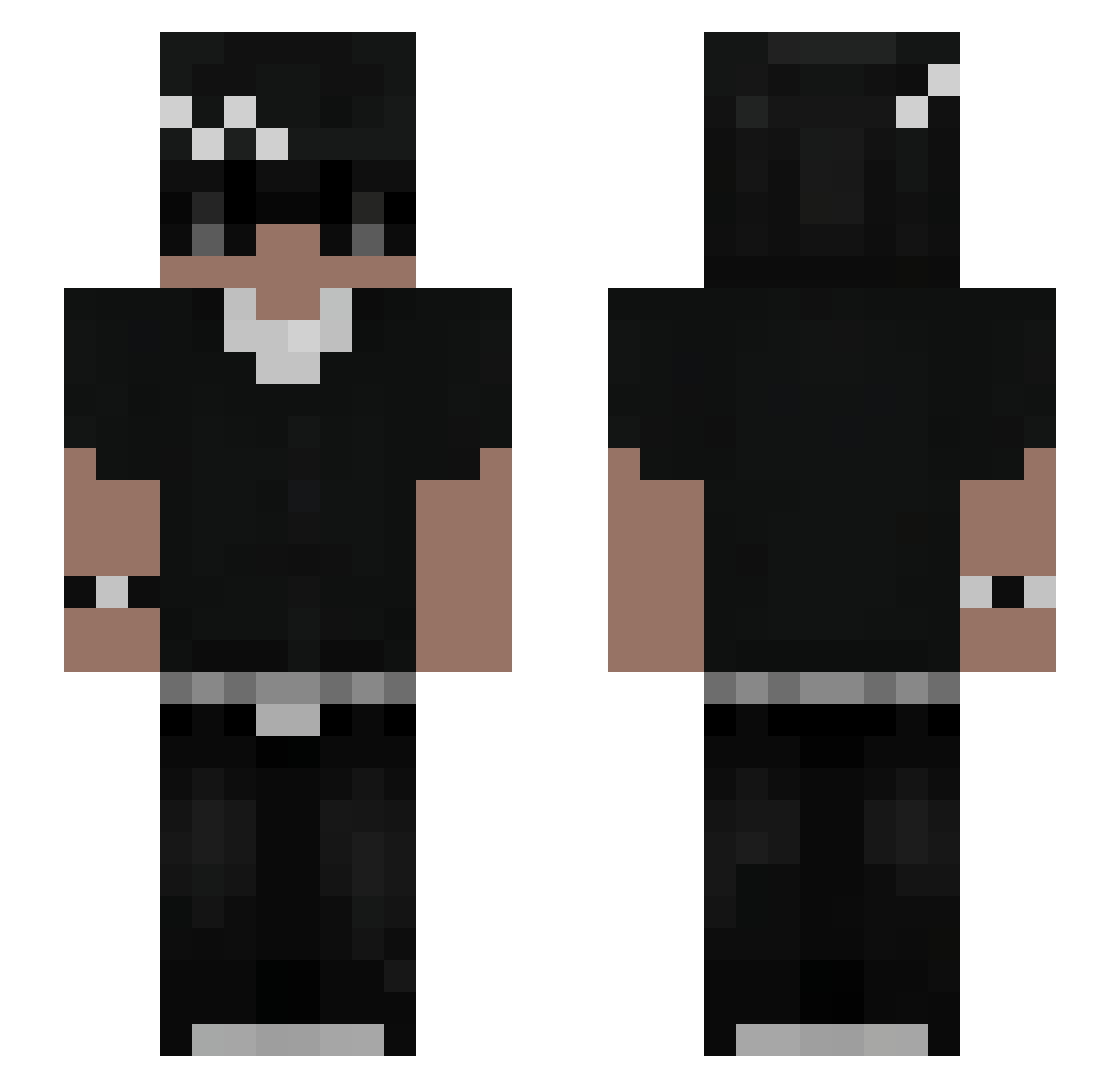
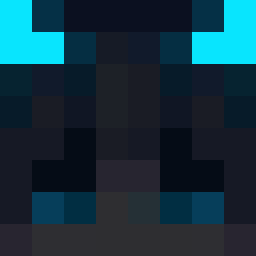
Current Minecraft skin of the player Lspec, loaded from the official Mojang API. Rotate the 3D model with your mouse or finger, then download the skin as a PNG file and use it in Minecraft: Bedrock Edition or Java Edition for free. When Lspec changes their skin, this page updates automatically and the old skin stays in the history below.
Other players with this skin (75)
Lspec was the 25th player we have seen with this skin, first spotted on 27.08.2026. The same skin was seen on these players. Open a nickname to see their current skin and skin history.
 Pherson7191 Ondrynn norbusss_ PABINHA Matheo36
 veys069 hcvy0 Cda6 AnimeFlameFr Im_0n_Heni Pi0tr3k23 Divody Marlon004 JoeMesin LanaBhz fl0wfx sqyvefv senteced 0rigon XkevinZ soykingc
 mangiureaIQ zajarany_16 Ramaxz KrylixMC_ ler_oy Pitchukinho SaucyPesto
 BraydenBoy18 MorenoGaming96 fabritoxe twshen albiilfigo111 dadzio41 Zmirek Gkv100k Fli_pek hasteq DARKNNESS1 viberated XeroDegreess _Mangosik_ Oxalt _DDOS_By_Fizzy_ TryN0tToRage1 Shinso12 Br4NtiX SebasKBL 1NoCap AuraZT 8ic3 Maciolo08 TARMING_SS_ Crungo leoxr07 LuckyValdivia dominyk11 TNitro06 FabianCTY Feaxss
More Streetwear Minecraft skins
How to install the Lspec skin
- Press the Download button above to save the skin as a PNG file.
- Minecraft: Bedrock Edition (PE): open the Dressing Room from the main menu (or tap your character → Edit Character), go to Classic Skins → Owned, press the + (new skin) button, choose the downloaded PNG and pick the Slim (Alex) model. Works on PC and mobile; consoles cannot import custom skins.
- Minecraft: Java Edition: open the Minecraft Launcher, go to the Skins tab, click New Skin, load the PNG, pick the Slim (Alex) model and press Save & Use. You can also upload it at minecraft.net → Profile → Change Skin.
The skin does not show up after import - what should I do?
Restart Minecraft and open the Dressing Room again - imported skins sometimes appear only after a restart. Also make sure you selected the imported skin and picked the Slim (Alex) model.
Which model should I choose, Classic or Slim?
This skin is designed for the Slim (Alex) model. If you pick the wrong model, the arms of the skin will look stretched or squeezed.
Is the skin of Lspec free to download?
Yes. Press Download, save the PNG file and use it in Minecraft: Bedrock Edition or Java Edition - no payment or registration needed. The skin also works on multiplayer servers and Realms.
More skins
Looking for more? Go back to all Minecraft skins and check the top skins of the week, month and all time, or find any player's skin by nickname.