
Lord_Golfballs - Minecraft Skins & Skin History
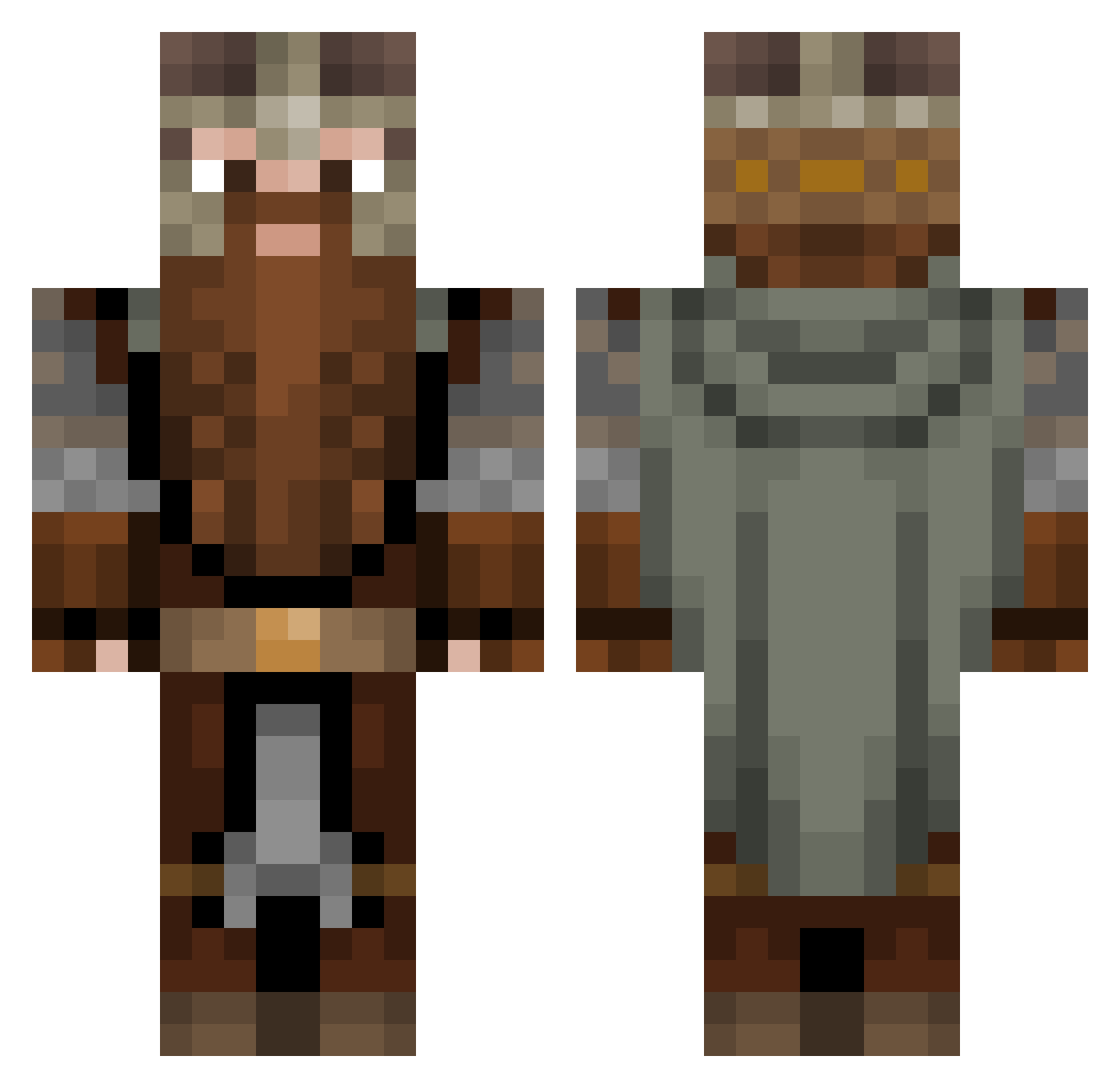
Current Minecraft skin of the player Lord_Golfballs, loaded from the official Mojang API. Rotate the 3D model with your mouse or finger, then download the skin as a PNG file and use it in Minecraft: Bedrock Edition or Java Edition for free. When Lord_Golfballs changes their skin, this page updates automatically and the old skin stays in the history below.
Other players with this skin (1308)
Lord_Golfballs was the 1111th player we have seen with this skin, first spotted on 04.11.2026. The same skin was seen on these players. Open a nickname to see their current skin and skin history.
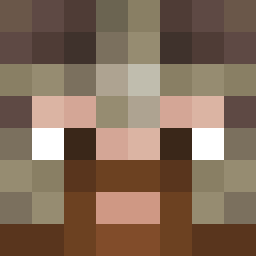 Pojk1 JurrasiCow Gimli _BrickFrog THeCOOLGuy4 stalEtwinkE savagev2 Tecguyv4 Jonablob Ayme741 SuperSeth760 BattlePupser KeHaKa Kenna_NA Miloxus keepann VesTheOldAussie Thoden StarcLord Techesco_ Pyjter522 Ed2010 mariusffff Kekkkles DB_905 KoenigKevin Bazzissimo _zychu_ Artanuus SP_00N titaneskx Frid ParlousThor MoneyLarage Hydrokai magic_block66 Niblickal SirFatherDaddy MajorMezo Chaos_008 EaglesBlocks Eragon277 MasaruZoldyck Odin2310 CRandall16 AudieAcerHK KeleraksRage Bodlo427 Cooolton11 DyOegi hambruhger7 AndiieeWand Ronhaaan Jboogy LunchyBox Skjoldraudr Olliecs93 Jorritio VonWalrusberger War2king
More Dwarf Minecraft skins
How to install the Lord_Golfballs skin
- Press the Download button above to save the skin as a PNG file.
- Minecraft: Bedrock Edition (PE): open the Dressing Room from the main menu (or tap your character → Edit Character), go to Classic Skins → Owned, press the + (new skin) button, choose the downloaded PNG and pick the Classic (Steve) model. Works on PC and mobile; consoles cannot import custom skins.
- Minecraft: Java Edition: open the Minecraft Launcher, go to the Skins tab, click New Skin, load the PNG, pick the Classic (Steve) model and press Save & Use. You can also upload it at minecraft.net → Profile → Change Skin.
The skin does not show up after import - what should I do?
Restart Minecraft and open the Dressing Room again - imported skins sometimes appear only after a restart. Also make sure you selected the imported skin and picked the Classic (Steve) model.
Which model should I choose, Classic or Slim?
This skin is designed for the Classic (Steve) model. If you pick the wrong model, the arms of the skin will look stretched or squeezed.
Is the skin of Lord_Golfballs free to download?
Yes. Press Download, save the PNG file and use it in Minecraft: Bedrock Edition or Java Edition - no payment or registration needed. The skin also works on multiplayer servers and Realms.
More skins
Looking for more? Go back to all Minecraft skins and check the top skins of the week, month and all time, or find any player's skin by nickname.