
LordFrogQuaad - Minecraft Skins & Skin History
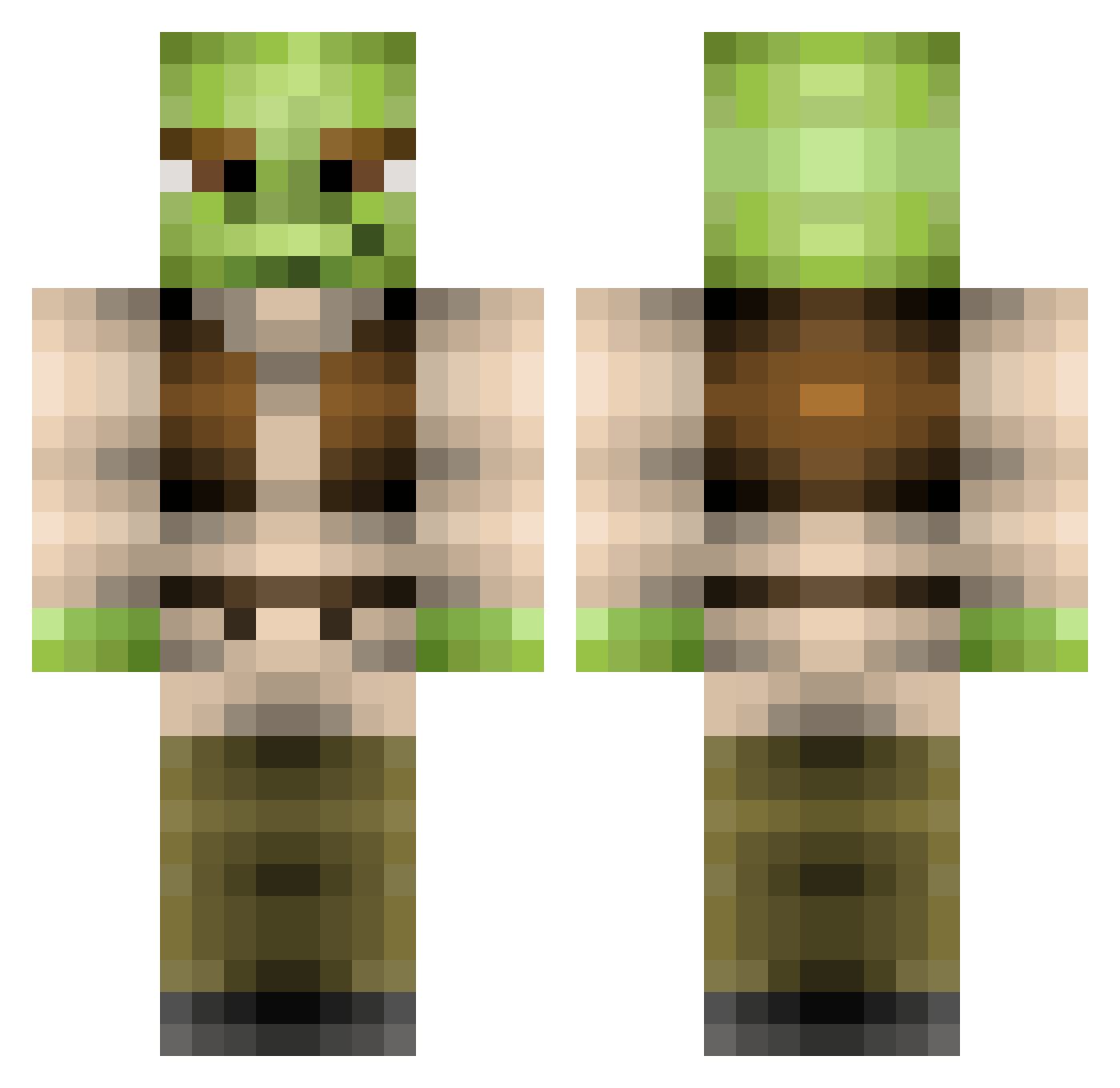
Current Minecraft skin of the player LordFrogQuaad, loaded from the official Mojang API. Rotate the 3D model with your mouse or finger, then download the skin as a PNG file and use it in Minecraft: Bedrock Edition or Java Edition for free. When LordFrogQuaad changes their skin, this page updates automatically and the old skin stays in the history below.
Other players with this skin (215)
LordFrogQuaad was the 83rd player we have seen with this skin, first spotted on 31.08.2026. The same skin was seen on these players. Open a nickname to see their current skin and skin history.
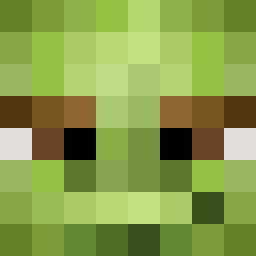 HasanShreko Fireking121 BoofRat420 FartKart Leo09pro jemollie MR_L0LL0 shrekus28 M_Pie0423 Malivann Peepiite Paperdoge Laink69 tonixx619 TheDeadlyPickle giantpatchouli Siilver1 bobmanh CrackSket2000 PinkRoseBud17 Clarabell82908 amandaanic KrisElias123 xKurtAnimeGirl69 Skulbite ProEgg easyqqq TheGusF XxMrBeasterxX UsuallyFlaccid Clarence2616 CrizEll Shuttree M3AT54CK Steadirupfi Mossypinecones Elviriaa Jujose33 Il_Mela Shreksophone01 NoNameGLHF jonaslee17 Kosare meb21 SavleR usamey Decimator_04 lilpesh LaughingRhyme345 Connorl1220 godlyace148 RaftMaster1216 Shrek_50 SkidsRUs Dillon3394 Cheasybean05 scrambled_egg69 iDrxPaged Bluesforsu Danifdp
More Yoda Minecraft skins
How to install the LordFrogQuaad skin
- Press the Download button above to save the skin as a PNG file.
- Minecraft: Bedrock Edition (PE): open the Dressing Room from the main menu (or tap your character → Edit Character), go to Classic Skins → Owned, press the + (new skin) button, choose the downloaded PNG and pick the Classic (Steve) model. Works on PC and mobile; consoles cannot import custom skins.
- Minecraft: Java Edition: open the Minecraft Launcher, go to the Skins tab, click New Skin, load the PNG, pick the Classic (Steve) model and press Save & Use. You can also upload it at minecraft.net → Profile → Change Skin.
The skin does not show up after import - what should I do?
Restart Minecraft and open the Dressing Room again - imported skins sometimes appear only after a restart. Also make sure you selected the imported skin and picked the Classic (Steve) model.
Which model should I choose, Classic or Slim?
This skin is designed for the Classic (Steve) model. If you pick the wrong model, the arms of the skin will look stretched or squeezed.
Is the skin of LordFrogQuaad free to download?
Yes. Press Download, save the PNG file and use it in Minecraft: Bedrock Edition or Java Edition - no payment or registration needed. The skin also works on multiplayer servers and Realms.
More skins
Looking for more? Go back to all Minecraft skins and check the top skins of the week, month and all time, or find any player's skin by nickname.