
Loic7512 - Minecraft Skins & Skin History
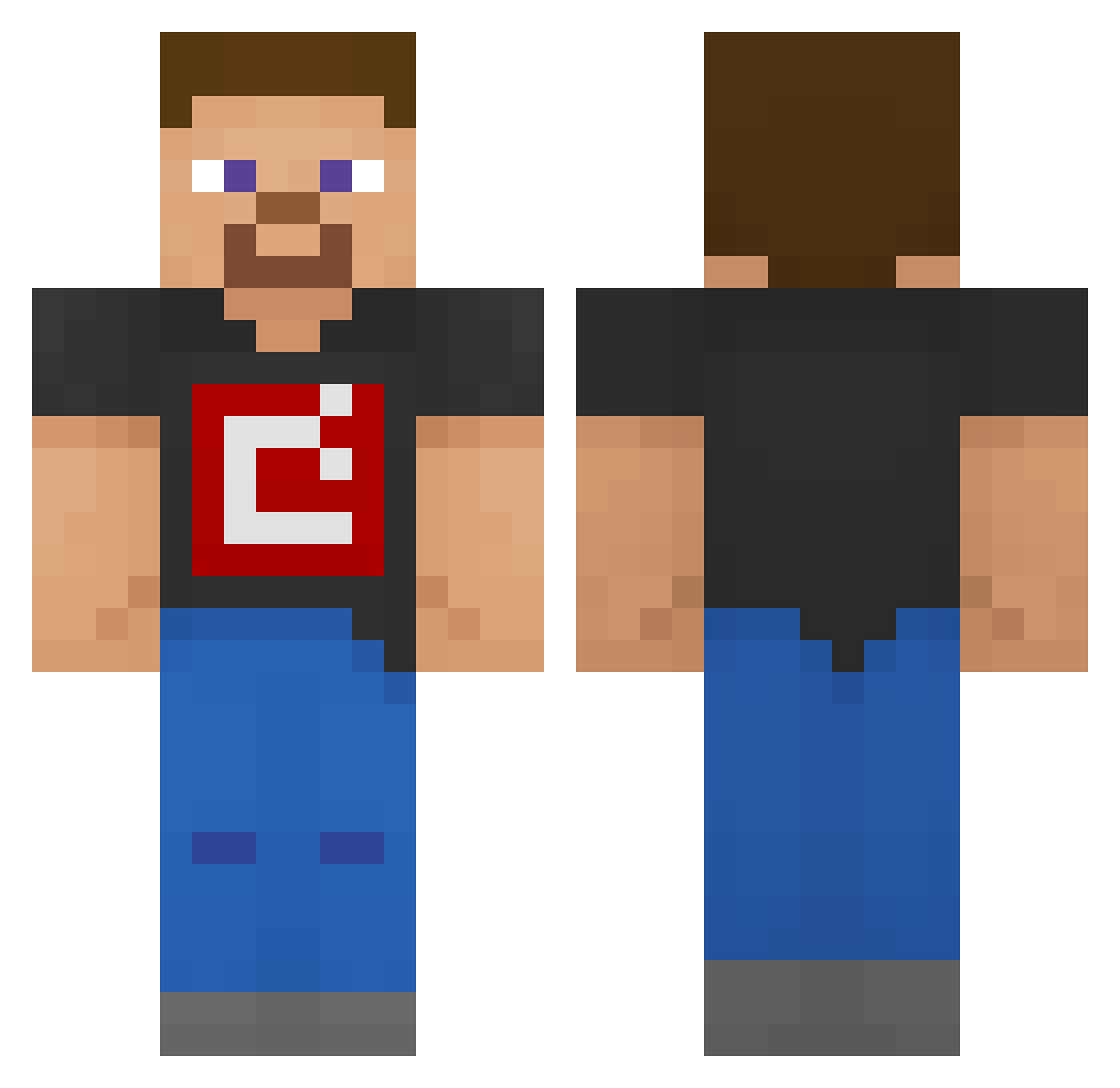
Current Minecraft skin of the player Loic7512, loaded from the official Mojang API. Rotate the 3D model with your mouse or finger, then download the skin as a PNG file and use it in Minecraft: Bedrock Edition or Java Edition for free. When Loic7512 changes their skin, this page updates automatically and the old skin stays in the history below.
Other players with this skin (166)
Loic7512 was the 6th player we have seen with this skin, first spotted on 28.07.2026. The same skin was seen on these players. Open a nickname to see their current skin and skin history.
 Nirzkill
 friesdirt Un_Mute_ Manyacus Sole1201 Mistery_1756 Marco_Devs steveminer6000 CatJamz2020 BrandMMVI SooperCooper007 prokle SidoGew milky_boii derekamare plainspup1 louben119 ROUGHNECKDEVIL trash_b0at Bozy999 FireBird333555 klestepher MrPioglaau Help434343 BasedCart Little_ninja Alda_0601 RightToRepair haidarx CrazyPsychoLost SamLikeMinecraft Mepplton_1342 DiamondDerp774 cooldog8070 ElvisGan2349 TPS20 Golden_Manzen Sindre2019 ImTrap2 Tobiytytyt Dang909VN alesnik YourLocalQwerty drop_all_tables BRAG_the_pro Eli184 shayansoheilian Derpboi0408 DaNiklas stephan_i NotUrMother02 Ddl_Res3nhudo Bradders1999 SlowedJester151 DrMeme43 bananaman11111 elcejasfaster PistonFace08 epickcin SupYall_01
How to install the Loic7512 skin
- Press the Download button above to save the skin as a PNG file.
- Minecraft: Bedrock Edition (PE): open the Dressing Room from the main menu (or tap your character → Edit Character), go to Classic Skins → Owned, press the + (new skin) button, choose the downloaded PNG and pick the Classic (Steve) model. Works on PC and mobile; consoles cannot import custom skins.
- Minecraft: Java Edition: open the Minecraft Launcher, go to the Skins tab, click New Skin, load the PNG, pick the Classic (Steve) model and press Save & Use. You can also upload it at minecraft.net → Profile → Change Skin.
The skin does not show up after import - what should I do?
Restart Minecraft and open the Dressing Room again - imported skins sometimes appear only after a restart. Also make sure you selected the imported skin and picked the Classic (Steve) model.
Which model should I choose, Classic or Slim?
This skin is designed for the Classic (Steve) model. If you pick the wrong model, the arms of the skin will look stretched or squeezed.
Is the skin of Loic7512 free to download?
Yes. Press Download, save the PNG file and use it in Minecraft: Bedrock Edition or Java Edition - no payment or registration needed. The skin also works on multiplayer servers and Realms.
More skins
Looking for more? Go back to all Minecraft skins and check the top skins of the week, month and all time, or find any player's skin by nickname.