
LoLiLLo1 - Minecraft Skins & Skin History
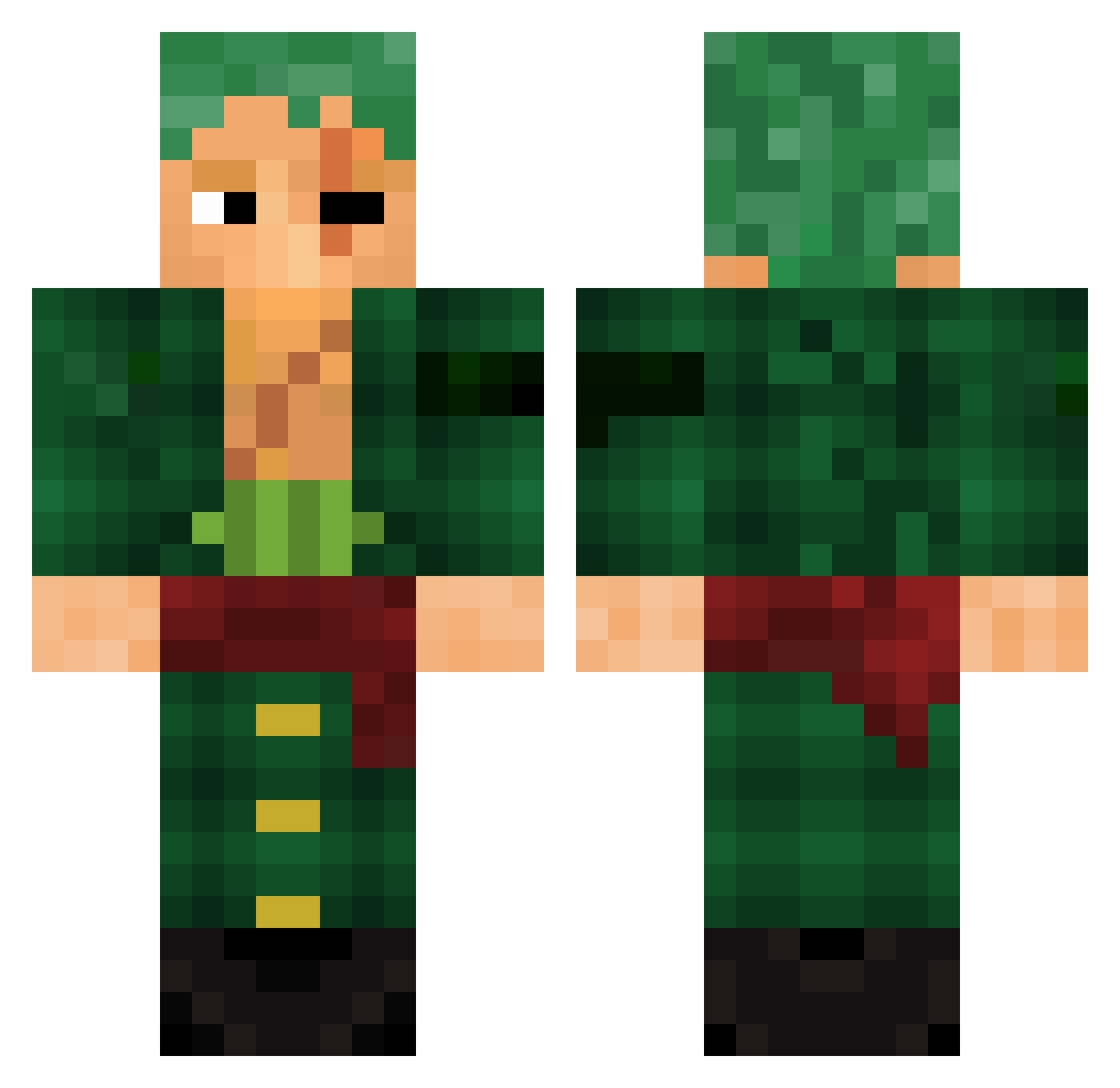
Current Minecraft skin of the player LoLiLLo1, loaded from the official Mojang API. Rotate the 3D model with your mouse or finger, then download the skin as a PNG file and use it in Minecraft: Bedrock Edition or Java Edition for free. When LoLiLLo1 changes their skin, this page updates automatically and the old skin stays in the history below.
Other players with this skin (782)
LoLiLLo1 was the 641st player we have seen with this skin, first spotted on 08.10.2026. The same skin was seen on these players. Open a nickname to see their current skin and skin history.
 kebinlolzz Thor145 BTxTanishOP Two_Oh nanou2012 donzellito MATTYPP123 sawoa buznap Mibest spudbud89 Nintenyo dxven02 Babunda1758 CalebsRightNut Lukeslone OLIV3IR4_ R0IB0B zoro_d_ff Jessez50 GERMAN6789 A0kiji GamePlays96 Barnett9393 lololeczz Ahmadfl sygwoy hollary4 PayToGambleRobot Gubp1 gojeronoob WINTER_S0LDIER EngineLobo Portulien MonkeyD_Reece Last_Blood98 LilSurv RaBBi_4EveR pocoyo2k _CaptainEnergy smittydeuS Mistah__7 speve1234 DoutorKuuq Alihan_2244 Crazy_Gui_Macedo jittiry Andurial montasoraus Jamsontoast Flufdawg Xahmos aditya_ra Poicarya shinpoko01 PSK_Katsuki Maxer_23 novatheVERmin ItzMegh Xegistu
More Roronoa Zoro Minecraft skins
See all 291 Roronoa Zoro skins
How to install the LoLiLLo1 skin
- Press the Download button above to save the skin as a PNG file.
- Minecraft: Bedrock Edition (PE): open the Dressing Room from the main menu (or tap your character → Edit Character), go to Classic Skins → Owned, press the + (new skin) button, choose the downloaded PNG and pick the Classic (Steve) model. Works on PC and mobile; consoles cannot import custom skins.
- Minecraft: Java Edition: open the Minecraft Launcher, go to the Skins tab, click New Skin, load the PNG, pick the Classic (Steve) model and press Save & Use. You can also upload it at minecraft.net → Profile → Change Skin.
The skin does not show up after import - what should I do?
Restart Minecraft and open the Dressing Room again - imported skins sometimes appear only after a restart. Also make sure you selected the imported skin and picked the Classic (Steve) model.
Which model should I choose, Classic or Slim?
This skin is designed for the Classic (Steve) model. If you pick the wrong model, the arms of the skin will look stretched or squeezed.
Is the skin of LoLiLLo1 free to download?
Yes. Press Download, save the PNG file and use it in Minecraft: Bedrock Edition or Java Edition - no payment or registration needed. The skin also works on multiplayer servers and Realms.
More skins
Looking for more? Go back to all Minecraft skins and check the top skins of the week, month and all time, or find any player's skin by nickname.