
LlamaMuffin1980 - Minecraft Skins & Skin History
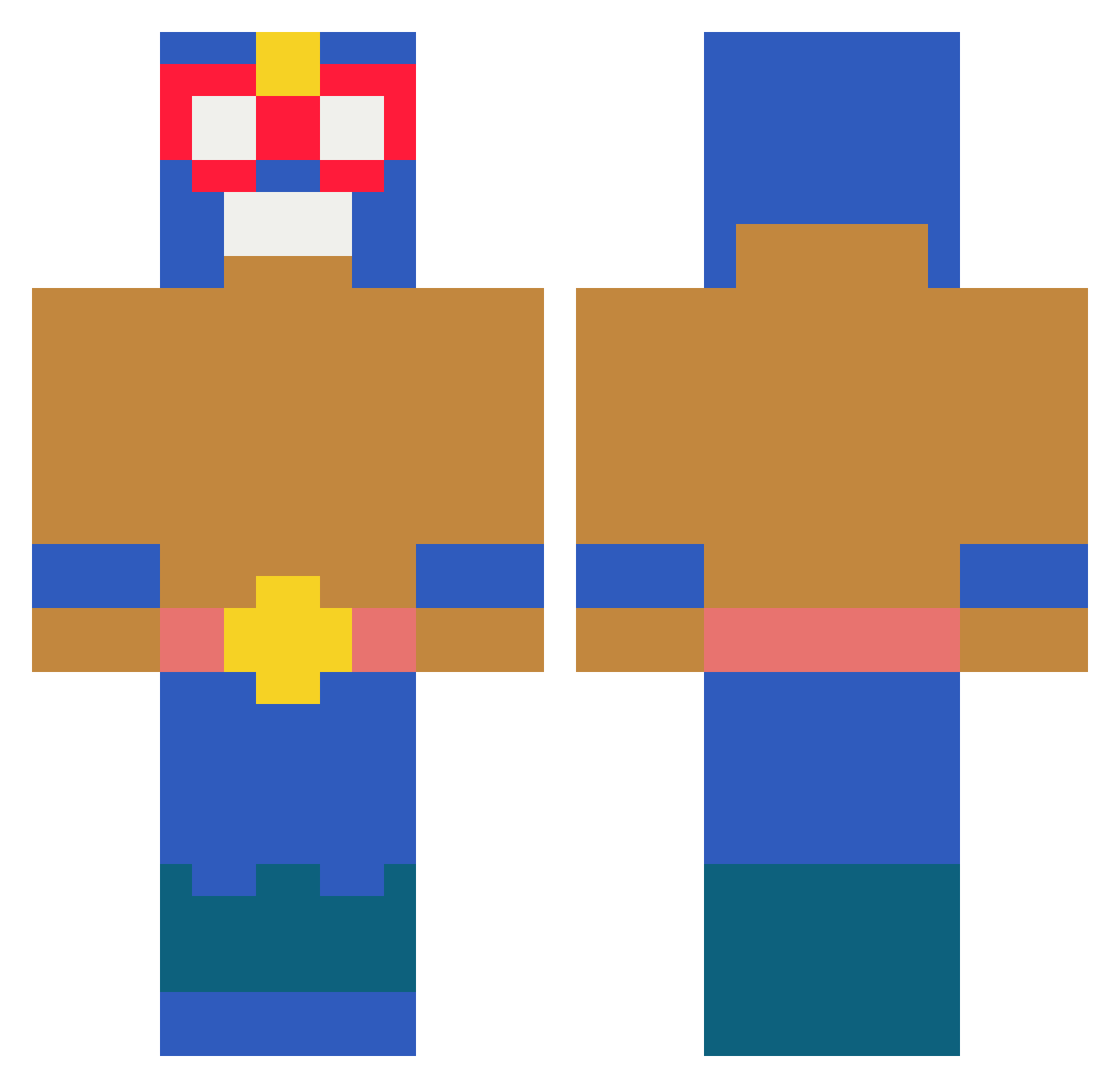
Current Minecraft skin of the player LlamaMuffin1980, loaded from the official Mojang API. Rotate the 3D model with your mouse or finger, then download the skin as a PNG file and use it in Minecraft: Bedrock Edition or Java Edition for free. When LlamaMuffin1980 changes their skin, this page updates automatically and the old skin stays in the history below.
Other players with this skin (225)
LlamaMuffin1980 was the 48th player we have seen with this skin, first spotted on 16.08.2026. The same skin was seen on these players. Open a nickname to see their current skin and skin history.
 FlyingRyan28 KHEN2041 ARCroco salchichota_3535 Kalles002 Karl9_ b2ostacos iloveboxing22222 buszmeno Nesquikmeister Pyro8428 superjular Nico011 BlowiPL Giobbos17 rshroosh DYLANW0NGUS 420Dawid Djdigo Redoroix OkayRobin625615 CrispyCrut GGIGU
 Tomilegendario24 MarcoAsensio ItzShaneXD sziro7765 dumuum Xx_Fadedpigeon47 thebiggestnerd12 HydroSunRise69 offmachi esquecimeucpf crazy30
 elkakukake IILUU_
 pelle_nel_chill SINJIHOO Duendeconoro bestfanda Mathant77 moki97 genxxx LJBT45 raffoux_1369 zSyphl3x ItzYuriq Kisscii Nettikiusaaja95 MigVR04 newtubala bebus56 26nd WyZdR0x trdxkebabe KIMETZING zuziadzb MarlonShop d_aniel564 Gabriel271107
More El Primo Minecraft skins
How to install the LlamaMuffin1980 skin
- Press the Download button above to save the skin as a PNG file.
- Minecraft: Bedrock Edition (PE): open the Dressing Room from the main menu (or tap your character → Edit Character), go to Classic Skins → Owned, press the + (new skin) button, choose the downloaded PNG and pick the Classic (Steve) model. Works on PC and mobile; consoles cannot import custom skins.
- Minecraft: Java Edition: open the Minecraft Launcher, go to the Skins tab, click New Skin, load the PNG, pick the Classic (Steve) model and press Save & Use. You can also upload it at minecraft.net → Profile → Change Skin.
The skin does not show up after import - what should I do?
Restart Minecraft and open the Dressing Room again - imported skins sometimes appear only after a restart. Also make sure you selected the imported skin and picked the Classic (Steve) model.
Which model should I choose, Classic or Slim?
This skin is designed for the Classic (Steve) model. If you pick the wrong model, the arms of the skin will look stretched or squeezed.
Is the skin of LlamaMuffin1980 free to download?
Yes. Press Download, save the PNG file and use it in Minecraft: Bedrock Edition or Java Edition - no payment or registration needed. The skin also works on multiplayer servers and Realms.
More skins
Looking for more? Go back to all Minecraft skins and check the top skins of the week, month and all time, or find any player's skin by nickname.