
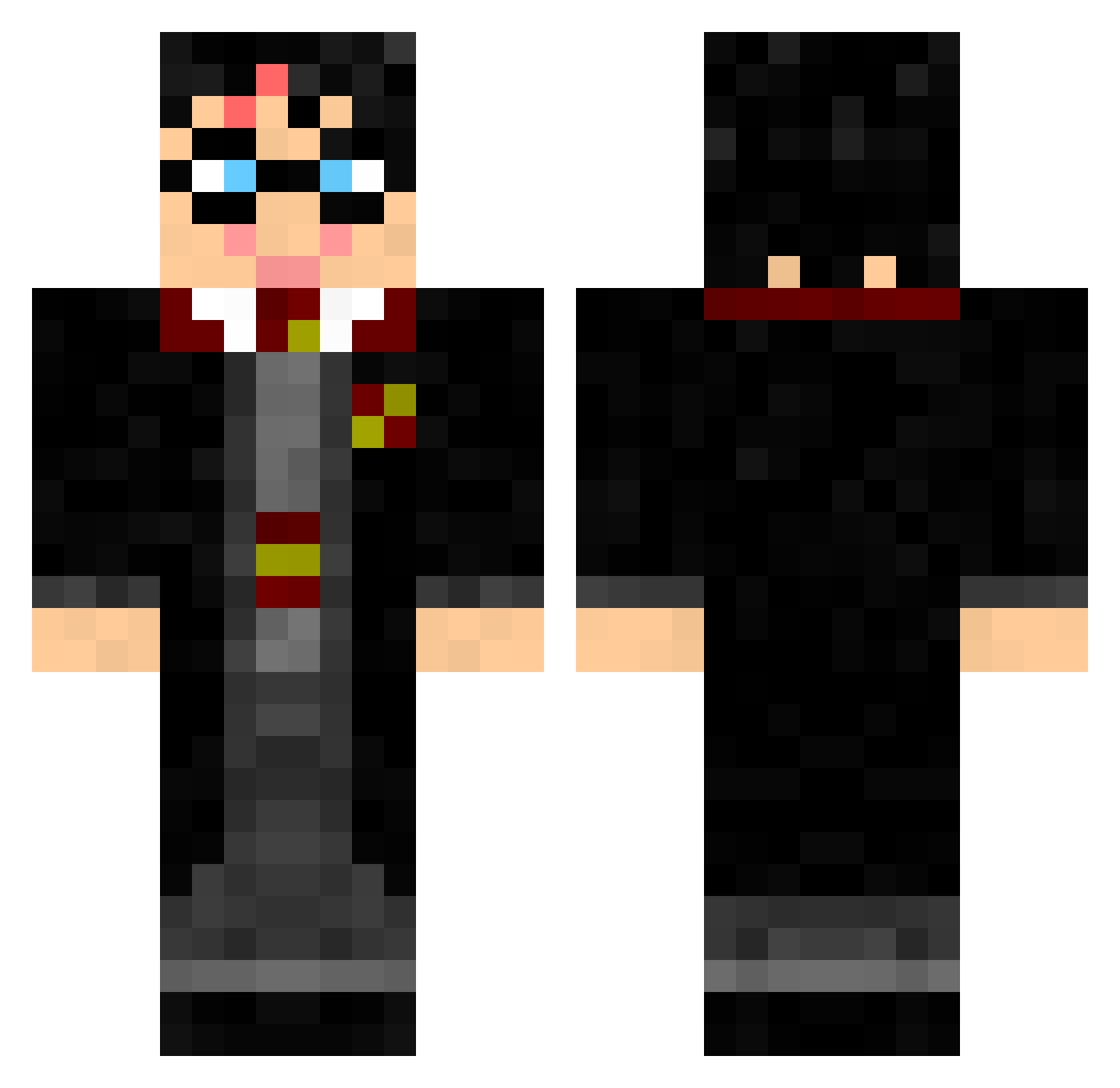
Current Minecraft skin of the player Linkaflo, loaded from the official Mojang API. Rotate the 3D model with your mouse or finger, then download the skin as a PNG file and use it in Minecraft: Bedrock Edition or Java Edition for free. When Linkaflo changes their skin, this page updates automatically and the old skin stays in the history below.
Other players with this skin (100)
Linkaflo was the 24th player we have seen with this skin, first spotted on 19.08.2026. The same skin was seen on these players. Open a nickname to see their current skin and skin history.
 RokuAlMo Makarainen leovviana alexis11114 xujieAAA Hubushomer Yanfers HarryPotter825 AsustadoPotter kirademeraude boulderdash51 Skynots Ripexii Sam1703 Detheck HelioSants J1nzhe RodBel carybubu LeonardoHC Quino_Men Lecco_ JohnWen98 Transcendency_ MyHarry Dionmidnight Mogwod Cortii_ R0manR0 lukas56_ Charlosse1 CaptNivek FrankyPlayZ Schmonkan Allandv78 0yan_an newttsc
 Slavus456 octopus808 t_v_dor SkyNex0 Catiree Smashintopieces1 Tootalookaycee tonitruantT PiggyJoeStar WadeWei Manitry Bright_ocean leuiio lArkannl Pau520 Quentnain Efem2012 xDerPutex keloggy PEPPEALMAX Chiquitico voxaza MathFLK
More Harry Potter Minecraft skins
See all 196 Harry Potter skins
How to install the Linkaflo skin
- Press the Download button above to save the skin as a PNG file.
- Minecraft: Bedrock Edition (PE): open the Dressing Room from the main menu (or tap your character → Edit Character), go to Classic Skins → Owned, press the + (new skin) button, choose the downloaded PNG and pick the Classic (Steve) model. Works on PC and mobile; consoles cannot import custom skins.
- Minecraft: Java Edition: open the Minecraft Launcher, go to the Skins tab, click New Skin, load the PNG, pick the Classic (Steve) model and press Save & Use. You can also upload it at minecraft.net → Profile → Change Skin.
The skin does not show up after import - what should I do?
Restart Minecraft and open the Dressing Room again - imported skins sometimes appear only after a restart. Also make sure you selected the imported skin and picked the Classic (Steve) model.
Which model should I choose, Classic or Slim?
This skin is designed for the Classic (Steve) model. If you pick the wrong model, the arms of the skin will look stretched or squeezed.
Is the skin of Linkaflo free to download?
Yes. Press Download, save the PNG file and use it in Minecraft: Bedrock Edition or Java Edition - no payment or registration needed. The skin also works on multiplayer servers and Realms.
More skins
Looking for more? Go back to all Minecraft skins and check the top skins of the week, month and all time, or find any player's skin by nickname.