
Laroux_10 - Minecraft Skins & Skin History
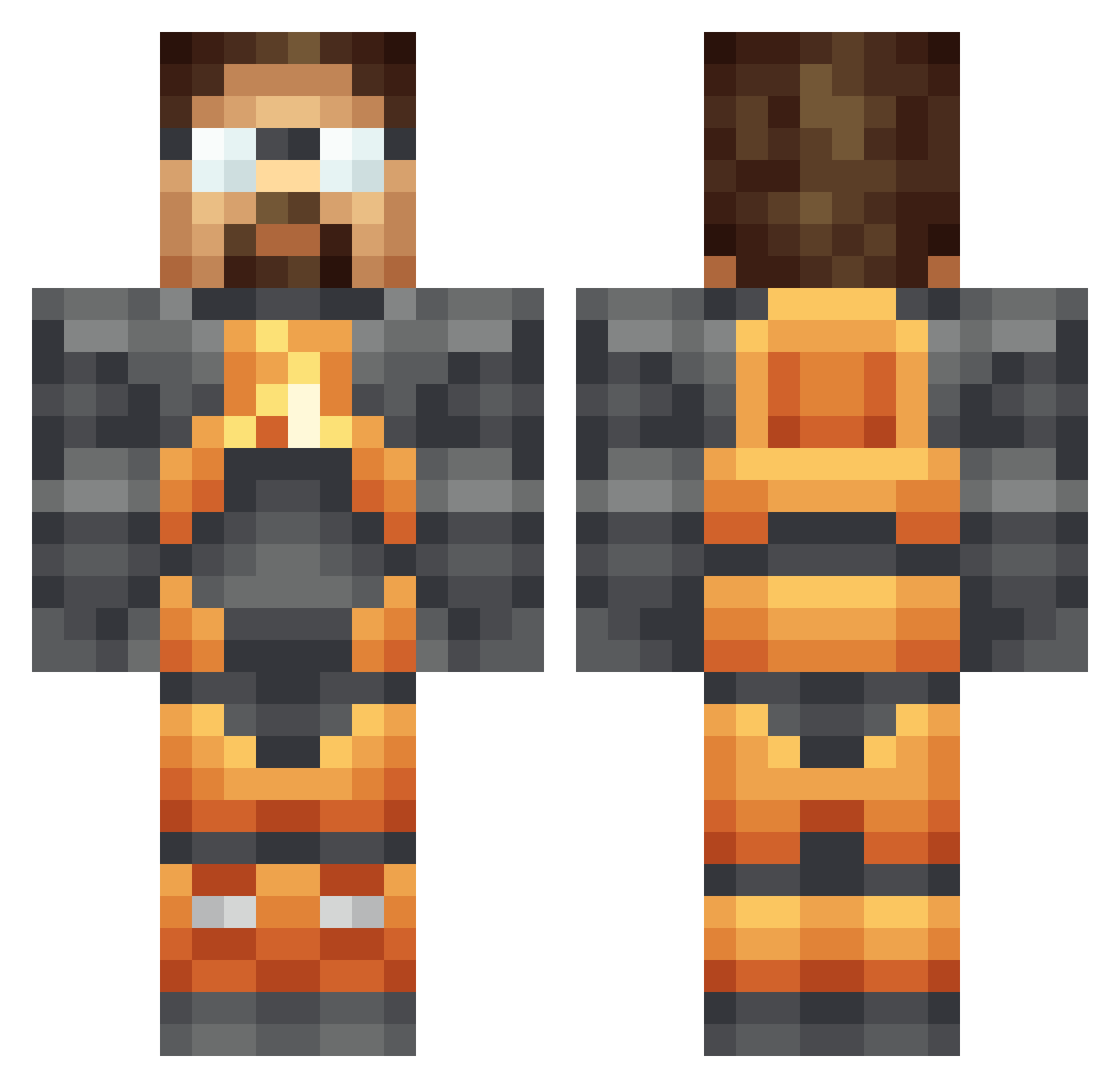
Current Minecraft skin of the player Laroux_10, loaded from the official Mojang API. Rotate the 3D model with your mouse or finger, then download the skin as a PNG file and use it in Minecraft: Bedrock Edition or Java Edition for free. When Laroux_10 changes their skin, this page updates automatically and the old skin stays in the history below.
Other players with this skin (382)
Laroux_10 was the 349th player we have seen with this skin, first spotted on 02.11.2026. The same skin was seen on these players. Open a nickname to see their current skin and skin history.
 QJX zulgart RektZoN Mattyp33 HonorFreeman ZeeepTV LFBD_ eatablecookie bagumbadave Doitforthelulz_ Exodusizi Jeremy_47 Midnight_cmdr JadonRRMartin dragonAstur SchnakeEyes Syntheticx luko_24 Fabinhio31 Mackabie mrcoffeeswag sicostello Khazho JasperSamson TheFriendlyBro bacondeity ballonzeus angryheadcrab Viper_Euphoria OakenMan BlackLight54 simspid DCTyphoon Nitebytes Estogie12 SmokeyNuts jonti_ Seplow Nemiskay o_Bambi_o Sraosha severian988 Michael_80m RS_Guy Dronite Firulete prplecake xF_Snow SVGLNR rival0 RoscoD Twishber Twin_Renegadez xbeinerxweinerx xmallysaurusx shadow80 CBDRock kulski666 TheDrunkenLlama C_stat
More Gordon Freeman Minecraft skins
See all 365 Gordon Freeman skins
How to install the Laroux_10 skin
- Press the Download button above to save the skin as a PNG file.
- Minecraft: Bedrock Edition (PE): open the Dressing Room from the main menu (or tap your character → Edit Character), go to Classic Skins → Owned, press the + (new skin) button, choose the downloaded PNG and pick the Classic (Steve) model. Works on PC and mobile; consoles cannot import custom skins.
- Minecraft: Java Edition: open the Minecraft Launcher, go to the Skins tab, click New Skin, load the PNG, pick the Classic (Steve) model and press Save & Use. You can also upload it at minecraft.net → Profile → Change Skin.
The skin does not show up after import - what should I do?
Restart Minecraft and open the Dressing Room again - imported skins sometimes appear only after a restart. Also make sure you selected the imported skin and picked the Classic (Steve) model.
Which model should I choose, Classic or Slim?
This skin is designed for the Classic (Steve) model. If you pick the wrong model, the arms of the skin will look stretched or squeezed.
Is the skin of Laroux_10 free to download?
Yes. Press Download, save the PNG file and use it in Minecraft: Bedrock Edition or Java Edition - no payment or registration needed. The skin also works on multiplayer servers and Realms.
More skins
Looking for more? Go back to all Minecraft skins and check the top skins of the week, month and all time, or find any player's skin by nickname.