
LMKCW15 - Minecraft Skins & Skin History
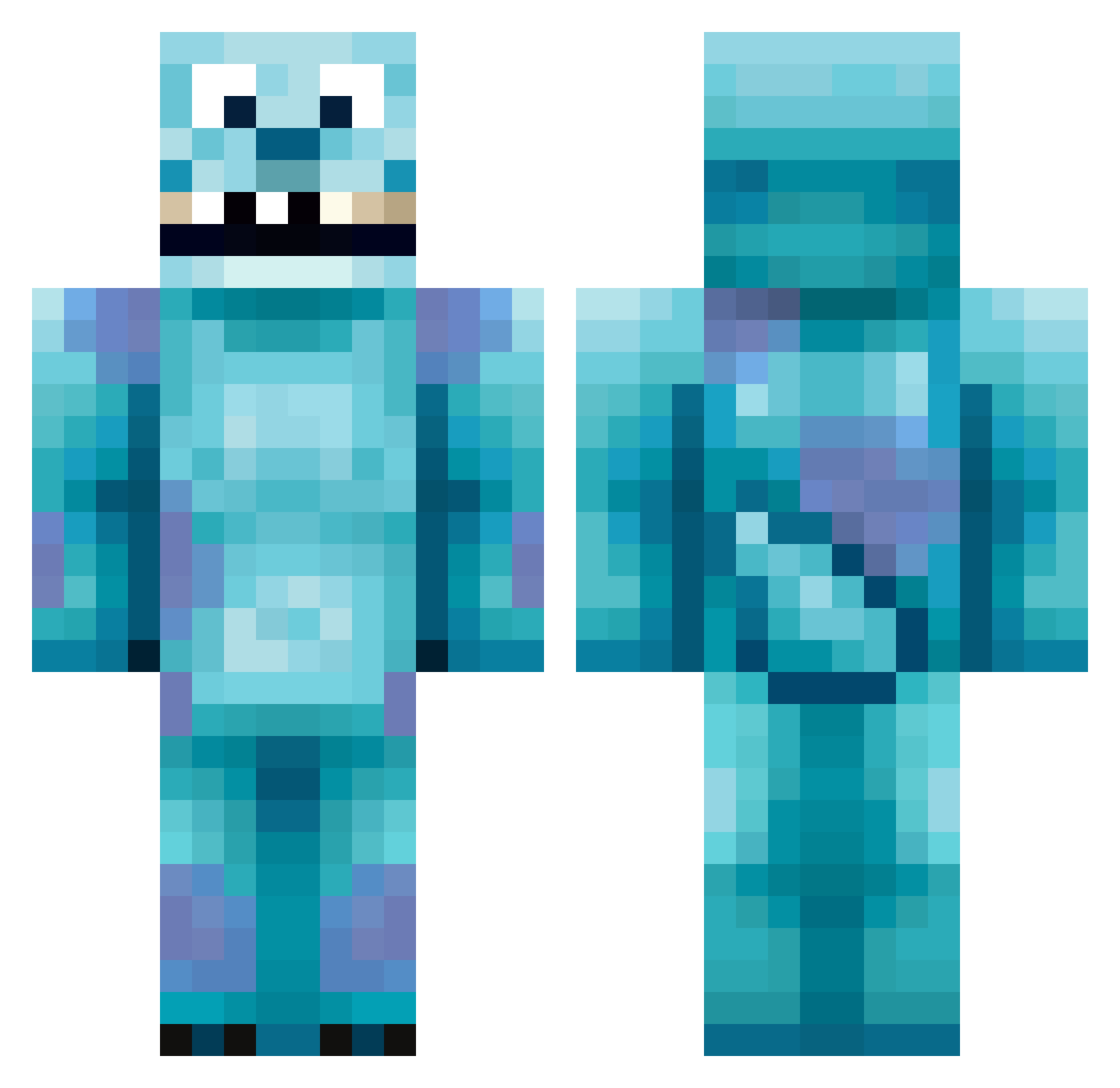
Current Minecraft skin of the player LMKCW15, loaded from the official Mojang API. Rotate the 3D model with your mouse or finger, then download the skin as a PNG file and use it in Minecraft: Bedrock Edition or Java Edition for free. When LMKCW15 changes their skin, this page updates automatically and the old skin stays in the history below.
Other players with this skin (417)
LMKCW15 was the 362nd player we have seen with this skin, first spotted on 22.10.2026. The same skin was seen on these players. Open a nickname to see their current skin and skin history.
 scorpio1120 Teyjo NBK SullyWeb33 butterflies124 romanbert77 Pand0chkaa zachparker1020 yanguzy ninjaxr8 Oaki1 Pakman46 Catlover595 GoldenColombian killermonkeyz22 pschind248 ZacMan112 9oose yeomhr Siropinha NateYHU Deigo Armywife1989 butterbread2000 KMURR_24 EmilieGN buddyboy99 Farfromthelight Olifant666 xinnesx bardown96 kingloud Cuntos_ TKD_Tigers m8flash Fitchdog Zepso RebelPride1863 Master_Shidow Fykers yogsforlife Victacas StorkLegss Gymnastgurl3 DatBlackDude Curry0304 MrFiggus tvg2001 Cutie_Chickpea Jossil00 fin2534 Bibotz EpicMarine1 jimm4653 Shuffleh Kolombiandude La_Croix_11 Deadkill1224 nefia25 FuzzyLeprechaun
More Sulley Minecraft skins
How to install the LMKCW15 skin
- Press the Download button above to save the skin as a PNG file.
- Minecraft: Bedrock Edition (PE): open the Dressing Room from the main menu (or tap your character → Edit Character), go to Classic Skins → Owned, press the + (new skin) button, choose the downloaded PNG and pick the Classic (Steve) model. Works on PC and mobile; consoles cannot import custom skins.
- Minecraft: Java Edition: open the Minecraft Launcher, go to the Skins tab, click New Skin, load the PNG, pick the Classic (Steve) model and press Save & Use. You can also upload it at minecraft.net → Profile → Change Skin.
The skin does not show up after import - what should I do?
Restart Minecraft and open the Dressing Room again - imported skins sometimes appear only after a restart. Also make sure you selected the imported skin and picked the Classic (Steve) model.
Which model should I choose, Classic or Slim?
This skin is designed for the Classic (Steve) model. If you pick the wrong model, the arms of the skin will look stretched or squeezed.
Is the skin of LMKCW15 free to download?
Yes. Press Download, save the PNG file and use it in Minecraft: Bedrock Edition or Java Edition - no payment or registration needed. The skin also works on multiplayer servers and Realms.
More skins
Looking for more? Go back to all Minecraft skins and check the top skins of the week, month and all time, or find any player's skin by nickname.