
LGsGod - Minecraft Skins & Skin History
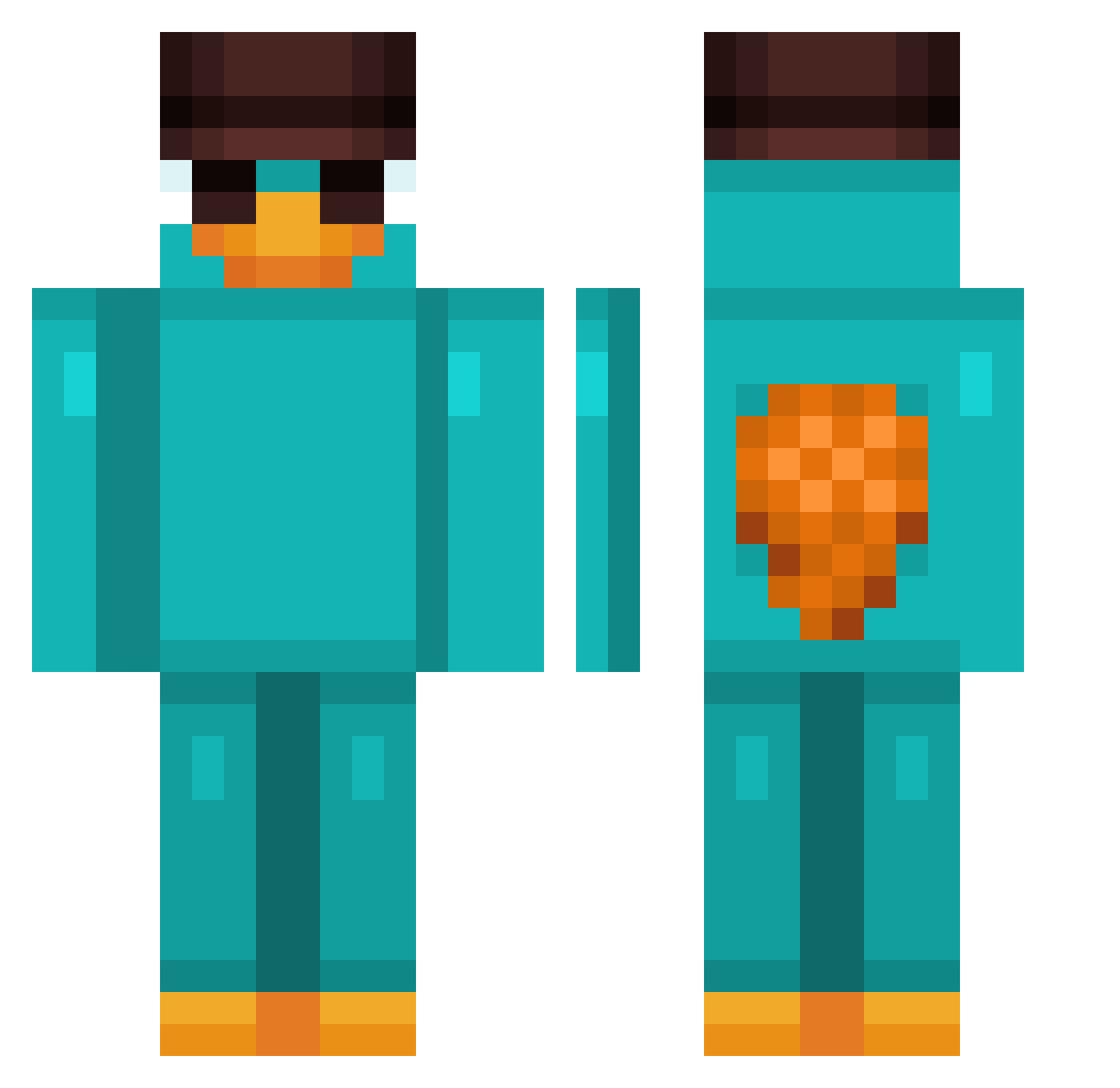
Current Minecraft skin of the player LGsGod, loaded from the official Mojang API. Rotate the 3D model with your mouse or finger, then download the skin as a PNG file and use it in Minecraft: Bedrock Edition or Java Edition for free. When LGsGod changes their skin, this page updates automatically and the old skin stays in the history below.
Other players with this skin (806)
LGsGod was the 35th player we have seen with this skin, first spotted on 27.07.2026. The same skin was seen on these players. Open a nickname to see their current skin and skin history.
 Gummypenguin TH3_Pr3sjaX HarriH00 Theuzss_ Nasucon Brus_Tim sumsi204 YiLongMa69 drivejunior Harbinger2183 Eisszeit CrouchyJr02 Pradoxzz Atrain8925 Baboblei VICENTETOTOSO PlasmaBolt22 greenbean_8 Scrat_xit Kevinn127 escenevance mogli1942 aviv132 PhCoutinho kubapet14 Im_Marwan Kinder_BeN0 Possetn03 FoxStun1337 tyinx squidcoc Henny2106 criixx20 Diddy187 yDrakx DanniSSJ_ elvenconan Adamix1234 Yonny1 Gangsterboyk
 azario_ arkanoiidd
 dmmeurfeet FEINERTOURIST457 _0b1t0_ Tobiii999 Black_Titan137 JaredK07 Keepers21 _Marv1n KrispyLE4FY wDeadly VioletSand345678 Crazy_Monkey999 juliaoc EnzoTachini roooooooom umar75577 ojojoj21 AAREAA
More Platypus Minecraft skins
How to install the LGsGod skin
- Press the Download button above to save the skin as a PNG file.
- Minecraft: Bedrock Edition (PE): open the Dressing Room from the main menu (or tap your character → Edit Character), go to Classic Skins → Owned, press the + (new skin) button, choose the downloaded PNG and pick the Classic (Steve) model. Works on PC and mobile; consoles cannot import custom skins.
- Minecraft: Java Edition: open the Minecraft Launcher, go to the Skins tab, click New Skin, load the PNG, pick the Classic (Steve) model and press Save & Use. You can also upload it at minecraft.net → Profile → Change Skin.
The skin does not show up after import - what should I do?
Restart Minecraft and open the Dressing Room again - imported skins sometimes appear only after a restart. Also make sure you selected the imported skin and picked the Classic (Steve) model.
Which model should I choose, Classic or Slim?
This skin is designed for the Classic (Steve) model. If you pick the wrong model, the arms of the skin will look stretched or squeezed.
Is the skin of LGsGod free to download?
Yes. Press Download, save the PNG file and use it in Minecraft: Bedrock Edition or Java Edition - no payment or registration needed. The skin also works on multiplayer servers and Realms.
More skins
Looking for more? Go back to all Minecraft skins and check the top skins of the week, month and all time, or find any player's skin by nickname.