
L1ghtn1ngB0ltz - Minecraft Skins & Skin History
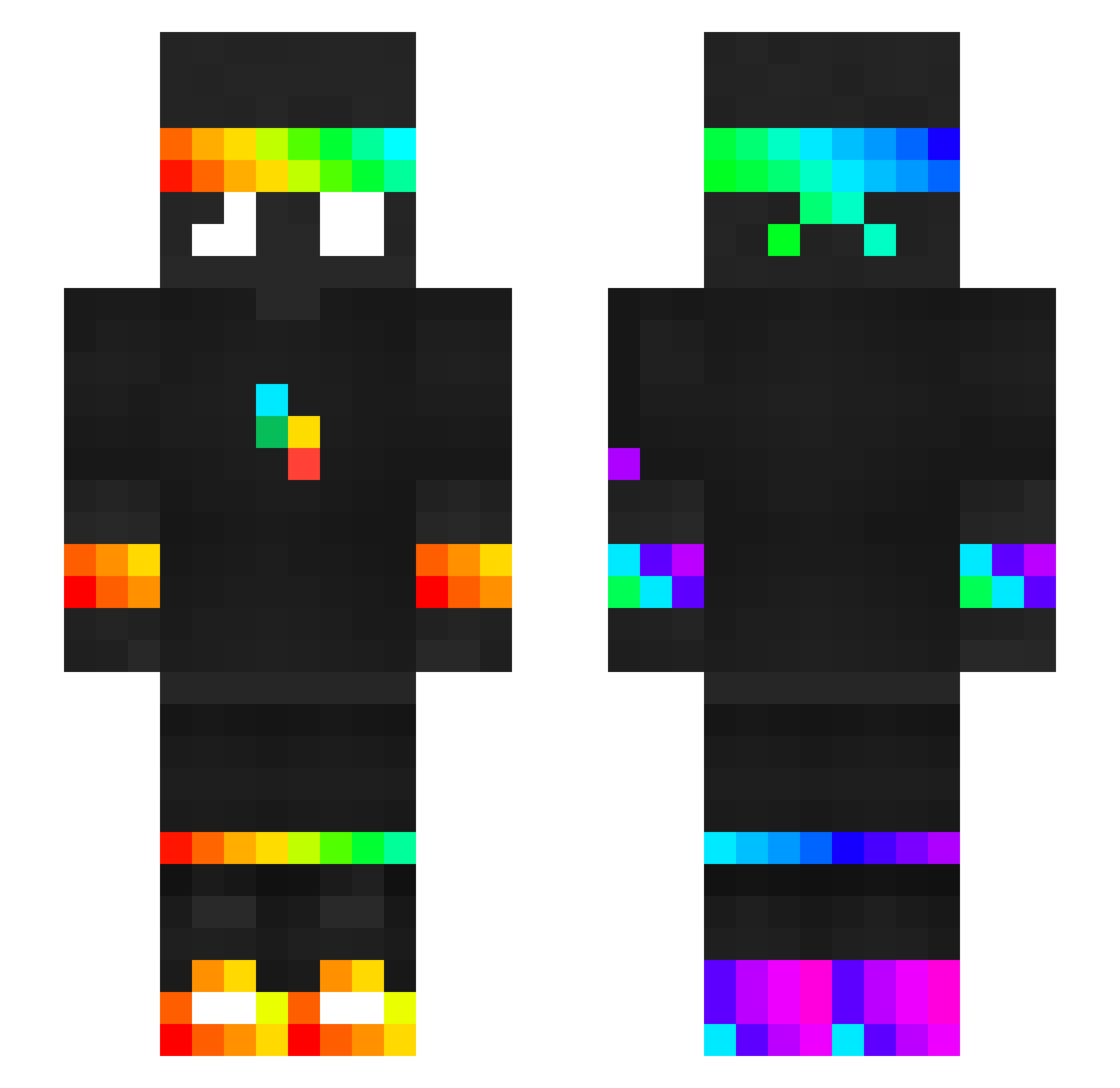
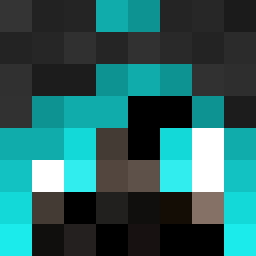
Current Minecraft skin of the player L1ghtn1ngB0ltz, loaded from the official Mojang API. Rotate the 3D model with your mouse or finger, then download the skin as a PNG file and use it in Minecraft: Bedrock Edition or Java Edition for free. When L1ghtn1ngB0ltz changes their skin, this page updates automatically and the old skin stays in the history below.
Other players with this skin (398)
L1ghtn1ngB0ltz was the 109th player we have seen with this skin, first spotted on 24.08.2026. The same skin was seen on these players. Open a nickname to see their current skin and skin history.
 BrevekyDarth
 Stefi_vL hyfimlqp1
 Shlimbis sebastubel
 yaso_m ESPCMopey28 Nogametag Unknow_Official tntpro6346 Redlead1 ElgeronimoYT bonczur123 Soup5431
 Nightcluster
 GorillaBoy0110 Schneckstein yuvali2008
 Xwhite_11
 DeJoy15 Troller7676 noob12344303 Saniru123
 spokenpick
 al5x_ fontiano spokeiSShere1 AlexZug2014 Kas_ame89 Shado978 Xaliun3 schmorr Admiralblokk
 Echo1300 lo9l9
 jonat07 DemonKite_ jajkacper_
 Fallen6363
 ELI_2024 RCplanes 152524leon maybegd Luli455yt fresh5699 EXD_Colify
 BMVC2323 Adamoskyy beebisnoop jojolo171 SuperNebu sinisa2016 Skater3289 THEGOAT3218 _TroseNelo61_ Godsasher131 DOOGSTER
 Jack_C16 spoke_wasnt_here judaishere
More RGB Minecraft skins
How to install the L1ghtn1ngB0ltz skin
- Press the Download button above to save the skin as a PNG file.
- Minecraft: Bedrock Edition (PE): open the Dressing Room from the main menu (or tap your character → Edit Character), go to Classic Skins → Owned, press the + (new skin) button, choose the downloaded PNG and pick the Slim (Alex) model. Works on PC and mobile; consoles cannot import custom skins.
- Minecraft: Java Edition: open the Minecraft Launcher, go to the Skins tab, click New Skin, load the PNG, pick the Slim (Alex) model and press Save & Use. You can also upload it at minecraft.net → Profile → Change Skin.
The skin does not show up after import - what should I do?
Restart Minecraft and open the Dressing Room again - imported skins sometimes appear only after a restart. Also make sure you selected the imported skin and picked the Slim (Alex) model.
Which model should I choose, Classic or Slim?
This skin is designed for the Slim (Alex) model. If you pick the wrong model, the arms of the skin will look stretched or squeezed.
Is the skin of L1ghtn1ngB0ltz free to download?
Yes. Press Download, save the PNG file and use it in Minecraft: Bedrock Edition or Java Edition - no payment or registration needed. The skin also works on multiplayer servers and Realms.
More skins
Looking for more? Go back to all Minecraft skins and check the top skins of the week, month and all time, or find any player's skin by nickname.