
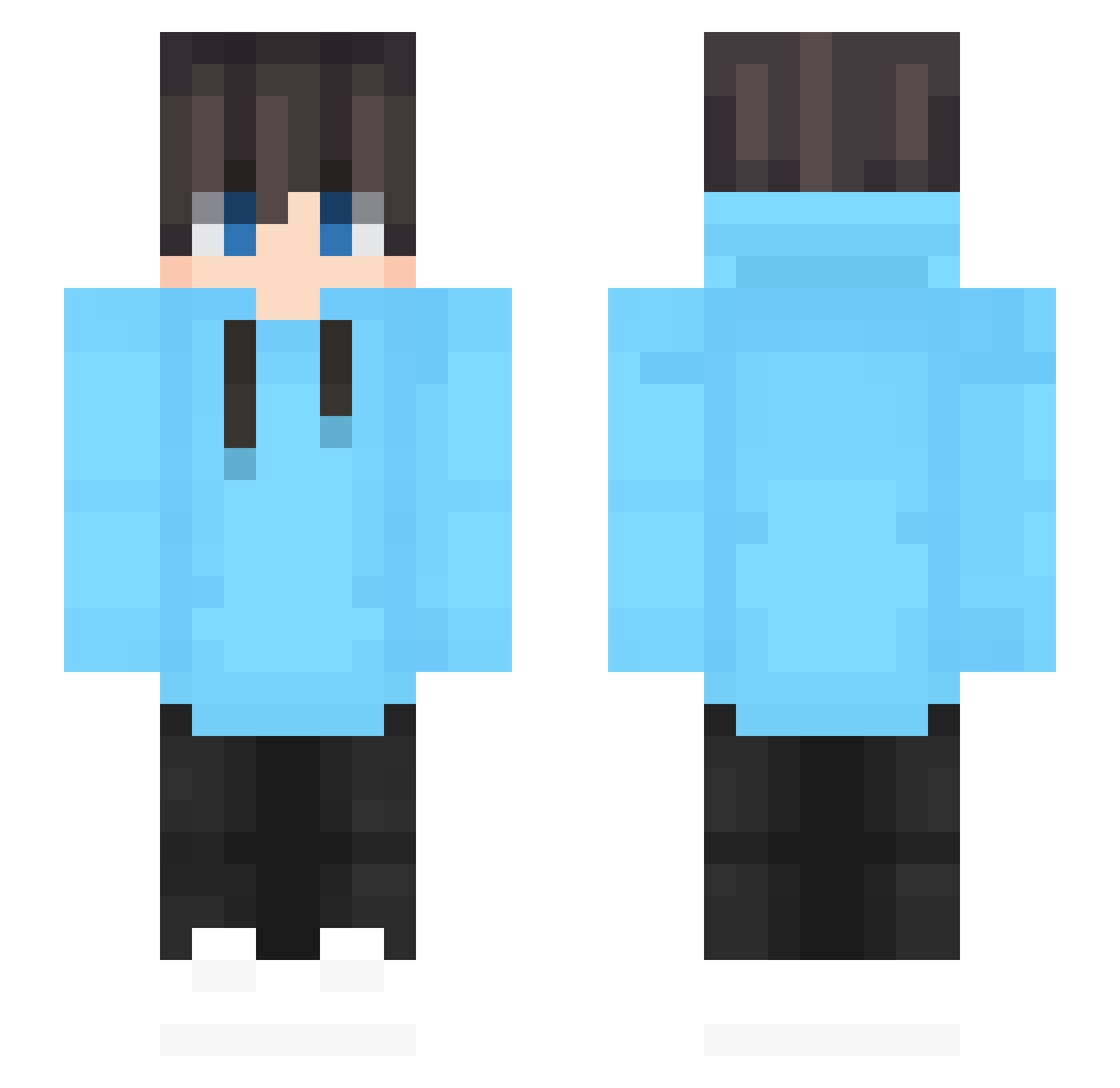
Current Minecraft skin of the player Kyleyyyu, loaded from the official Mojang API. Rotate the 3D model with your mouse or finger, then download the skin as a PNG file and use it in Minecraft: Bedrock Edition or Java Edition for free. When Kyleyyyu changes their skin, this page updates automatically and the old skin stays in the history below.
Other players with this skin (479)
Kyleyyyu was the 278th player we have seen with this skin, first spotted on 18.09.2026. The same skin was seen on these players. Open a nickname to see their current skin and skin history.
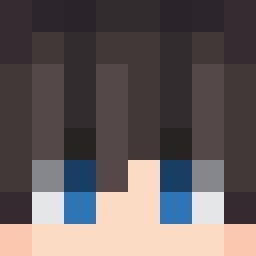 Loster_Benno CaptainPeach608 sourcecds Majkel21_ nik_101 bogdanDGR twennytwen umDilusional mrPixBro DiluteWolf22847 BurntMatch01 Ausidd DRAEM527 yixiang_715 Delbreil106 jukentaro PL_morning Creeper27980 LINZILIAN yonghan123 Jesses_Stuff Papaya0w0 Chenzy66 donyes_d Boneless_lemon baek317 cookel Kekskruemel004 mangekyou0 ninjapower0102 FR221 I_like_UHC ayacat0 MexBlue SixthRainCloud Flashey5 ZinXerLax bissvv SuMuFaker BLUELY9464 XxStatusxX frostiiiiiiiii Camara155 kerwen6666 Abartik xybloom Sinzaemon38 peemsarun Geoffrey072 myDYD snow0 Mindeulle Librasnake devil_Quokka RaffaGame MINHO0113479 Drose4758 MistaFury IceOasis Poin0910
How to install the Kyleyyyu skin
- Press the Download button above to save the skin as a PNG file.
- Minecraft: Bedrock Edition (PE): open the Dressing Room from the main menu (or tap your character → Edit Character), go to Classic Skins → Owned, press the + (new skin) button, choose the downloaded PNG and pick the Slim (Alex) model. Works on PC and mobile; consoles cannot import custom skins.
- Minecraft: Java Edition: open the Minecraft Launcher, go to the Skins tab, click New Skin, load the PNG, pick the Slim (Alex) model and press Save & Use. You can also upload it at minecraft.net → Profile → Change Skin.
The skin does not show up after import - what should I do?
Restart Minecraft and open the Dressing Room again - imported skins sometimes appear only after a restart. Also make sure you selected the imported skin and picked the Slim (Alex) model.
Which model should I choose, Classic or Slim?
This skin is designed for the Slim (Alex) model. If you pick the wrong model, the arms of the skin will look stretched or squeezed.
Is the skin of Kyleyyyu free to download?
Yes. Press Download, save the PNG file and use it in Minecraft: Bedrock Edition or Java Edition - no payment or registration needed. The skin also works on multiplayer servers and Realms.
More skins
Looking for more? Go back to all Minecraft skins and check the top skins of the week, month and all time, or find any player's skin by nickname.