
KyenoVR2011 - Minecraft Skins & Skin History
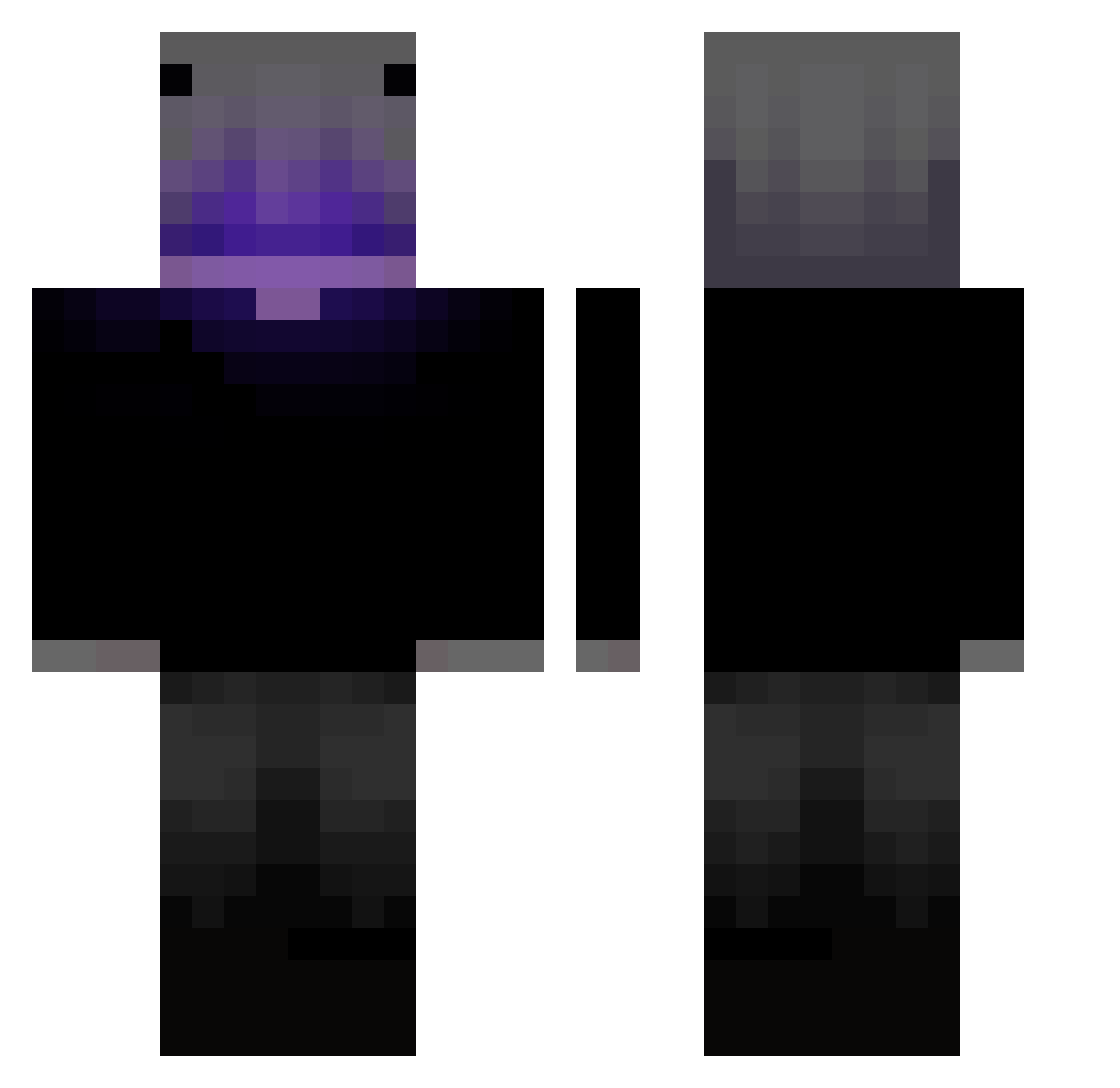
Current Minecraft skin of the player KyenoVR2011, loaded from the official Mojang API. Rotate the 3D model with your mouse or finger, then download the skin as a PNG file and use it in Minecraft: Bedrock Edition or Java Edition for free. When KyenoVR2011 changes their skin, this page updates automatically and the old skin stays in the history below.
Other players with this skin (347)
KyenoVR2011 was the 112th player we have seen with this skin, first spotted on 18.08.2026. The same skin was seen on these players. Open a nickname to see their current skin and skin history.
 Lucio201 Doc_posa BensonLin12 miyano_1027
 KaburaKBR RupsOdoz RuJynX
 Kyl3st DLS_O loris42 Jasiek123456 JvFTV Dego226
 elpepito4321 AlexCarreras EsPanish_W ScorchedSierra Rishu1265 Max20081007 JuanSala369 akuMAzer00 Albert_Shelby Zuzzu_nur
 XmakerGame tttttw133 vepizi
 SiZelolo
 FluxpyMVP JonKazama cheurgo ZQROOZ Madalin137 vegetta23 Unknown9353 xNyxek XBenon0707X_PL xXDrxppingBongXx vitriharker KingHeckirr
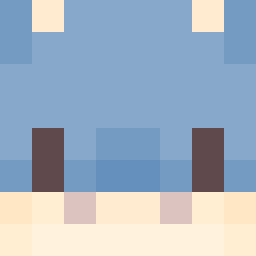 1___JIKONG___1 neo21021 PEACHpaker SaltedFish506 wayne11211 Zagre0 j2mee
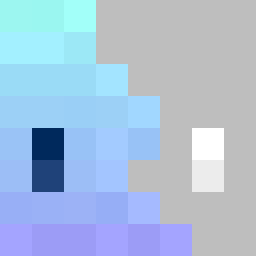 ImnotECUPERRO Mirage_666 Myzamid lovechan616 waternine elemeTr0 haunty__ guii907 luis_jharid
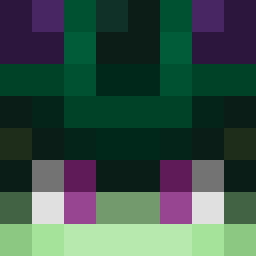 _Hir0shima KL_VGT LEGEND_Ramgee Wayne0510 Slim_Cognito1
More Parrot Minecraft skins
How to install the KyenoVR2011 skin
- Press the Download button above to save the skin as a PNG file.
- Minecraft: Bedrock Edition (PE): open the Dressing Room from the main menu (or tap your character → Edit Character), go to Classic Skins → Owned, press the + (new skin) button, choose the downloaded PNG and pick the Classic (Steve) model. Works on PC and mobile; consoles cannot import custom skins.
- Minecraft: Java Edition: open the Minecraft Launcher, go to the Skins tab, click New Skin, load the PNG, pick the Classic (Steve) model and press Save & Use. You can also upload it at minecraft.net → Profile → Change Skin.
The skin does not show up after import - what should I do?
Restart Minecraft and open the Dressing Room again - imported skins sometimes appear only after a restart. Also make sure you selected the imported skin and picked the Classic (Steve) model.
Which model should I choose, Classic or Slim?
This skin is designed for the Classic (Steve) model. If you pick the wrong model, the arms of the skin will look stretched or squeezed.
Is the skin of KyenoVR2011 free to download?
Yes. Press Download, save the PNG file and use it in Minecraft: Bedrock Edition or Java Edition - no payment or registration needed. The skin also works on multiplayer servers and Realms.
More skins
Looking for more? Go back to all Minecraft skins and check the top skins of the week, month and all time, or find any player's skin by nickname.