
Kvng_Josh - Minecraft Skins & Skin History
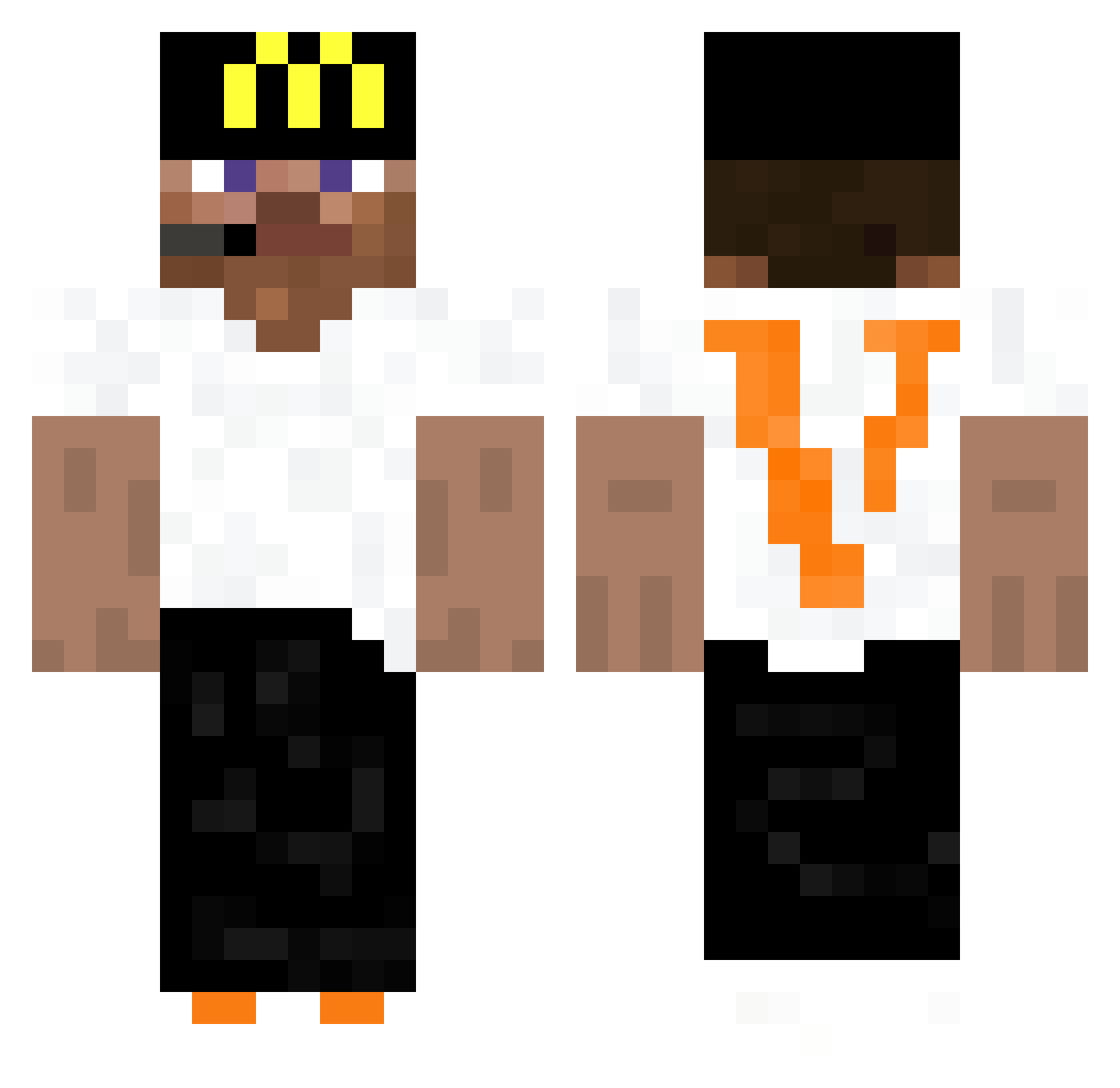
Current Minecraft skin of the player Kvng_Josh, loaded from the official Mojang API. Rotate the 3D model with your mouse or finger, then download the skin as a PNG file and use it in Minecraft: Bedrock Edition or Java Edition for free. When Kvng_Josh changes their skin, this page updates automatically and the old skin stays in the history below.
Other players with this skin (441)
Kvng_Josh was the 105th player we have seen with this skin, first spotted on 21.08.2026. The same skin was seen on these players. Open a nickname to see their current skin and skin history.
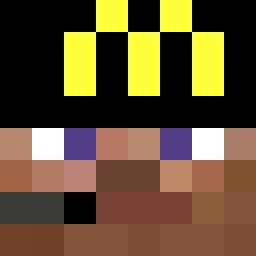 Oxyconedone Poire_d_hiver SheLoveMyArs Tupazzio11 RayManFan PR1ETO Jfrix MrEmer 4311angel ev8ke 7soon999 thegalaxy01 Chefkoch3000 metalfayce BlbecOK BigLouYT 7kfps_ ghuroo Sakuzyo_STORIA 01x0code HastyIsMyDad firstasianboy macrofighter123 GABZ3R BlackMabumba
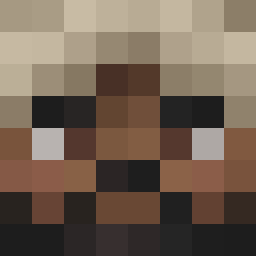 BR_0619 shadowlovesoreos felix415 ewuh Brv1TheHacker iusemeteor Epabxd17 dormindp sadhemiq godzillacon LeVincenzo ItzRei THREEPPOPS xvwr WallyBoy14 JoexD_24 luca7408 Blaze_Assault66 Ramens37 DIFOLIN KritinRai gsdu CuenX26 NFLYoungboy BanzeeMoon iLabyxh Patopelon godzilllaa zRaW_PvP LaTondeuseRL500 eggslol lusehuzuni mellcdes Berlin0x _unstable
More Headset Minecraft skins
How to install the Kvng_Josh skin
- Press the Download button above to save the skin as a PNG file.
- Minecraft: Bedrock Edition (PE): open the Dressing Room from the main menu (or tap your character → Edit Character), go to Classic Skins → Owned, press the + (new skin) button, choose the downloaded PNG and pick the Classic (Steve) model. Works on PC and mobile; consoles cannot import custom skins.
- Minecraft: Java Edition: open the Minecraft Launcher, go to the Skins tab, click New Skin, load the PNG, pick the Classic (Steve) model and press Save & Use. You can also upload it at minecraft.net → Profile → Change Skin.
The skin does not show up after import - what should I do?
Restart Minecraft and open the Dressing Room again - imported skins sometimes appear only after a restart. Also make sure you selected the imported skin and picked the Classic (Steve) model.
Which model should I choose, Classic or Slim?
This skin is designed for the Classic (Steve) model. If you pick the wrong model, the arms of the skin will look stretched or squeezed.
Is the skin of Kvng_Josh free to download?
Yes. Press Download, save the PNG file and use it in Minecraft: Bedrock Edition or Java Edition - no payment or registration needed. The skin also works on multiplayer servers and Realms.
More skins
Looking for more? Go back to all Minecraft skins and check the top skins of the week, month and all time, or find any player's skin by nickname.