
Kppk0919 - Minecraft Skins & Skin History
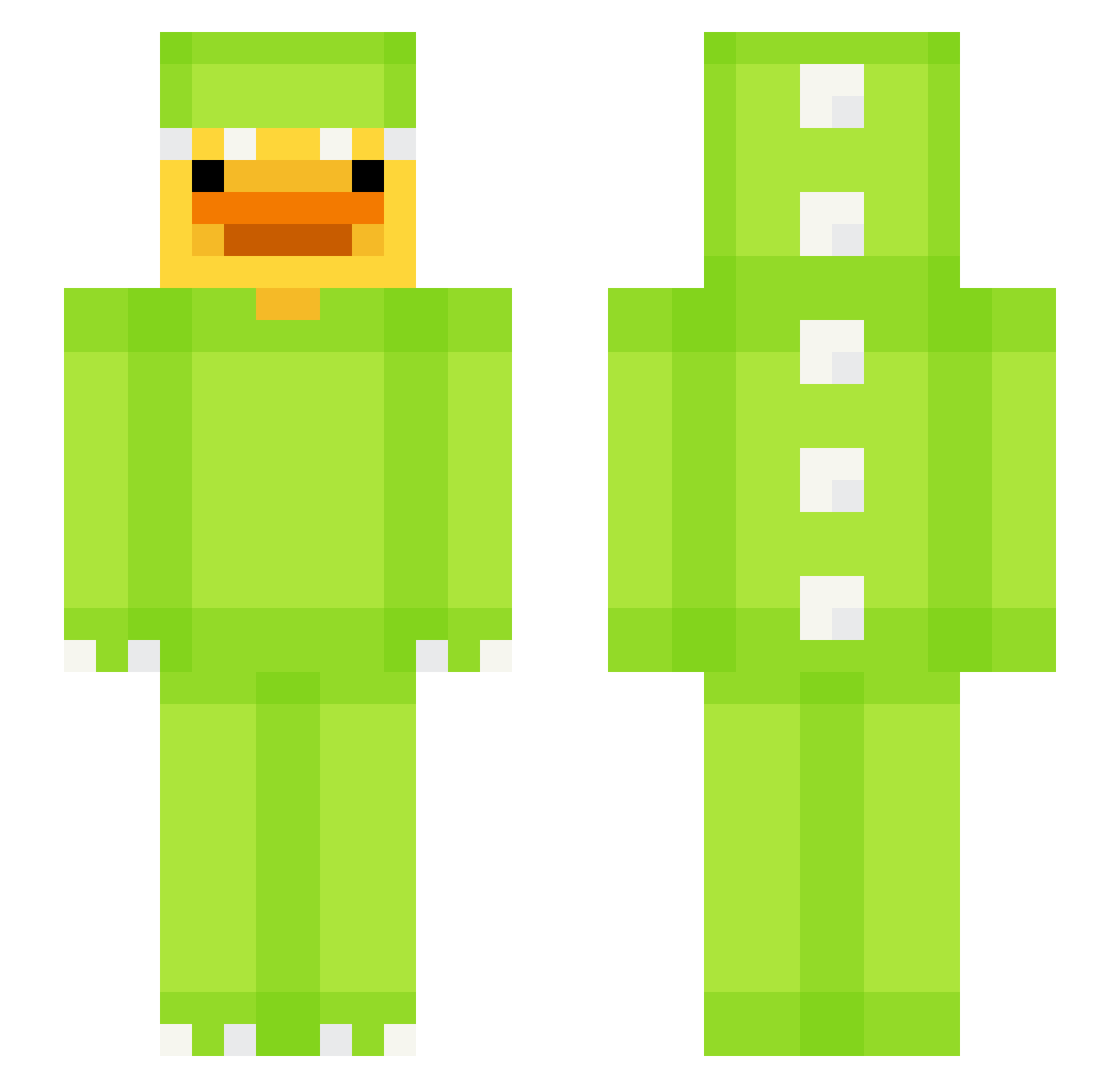
Current Minecraft skin of the player Kppk0919, loaded from the official Mojang API. Rotate the 3D model with your mouse or finger, then download the skin as a PNG file and use it in Minecraft: Bedrock Edition or Java Edition for free. When Kppk0919 changes their skin, this page updates automatically and the old skin stays in the history below.
Other players with this skin (590)
Kppk0919 was the 418th player we have seen with this skin, first spotted on 05.10.2026. The same skin was seen on these players. Open a nickname to see their current skin and skin history.
 vit0933 pjw0029 TheKuter AFemerald DoosanBears_ Gutan06 Feety53 NotSoKool EthxnnDzz XxmustafaxX87 Filipkaz78 pineapple_1110 Enzmae zzanggu780 GreenAce264 Jacopo_T LePoussinPiouu pilompo438 jesus22222222222 Michal8811 Ranniger BozzTheBotGaming AwesomeElla3316 asger11111111 lago2009 B1az3r_ Chrys07 TiagoMatador Corotori PickleRick41 Pswbs sweetaps Bandi20 chu0220 Dokyeom1013 Troy999 DeadCousin Cilantrox10 duckmechanic HMNG_Kai OhNoezz Gweo29 Mincho1 OhJae Samuselu Jonaunl Shoo_z Dudoe Dong6664 Vudyy Jolitysia Lobotomate Jye_ry Oree_0 HuffAbd BigManSmog abovemin_ Aim_Gro yanxingyu24 Trx313
More Dinosaur Kigurumi Minecraft skins
See all 380 Dinosaur Kigurumi skins
How to install the Kppk0919 skin
- Press the Download button above to save the skin as a PNG file.
- Minecraft: Bedrock Edition (PE): open the Dressing Room from the main menu (or tap your character → Edit Character), go to Classic Skins → Owned, press the + (new skin) button, choose the downloaded PNG and pick the Slim (Alex) model. Works on PC and mobile; consoles cannot import custom skins.
- Minecraft: Java Edition: open the Minecraft Launcher, go to the Skins tab, click New Skin, load the PNG, pick the Slim (Alex) model and press Save & Use. You can also upload it at minecraft.net → Profile → Change Skin.
The skin does not show up after import - what should I do?
Restart Minecraft and open the Dressing Room again - imported skins sometimes appear only after a restart. Also make sure you selected the imported skin and picked the Slim (Alex) model.
Which model should I choose, Classic or Slim?
This skin is designed for the Slim (Alex) model. If you pick the wrong model, the arms of the skin will look stretched or squeezed.
Is the skin of Kppk0919 free to download?
Yes. Press Download, save the PNG file and use it in Minecraft: Bedrock Edition or Java Edition - no payment or registration needed. The skin also works on multiplayer servers and Realms.
More skins
Looking for more? Go back to all Minecraft skins and check the top skins of the week, month and all time, or find any player's skin by nickname.