
Kowi8313 - Minecraft Skins & Skin History
Current Minecraft skin of the player Kowi8313, loaded from the official Mojang API. Rotate the 3D model with your mouse or finger, then download the skin as a PNG file and use it in Minecraft: Bedrock Edition or Java Edition for free. When Kowi8313 changes their skin, this page updates automatically and the old skin stays in the history below.
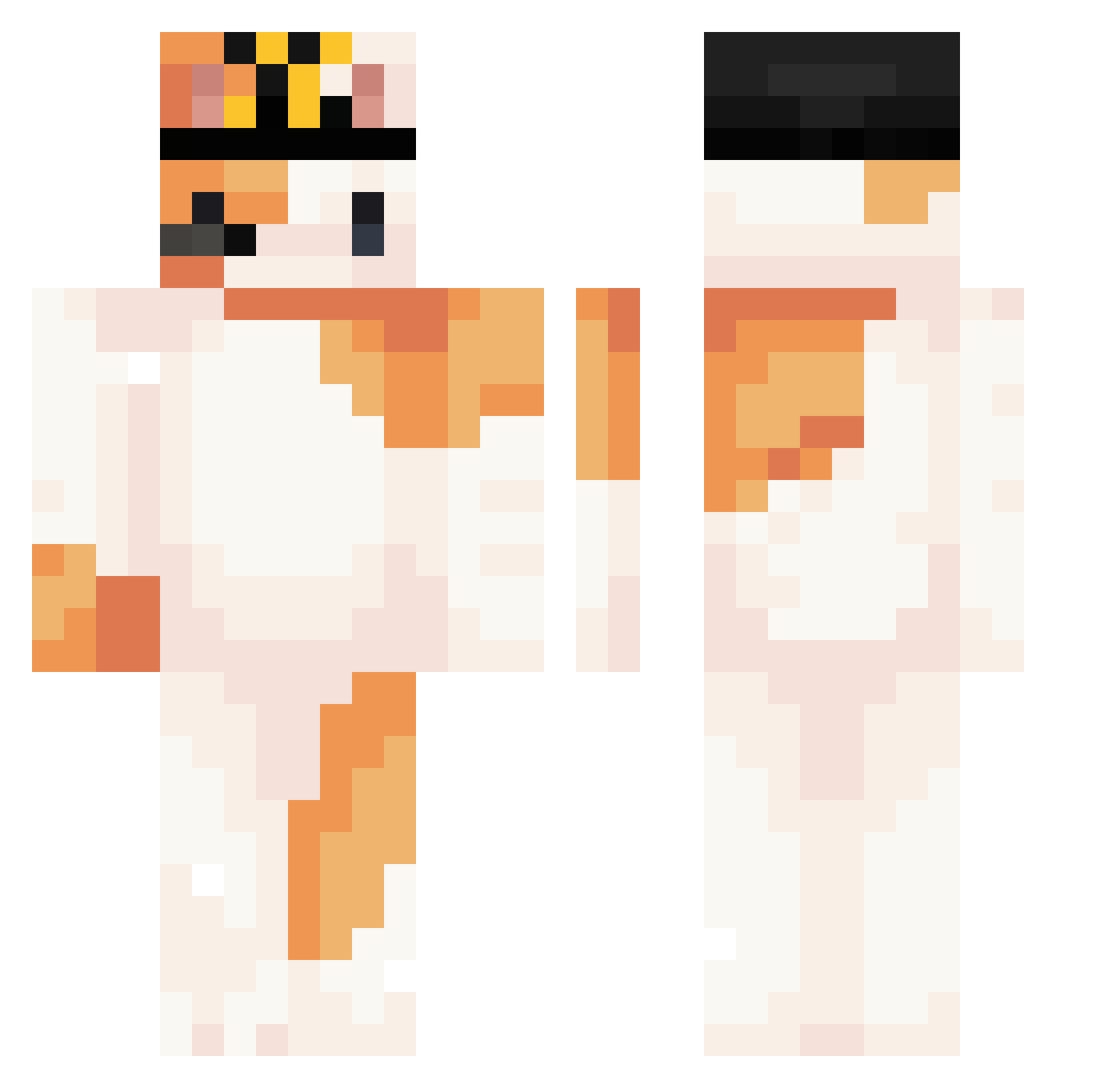
Other players with this skin (323)
Kowi8313 was the 15th player we have seen with this skin, first spotted on 28.07.2026. The same skin was seen on these players. Open a nickname to see their current skin and skin history.
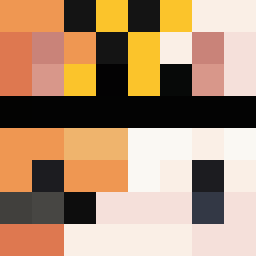 Jobowser Ge0wgia Hardwaffle1211 Xiggyboi
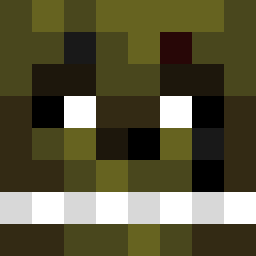 ToxicFails YouthFive Oluking ManFromVault21 BackHeart Sebs_ez CatTerroristt drcat2501 Mxysit XDeltaSun McDonaldsCat 25mama Wei1002 natbat964 youyou052 Heloisa012 Pocoyas iPapitas VITORMAMANDO_0 NotSim_ Tob1u Mate_025 xxkagixx doziie _xNatqlia YaaBe Halnerus RX7800XT CyberNana14 Cargador H4vbris4 XiangXiang_0124 Kazuam_OAO PrizeWinning zombiemadman03 Phylliset Gatoperm ErrorSanes Macaco_Rico IvieVi29 CrunchyBreakfast arlos990 XIAOHUOCHAI123 Gsheck l0xzs Gioeww_
 gronkma12 Twigzin Affogato0 SiriusSeanz KAarol InFaMous283 doripeach Starlit_Orion FrodoBiggun Gatuno_4
More Calico Cat Minecraft skins
How to install the Kowi8313 skin
- Press the Download button above to save the skin as a PNG file.
- Minecraft: Bedrock Edition (PE): open the Dressing Room from the main menu (or tap your character → Edit Character), go to Classic Skins → Owned, press the + (new skin) button, choose the downloaded PNG and pick the Classic (Steve) model. Works on PC and mobile; consoles cannot import custom skins.
- Minecraft: Java Edition: open the Minecraft Launcher, go to the Skins tab, click New Skin, load the PNG, pick the Classic (Steve) model and press Save & Use. You can also upload it at minecraft.net → Profile → Change Skin.
The skin does not show up after import - what should I do?
Restart Minecraft and open the Dressing Room again - imported skins sometimes appear only after a restart. Also make sure you selected the imported skin and picked the Classic (Steve) model.
Which model should I choose, Classic or Slim?
This skin is designed for the Classic (Steve) model. If you pick the wrong model, the arms of the skin will look stretched or squeezed.
Is the skin of Kowi8313 free to download?
Yes. Press Download, save the PNG file and use it in Minecraft: Bedrock Edition or Java Edition - no payment or registration needed. The skin also works on multiplayer servers and Realms.
More skins
Looking for more? Go back to all Minecraft skins and check the top skins of the week, month and all time, or find any player's skin by nickname.