
Klimovy4 - Minecraft Skins & Skin History
Current Minecraft skin of the player Klimovy4, loaded from the official Mojang API. Rotate the 3D model with your mouse or finger, then download the skin as a PNG file and use it in Minecraft: Bedrock Edition or Java Edition for free. When Klimovy4 changes their skin, this page updates automatically and the old skin stays in the history below.
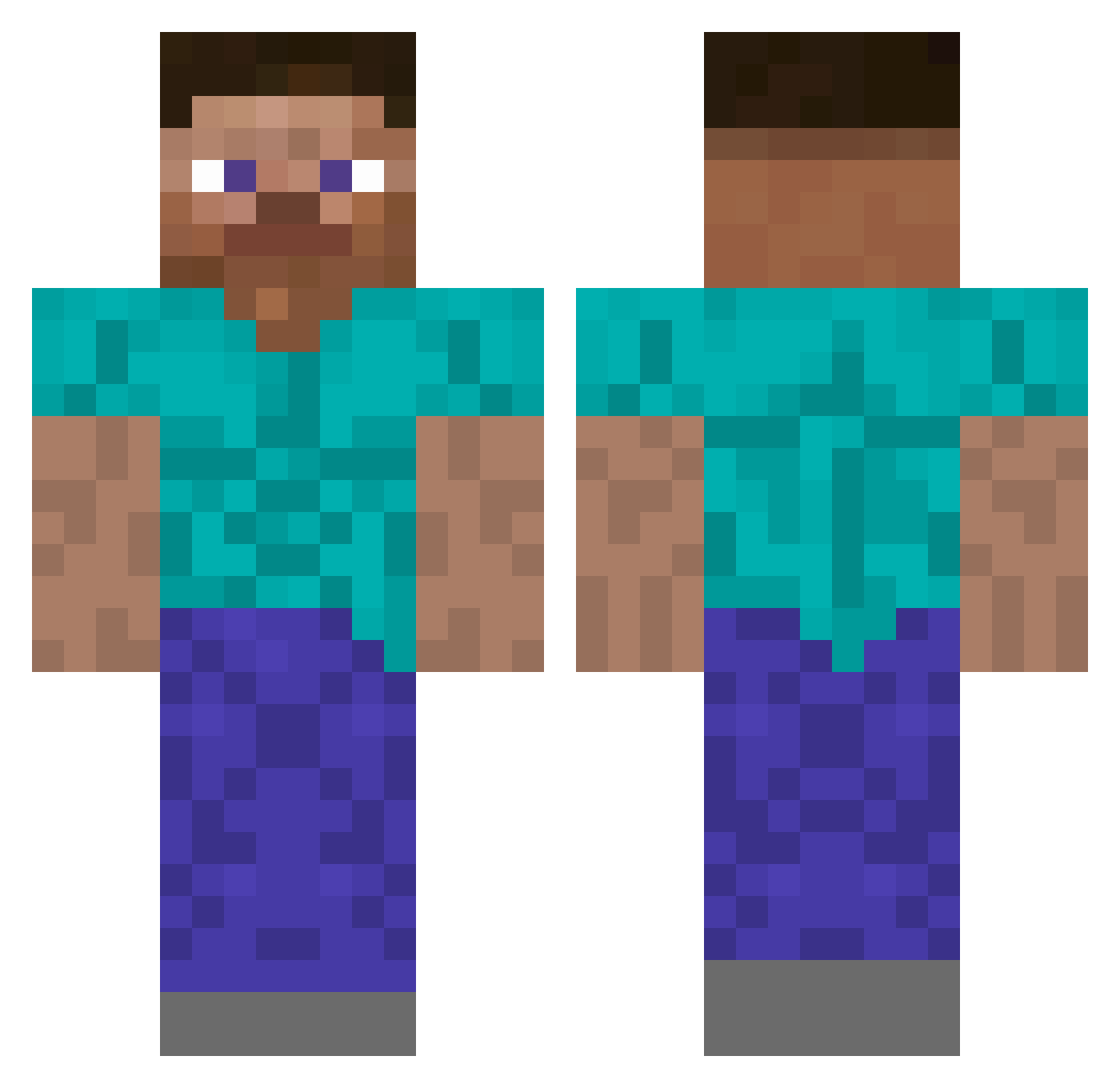
Other players with this skin (242)
Klimovy4 was the 157th player we have seen with this skin, first spotted on 16.10.2026. The same skin was seen on these players. Open a nickname to see their current skin and skin history.
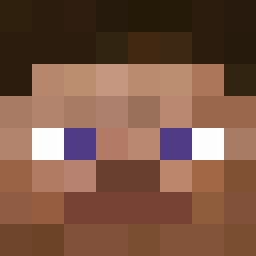 Joan_thepotato bein0402 VikingR_ vincent2934 TheExecuter101 CitizenAmerica _KOMBER_ jota_dragu moneyenj0yer gettosniper Jozy48 N1k0n42 newp_BETA2007 VengefulRat8950 hollaway Ianzera_ FriZleEk Wooff1y Sp4rtan2684 Jae_MinE DarkP2Culo LowRanked sushigoogle Cumbodius indeedyes 36Lv Dshadow414 methyyst xXsilashejXx defnegenc Calaverah rodriguespedro vulgo0398 Mystic_DIO Flayon12 micheuke Shawty10 Shaindoo971 GetSteved Sigma2115 EmperadorDy Radical_Geezer _Ghost61_ Cloven_UYC PedroDestroyer Fugasus lucasdasbocas Freaze391 IHeartNarcissism Shawty52 Shawty28 EmperorClew Taaral GwendoMc K1BL TruffleSprouts BeanStalk12 RobsonWX ZukaReaper sayugay
How to install the Klimovy4 skin
- Press the Download button above to save the skin as a PNG file.
- Minecraft: Bedrock Edition (PE): open the Dressing Room from the main menu (or tap your character → Edit Character), go to Classic Skins → Owned, press the + (new skin) button, choose the downloaded PNG and pick the Classic (Steve) model. Works on PC and mobile; consoles cannot import custom skins.
- Minecraft: Java Edition: open the Minecraft Launcher, go to the Skins tab, click New Skin, load the PNG, pick the Classic (Steve) model and press Save & Use. You can also upload it at minecraft.net → Profile → Change Skin.
The skin does not show up after import - what should I do?
Restart Minecraft and open the Dressing Room again - imported skins sometimes appear only after a restart. Also make sure you selected the imported skin and picked the Classic (Steve) model.
Which model should I choose, Classic or Slim?
This skin is designed for the Classic (Steve) model. If you pick the wrong model, the arms of the skin will look stretched or squeezed.
Is the skin of Klimovy4 free to download?
Yes. Press Download, save the PNG file and use it in Minecraft: Bedrock Edition or Java Edition - no payment or registration needed. The skin also works on multiplayer servers and Realms.
More skins
Looking for more? Go back to all Minecraft skins and check the top skins of the week, month and all time, or find any player's skin by nickname.