
KiwiKiut - Minecraft Skins & Skin History
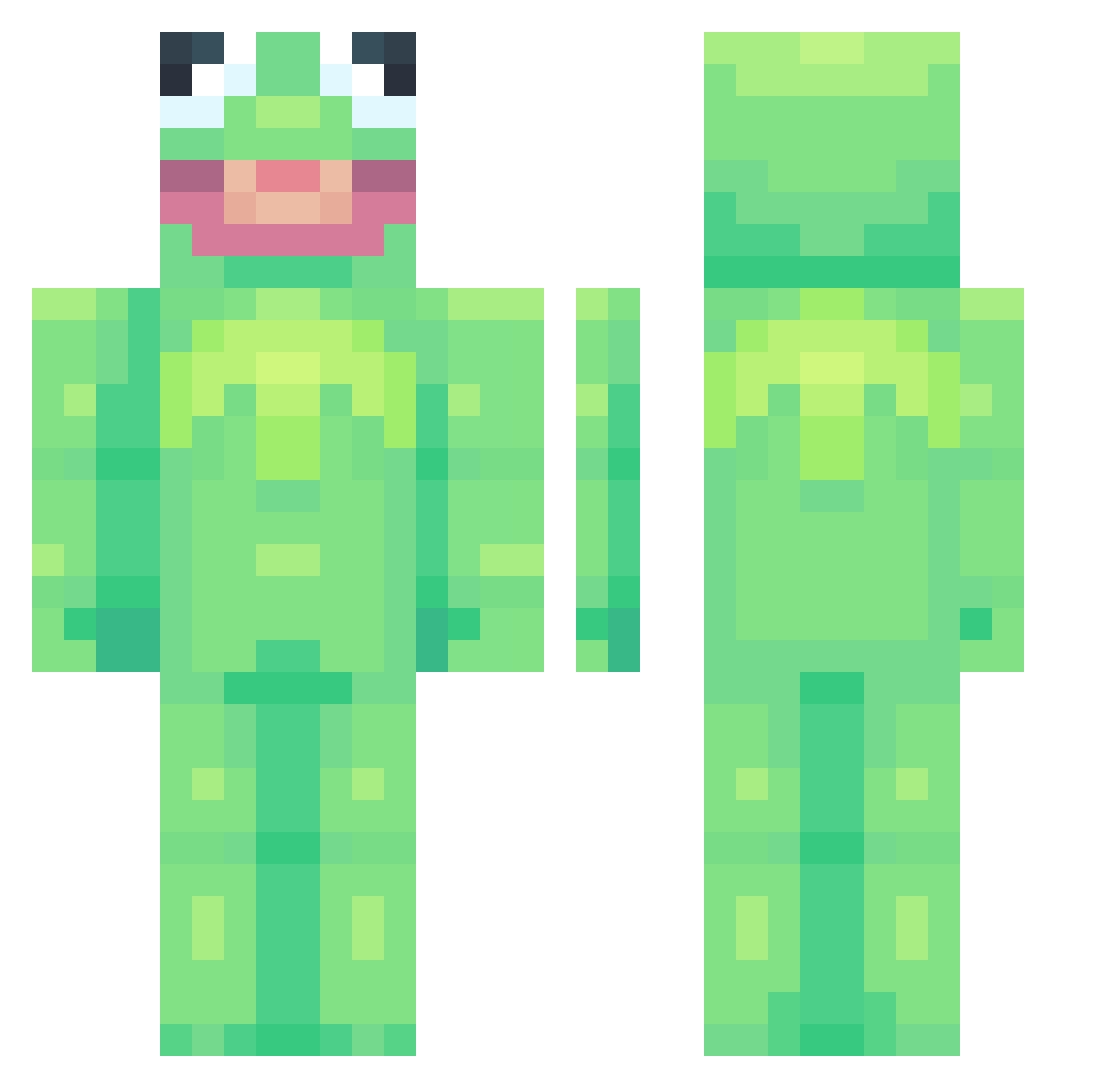
Current Minecraft skin of the player KiwiKiut, loaded from the official Mojang API. Rotate the 3D model with your mouse or finger, then download the skin as a PNG file and use it in Minecraft: Bedrock Edition or Java Edition for free. When KiwiKiut changes their skin, this page updates automatically and the old skin stays in the history below.
Other players with this skin (697)
KiwiKiut was the 74th player we have seen with this skin, first spotted on 03.08.2026. The same skin was seen on these players. Open a nickname to see their current skin and skin history.
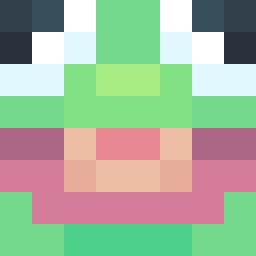 KilljoyPlus Monsquirt 13eric13 casiotone ajmcmuffin liljohnsen Panchiluca OGBlockhead Neptun12 _disaaa_ Numb_m8 TommyStorey 420_maryjane shwarma928 Rebbop NoodleWoodles Storkoo ButterBean18 maddogmadrigal H1tlerfan KyloPrem lagun127 AverySass TheOwen66 wj19789 Str1ker008 ShanHouser ratcorn12 LesserSphinx ssseventhirteen redwing023 sqweezy775 TorBlyat Yukky_19 aruizdlt Jowssh DeputyDangus Toravos Mamut_mit_Hut estrellagirl TheMarshan Croppi MrBapo Goth_Queen allaehhh BustyBricks PizzaPizzaHut UncleBenji hiyoyuboy ZwiSchild bitingguitar132 SALAMIEATER DerekLeStrange jonesyexpress ydnar026 octopusi104 Sock_Dock edenclay slwbrns Knapaix
More Kermit The Frog Minecraft skins
See all 395 Kermit The Frog skins
How to install the KiwiKiut skin
- Press the Download button above to save the skin as a PNG file.
- Minecraft: Bedrock Edition (PE): open the Dressing Room from the main menu (or tap your character → Edit Character), go to Classic Skins → Owned, press the + (new skin) button, choose the downloaded PNG and pick the Classic (Steve) model. Works on PC and mobile; consoles cannot import custom skins.
- Minecraft: Java Edition: open the Minecraft Launcher, go to the Skins tab, click New Skin, load the PNG, pick the Classic (Steve) model and press Save & Use. You can also upload it at minecraft.net → Profile → Change Skin.
The skin does not show up after import - what should I do?
Restart Minecraft and open the Dressing Room again - imported skins sometimes appear only after a restart. Also make sure you selected the imported skin and picked the Classic (Steve) model.
Which model should I choose, Classic or Slim?
This skin is designed for the Classic (Steve) model. If you pick the wrong model, the arms of the skin will look stretched or squeezed.
Is the skin of KiwiKiut free to download?
Yes. Press Download, save the PNG file and use it in Minecraft: Bedrock Edition or Java Edition - no payment or registration needed. The skin also works on multiplayer servers and Realms.
More skins
Looking for more? Go back to all Minecraft skins and check the top skins of the week, month and all time, or find any player's skin by nickname.