
Kiwi17925 - Minecraft Skins & Skin History
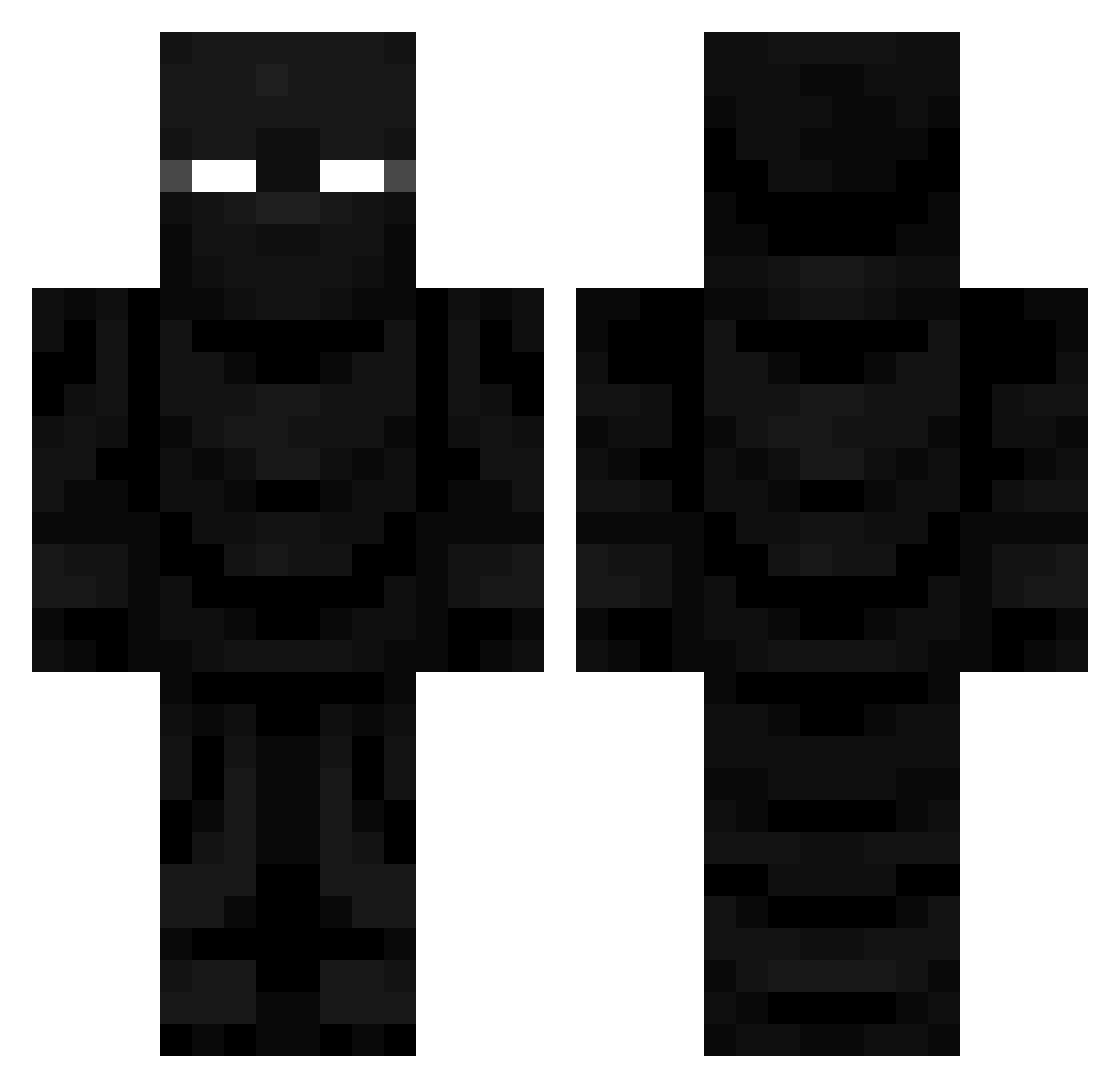
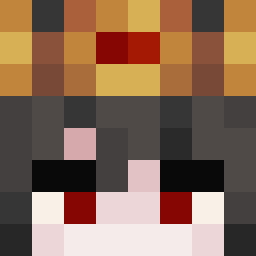
Current Minecraft skin of the player Kiwi17925, loaded from the official Mojang API. Rotate the 3D model with your mouse or finger, then download the skin as a PNG file and use it in Minecraft: Bedrock Edition or Java Edition for free. When Kiwi17925 changes their skin, this page updates automatically and the old skin stays in the history below.
Other players with this skin (680)
Kiwi17925 was the 296th player we have seen with this skin, first spotted on 12.09.2026. The same skin was seen on these players. Open a nickname to see their current skin and skin history.
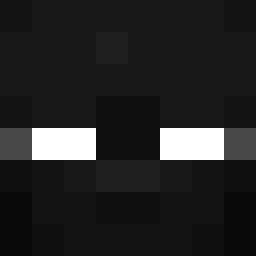 MONEY6005 HEGGZTA123 RVN31 Greizzix07 Berserc Koretexz IlIlIlIllIllIIlI TrinityZero0 PurpleGB ItsEricmor
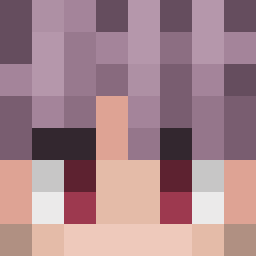 Koku_u Ubdu03 DustyDustman R3ZJ4L Hasuki_Raven cloruB16 III420III lordofschadow VybxSllipz Shockkz PAYO10 Zellgor yerrmi Yaku2tani Igneous247 PaFsk unconditionalDe rahsp
 Keithhh_ DreamMe DrAgOn_MMc Liam77177 IrmaodoCanizes eatdabox Crii_exe
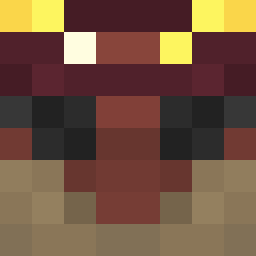 Smidgenitro OHVIKING1 imclu Xlin11 vAc1d_ EnderBlade256 Sammychen_01 ItsSnek Seubmaflinn alex2667 BreadRider _BudSpencer__ Th031orn FeloGrafix ouchihausu
 Yimiark NutellaMitMayo unleee RetroNintendo101 Nightrose_Am famouswaffle27 beans2313 BedDestroyerV420 Isxudo farlander234987
More Ninja Minecraft skins
How to install the Kiwi17925 skin
- Press the Download button above to save the skin as a PNG file.
- Minecraft: Bedrock Edition (PE): open the Dressing Room from the main menu (or tap your character → Edit Character), go to Classic Skins → Owned, press the + (new skin) button, choose the downloaded PNG and pick the Classic (Steve) model. Works on PC and mobile; consoles cannot import custom skins.
- Minecraft: Java Edition: open the Minecraft Launcher, go to the Skins tab, click New Skin, load the PNG, pick the Classic (Steve) model and press Save & Use. You can also upload it at minecraft.net → Profile → Change Skin.
The skin does not show up after import - what should I do?
Restart Minecraft and open the Dressing Room again - imported skins sometimes appear only after a restart. Also make sure you selected the imported skin and picked the Classic (Steve) model.
Which model should I choose, Classic or Slim?
This skin is designed for the Classic (Steve) model. If you pick the wrong model, the arms of the skin will look stretched or squeezed.
Is the skin of Kiwi17925 free to download?
Yes. Press Download, save the PNG file and use it in Minecraft: Bedrock Edition or Java Edition - no payment or registration needed. The skin also works on multiplayer servers and Realms.
More skins
Looking for more? Go back to all Minecraft skins and check the top skins of the week, month and all time, or find any player's skin by nickname.