
Kisielox - Minecraft Skins & Skin History
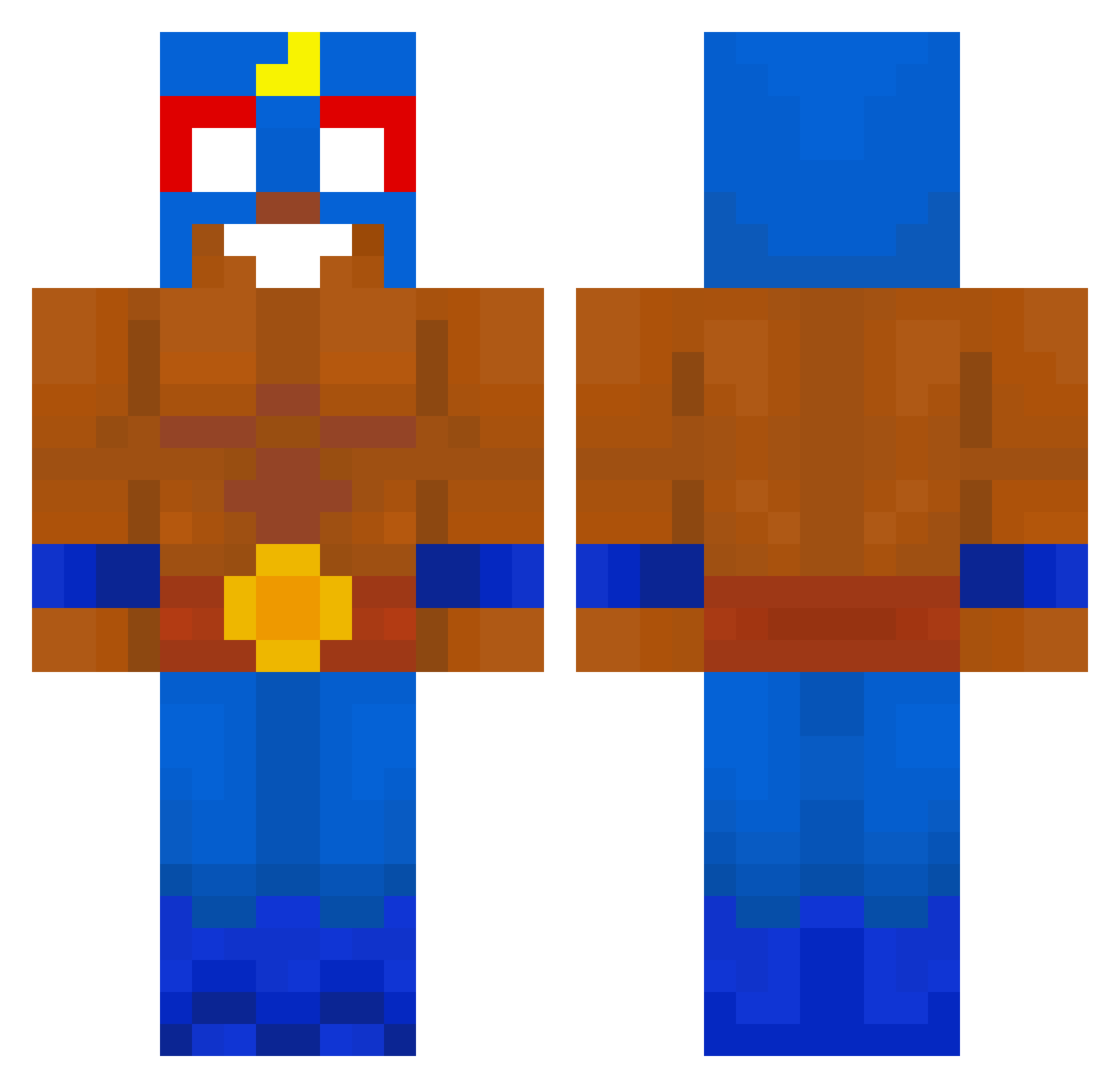
Current Minecraft skin of the player Kisielox, loaded from the official Mojang API. Rotate the 3D model with your mouse or finger, then download the skin as a PNG file and use it in Minecraft: Bedrock Edition or Java Edition for free. When Kisielox changes their skin, this page updates automatically and the old skin stays in the history below.
Other players with this skin (659)
Kisielox was the 236th player we have seen with this skin, first spotted on 01.09.2026. The same skin was seen on these players. Open a nickname to see their current skin and skin history.
 1Quzo Akin77 Elad464 infekS kopliaq25 Saul_TheChampion vixo700 InfernalFlyer20 nnach0 flyeralarm Detonador43 Zdychu_ hommiecatcat Ambulgecha antoniorecio23 kuba_xel 13Grimxew JO4COLOZ4 Ellqstro Nino1902 Paketa28 Isnewsss Congelateur__ RsH09 kikuparce PopaSVG 23nex CAPITANSALAMI__ FULGENCIO_69 Vittoganzo Paci0r FrigoAdri97 FiatEn_Y AnthitCho ZaZa_69 xMati309 Baobab16 MINECRAFTER0__0 THENBG Matthaios11 tjehdwn12 Dr_RNG Lilo_2013 kakashi_money Gunter88 SR0816 min0616 TacomaTrucker DeymonRUS Albertino_007 coqc
 zbx999 mindaan Mericmek MaelLePhasme Maxeroh TimHijenga Nick52024 bosque9 oTRG
More El Primo Minecraft skins
How to install the Kisielox skin
- Press the Download button above to save the skin as a PNG file.
- Minecraft: Bedrock Edition (PE): open the Dressing Room from the main menu (or tap your character → Edit Character), go to Classic Skins → Owned, press the + (new skin) button, choose the downloaded PNG and pick the Classic (Steve) model. Works on PC and mobile; consoles cannot import custom skins.
- Minecraft: Java Edition: open the Minecraft Launcher, go to the Skins tab, click New Skin, load the PNG, pick the Classic (Steve) model and press Save & Use. You can also upload it at minecraft.net → Profile → Change Skin.
The skin does not show up after import - what should I do?
Restart Minecraft and open the Dressing Room again - imported skins sometimes appear only after a restart. Also make sure you selected the imported skin and picked the Classic (Steve) model.
Which model should I choose, Classic or Slim?
This skin is designed for the Classic (Steve) model. If you pick the wrong model, the arms of the skin will look stretched or squeezed.
Is the skin of Kisielox free to download?
Yes. Press Download, save the PNG file and use it in Minecraft: Bedrock Edition or Java Edition - no payment or registration needed. The skin also works on multiplayer servers and Realms.
More skins
Looking for more? Go back to all Minecraft skins and check the top skins of the week, month and all time, or find any player's skin by nickname.