
KinoSui - Minecraft Skins & Skin History
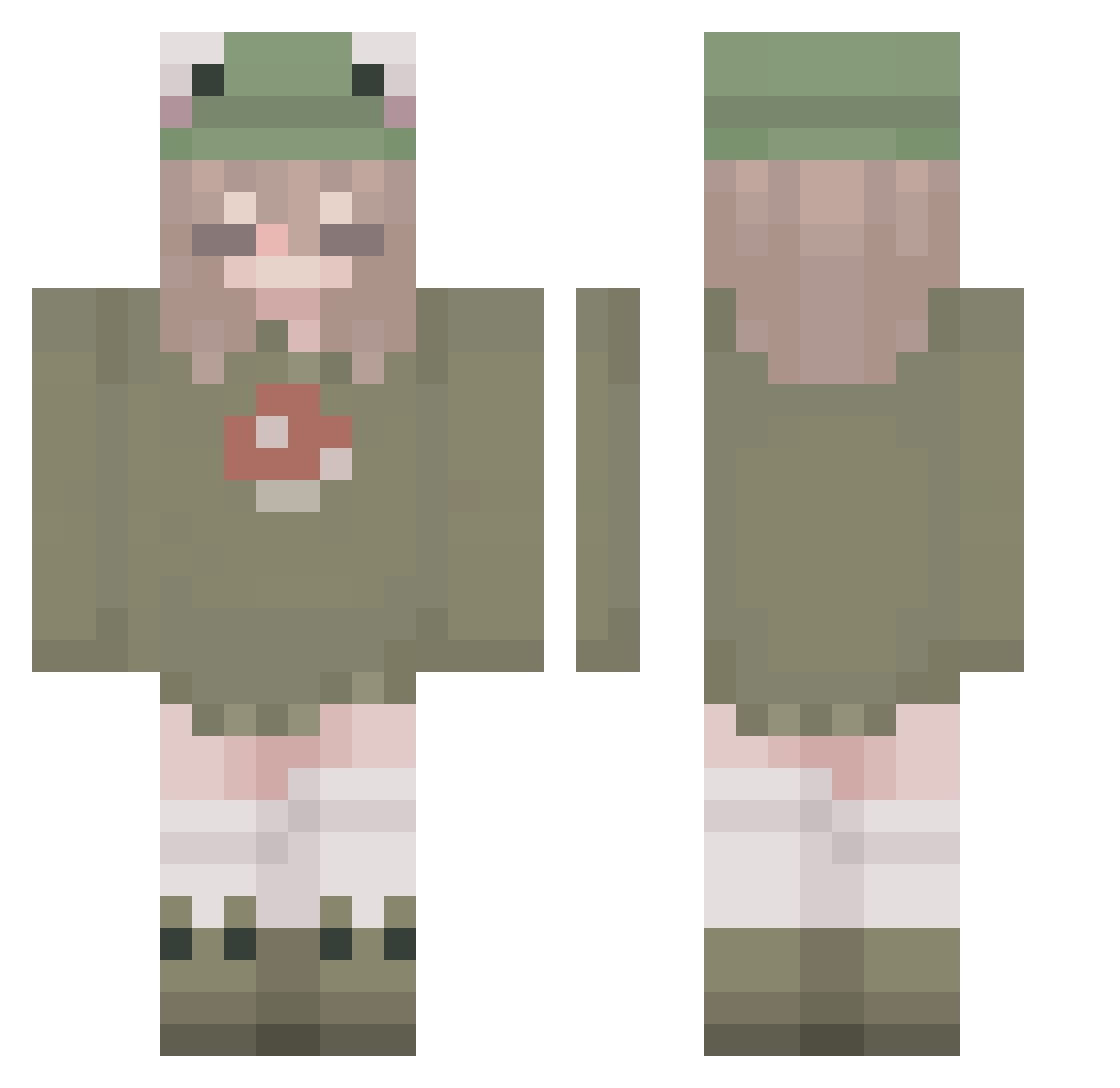
Current Minecraft skin of the player KinoSui, loaded from the official Mojang API. Rotate the 3D model with your mouse or finger, then download the skin as a PNG file and use it in Minecraft: Bedrock Edition or Java Edition for free. When KinoSui changes their skin, this page updates automatically and the old skin stays in the history below.
Other players with this skin (264)
KinoSui was the 36th player we have seen with this skin, first spotted on 06.08.2026. The same skin was seen on these players. Open a nickname to see their current skin and skin history.
 kieragame09 favsmoony Ayn_ koubons fluffyfire2810 FoulerSpark5429 Juliechuuu Spacey106 GorgSpade _thx58 Hykxe _mystical_Bunny_ PappyLeah uglitoe Rainbowin TheDukeLebt Terebellum lenopix bmob_ Nara_Bloomdragon Chriiistooopher JiQLLian mascolleen MizzyLy101 ElitKeko ihytfire ALLOPVE UhhTach neo_81 Gacrux _chibichan_ Aubesang hamoko MaeveOB M1ll4n arayabeanmelody Dreamy__ savannah3277
 beizhe YviPark EmCze Tomaspena31 ItzGracieJ GamingWithTora jaycibee ToxicGn0me meatloamf Sapphiresparks _11ie_ kruassang Nyaakoh Tea_white_ ulcia5836 tangomango_ yunasakiii Vontias Gabrielleex LxxserLama HideoAbe carlA1515
More Mushroom Minecraft skins
How to install the KinoSui skin
- Press the Download button above to save the skin as a PNG file.
- Minecraft: Bedrock Edition (PE): open the Dressing Room from the main menu (or tap your character → Edit Character), go to Classic Skins → Owned, press the + (new skin) button, choose the downloaded PNG and pick the Classic (Steve) model. Works on PC and mobile; consoles cannot import custom skins.
- Minecraft: Java Edition: open the Minecraft Launcher, go to the Skins tab, click New Skin, load the PNG, pick the Classic (Steve) model and press Save & Use. You can also upload it at minecraft.net → Profile → Change Skin.
The skin does not show up after import - what should I do?
Restart Minecraft and open the Dressing Room again - imported skins sometimes appear only after a restart. Also make sure you selected the imported skin and picked the Classic (Steve) model.
Which model should I choose, Classic or Slim?
This skin is designed for the Classic (Steve) model. If you pick the wrong model, the arms of the skin will look stretched or squeezed.
Is the skin of KinoSui free to download?
Yes. Press Download, save the PNG file and use it in Minecraft: Bedrock Edition or Java Edition - no payment or registration needed. The skin also works on multiplayer servers and Realms.
More skins
Looking for more? Go back to all Minecraft skins and check the top skins of the week, month and all time, or find any player's skin by nickname.