
KingDodo111 - Minecraft Skins & Skin History
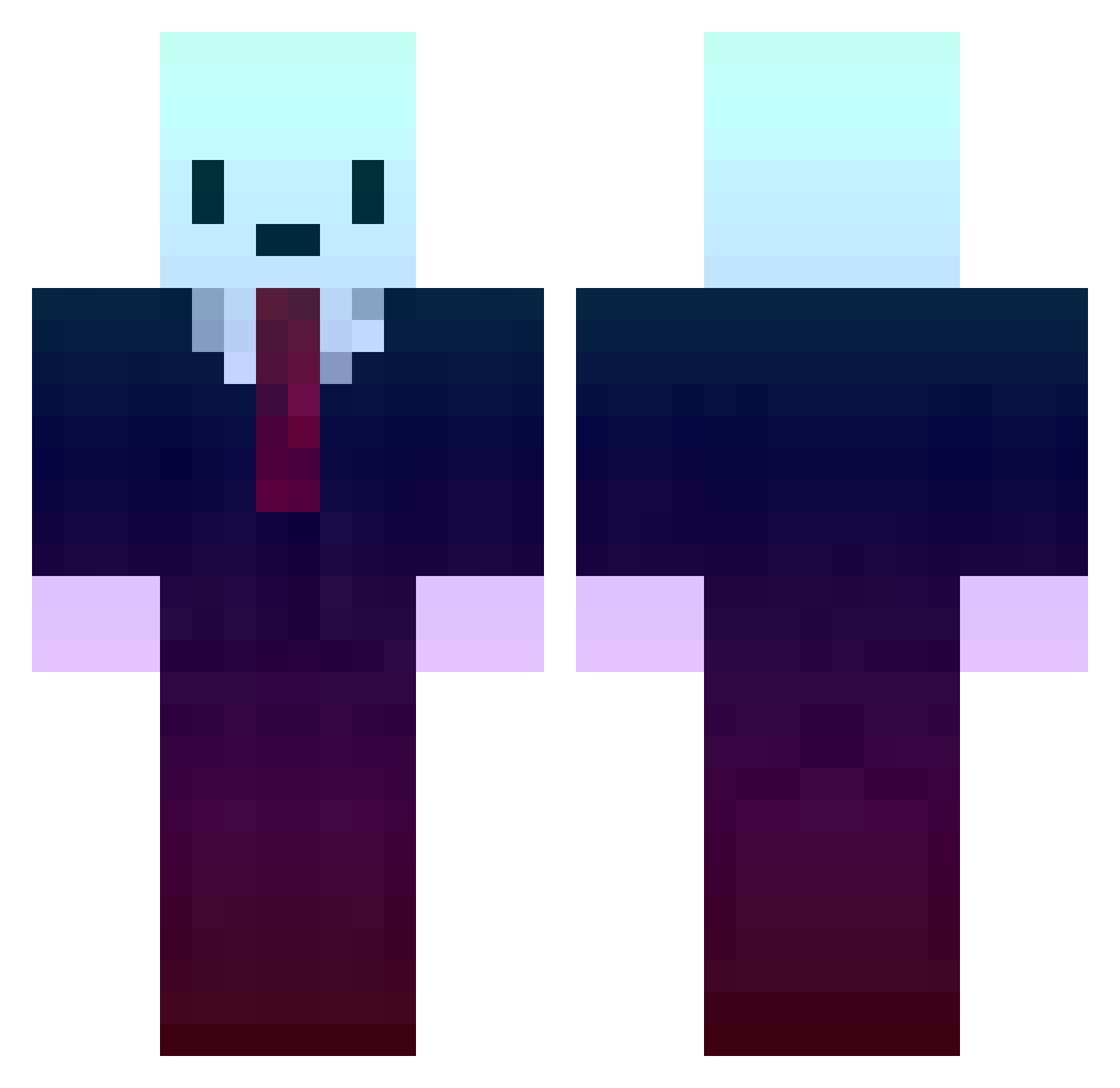
Current Minecraft skin of the player KingDodo111, loaded from the official Mojang API. Rotate the 3D model with your mouse or finger, then download the skin as a PNG file and use it in Minecraft: Bedrock Edition or Java Edition for free. When KingDodo111 changes their skin, this page updates automatically and the old skin stays in the history below.
Other players with this skin (497)
KingDodo111 was the 316th player we have seen with this skin, first spotted on 16.10.2026. The same skin was seen on these players. Open a nickname to see their current skin and skin history.
 fabipalo loganrp6 Kimsuky safcoziii HK6300 scunibuni 8oco KrissaNXD Lojo_koko gargaryee EmptyBliss Mukle_X2 Shad974 Elur3d CousinCosmo RDduvar DemonSonixx ApreX tiros vilelaeu ocrean MsyvvAydnn MrHotson tim_7674 nDI1337 Nicholas7177 Yuca_ Nwedy Alikopterr misfitsmxr KungSonZaiqer0 VITAMIIIX OttoGiJAM Magraas JustaTurtle33 SpruceWRLD xNyvorlas Firemelon911 StashRGB AlanPSX Marcin5543PL graffitiguy6 TurtGG FeFeu Simplysufi KWONEK whhhhhsda Bar9allo NR1P_SVK Rivalless jackster2233 RS___ SKYLINE_Y Stinovy_Lev TomMiller Pertuz MQL_ ElRam7370 _Guima lwswilson
More Gradient Minecraft skins
How to install the KingDodo111 skin
- Press the Download button above to save the skin as a PNG file.
- Minecraft: Bedrock Edition (PE): open the Dressing Room from the main menu (or tap your character → Edit Character), go to Classic Skins → Owned, press the + (new skin) button, choose the downloaded PNG and pick the Classic (Steve) model. Works on PC and mobile; consoles cannot import custom skins.
- Minecraft: Java Edition: open the Minecraft Launcher, go to the Skins tab, click New Skin, load the PNG, pick the Classic (Steve) model and press Save & Use. You can also upload it at minecraft.net → Profile → Change Skin.
The skin does not show up after import - what should I do?
Restart Minecraft and open the Dressing Room again - imported skins sometimes appear only after a restart. Also make sure you selected the imported skin and picked the Classic (Steve) model.
Which model should I choose, Classic or Slim?
This skin is designed for the Classic (Steve) model. If you pick the wrong model, the arms of the skin will look stretched or squeezed.
Is the skin of KingDodo111 free to download?
Yes. Press Download, save the PNG file and use it in Minecraft: Bedrock Edition or Java Edition - no payment or registration needed. The skin also works on multiplayer servers and Realms.
More skins
Looking for more? Go back to all Minecraft skins and check the top skins of the week, month and all time, or find any player's skin by nickname.