
KillTheWhites - Minecraft Skins & Skin History
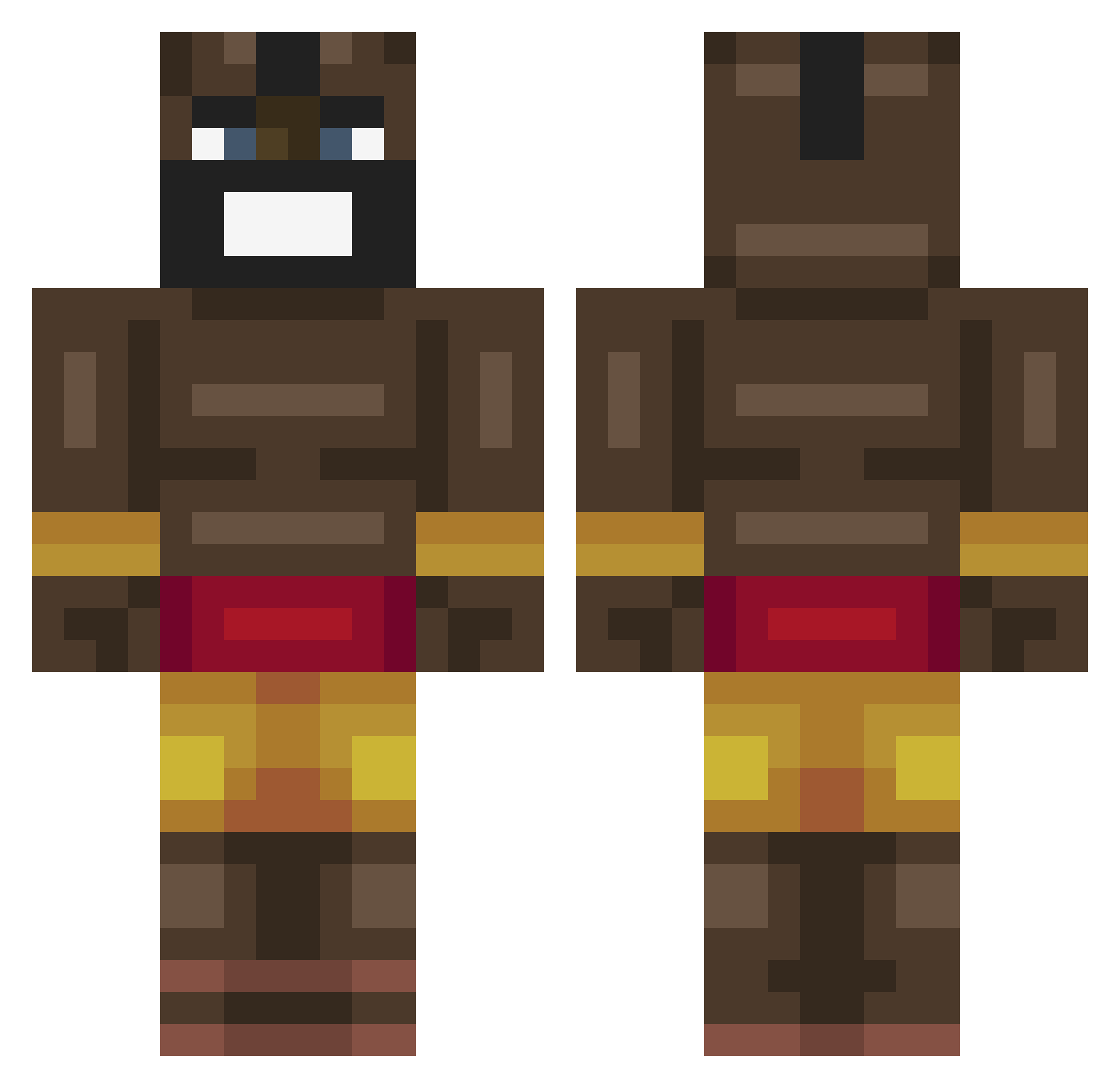
Current Minecraft skin of the player KillTheWhites, loaded from the official Mojang API. Rotate the 3D model with your mouse or finger, then download the skin as a PNG file and use it in Minecraft: Bedrock Edition or Java Edition for free. When KillTheWhites changes their skin, this page updates automatically and the old skin stays in the history below.
Other players with this skin (463)
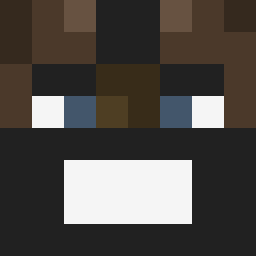
KillTheWhites was the 204th player we have seen with this skin, first spotted on 18.09.2026. The same skin was seen on these players. Open a nickname to see their current skin and skin history.
 Mr_Botch1 riceefarmer GiGATURBOZILLA NotIgris UltraDavid23 Matti07DK Guntas23 Gobbob666 twinkletoes236 A_RANDOM_1 GRC6X6 luvcheeks Shyraindraop Unusualfi DinoDestroyer13 lilwallhopper XXXBanan zamz17 Dead_Sight RLY_DUDE QuinnTheBin10 Phij zmomilky Mutra38 Jago_HogRider martienreuversdb ExoticDuck your1mom2is3fat tacoxmehl GGA650 edelmu06 TheSilentQ Sqoon7 poopdealer255 KrillZ7 MEESTERSPENCER PoellBaumi G_ArtaroS mustardMitchLe12 Blevo222 LucidGamer3577 GodGuy783 ashmashdagoat 3000OKAYU preston69 fgesajhga MaisonHardFella Ojbobby12 xrtdd Tsuv Master00gway999 Tallest007 TTVBlaZefurball TopBeast24 Mixzez Silly_Strang Kornoprofaxe CtwelveK ELikaMordin bigmen1234567
More Celebrity Minecraft skins
How to install the KillTheWhites skin
- Press the Download button above to save the skin as a PNG file.
- Minecraft: Bedrock Edition (PE): open the Dressing Room from the main menu (or tap your character → Edit Character), go to Classic Skins → Owned, press the + (new skin) button, choose the downloaded PNG and pick the Classic (Steve) model. Works on PC and mobile; consoles cannot import custom skins.
- Minecraft: Java Edition: open the Minecraft Launcher, go to the Skins tab, click New Skin, load the PNG, pick the Classic (Steve) model and press Save & Use. You can also upload it at minecraft.net → Profile → Change Skin.
The skin does not show up after import - what should I do?
Restart Minecraft and open the Dressing Room again - imported skins sometimes appear only after a restart. Also make sure you selected the imported skin and picked the Classic (Steve) model.
Which model should I choose, Classic or Slim?
This skin is designed for the Classic (Steve) model. If you pick the wrong model, the arms of the skin will look stretched or squeezed.
Is the skin of KillTheWhites free to download?
Yes. Press Download, save the PNG file and use it in Minecraft: Bedrock Edition or Java Edition - no payment or registration needed. The skin also works on multiplayer servers and Realms.
More skins
Looking for more? Go back to all Minecraft skins and check the top skins of the week, month and all time, or find any player's skin by nickname.