
KermaQLF - Minecraft Skins & Skin History
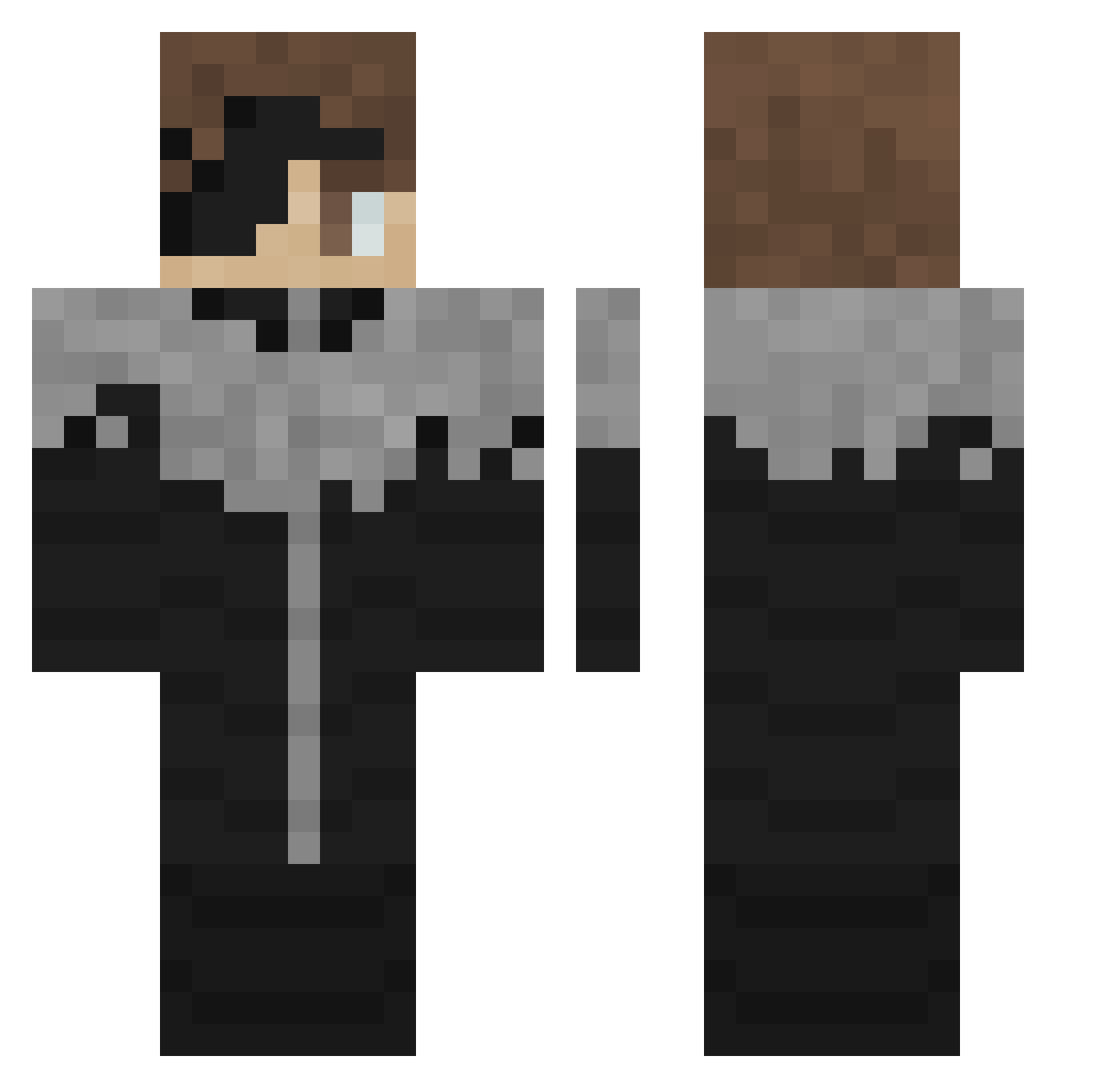
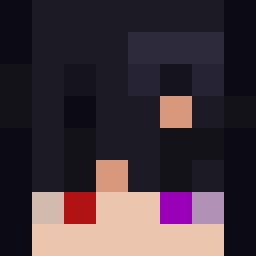
Current Minecraft skin of the player KermaQLF, loaded from the official Mojang API. Rotate the 3D model with your mouse or finger, then download the skin as a PNG file and use it in Minecraft: Bedrock Edition or Java Edition for free. When KermaQLF changes their skin, this page updates automatically and the old skin stays in the history below.
Other players with this skin (305)
KermaQLF was the 31st player we have seen with this skin, first spotted on 03.08.2026. The same skin was seen on these players. Open a nickname to see their current skin and skin history.
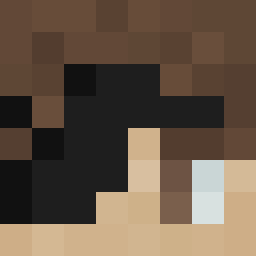 FlaminXD
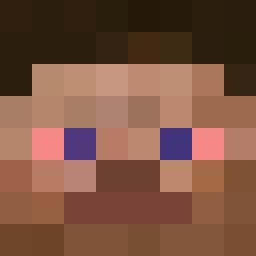 frizzyisbusy Rodriguesz539 mrHeys2 shigerusensei koko2loco yThmks_ Sygur elpollo314 ItsssLegacy Maximus53227 505avo roalong Doj_Here Ryzikas Makegumi2 matty_7172
 4MM3 KuchikiByukuya InCl3 WOOW13 e38h lolbar KJM0202 Cayroses Nightmare12LX Nowli mafra444 BrunoBald WOEROS CrustyGoatCheese GMANMINE7 joechan
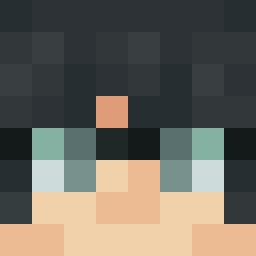 eddo2 Bloodhead0811 Deng1029 peakyk aizen0529 petalkiss Dyaln1 hjijih793
 NameSkydiver653 brian734 IFINNABUST mystivq godThinyu baazeem2013 Ichjini ThePil0t HX86 Giovani87 Empxrorr AnTa20 Shun870 ZUNKOR Poobean DRAizen007 BBMASTER413 sl0wney_ RTbooker
More Kaneki Ken Minecraft skins
How to install the KermaQLF skin
- Press the Download button above to save the skin as a PNG file.
- Minecraft: Bedrock Edition (PE): open the Dressing Room from the main menu (or tap your character → Edit Character), go to Classic Skins → Owned, press the + (new skin) button, choose the downloaded PNG and pick the Classic (Steve) model. Works on PC and mobile; consoles cannot import custom skins.
- Minecraft: Java Edition: open the Minecraft Launcher, go to the Skins tab, click New Skin, load the PNG, pick the Classic (Steve) model and press Save & Use. You can also upload it at minecraft.net → Profile → Change Skin.
The skin does not show up after import - what should I do?
Restart Minecraft and open the Dressing Room again - imported skins sometimes appear only after a restart. Also make sure you selected the imported skin and picked the Classic (Steve) model.
Which model should I choose, Classic or Slim?
This skin is designed for the Classic (Steve) model. If you pick the wrong model, the arms of the skin will look stretched or squeezed.
Is the skin of KermaQLF free to download?
Yes. Press Download, save the PNG file and use it in Minecraft: Bedrock Edition or Java Edition - no payment or registration needed. The skin also works on multiplayer servers and Realms.
More skins
Looking for more? Go back to all Minecraft skins and check the top skins of the week, month and all time, or find any player's skin by nickname.