
Kebabsla - Minecraft Skins & Skin History
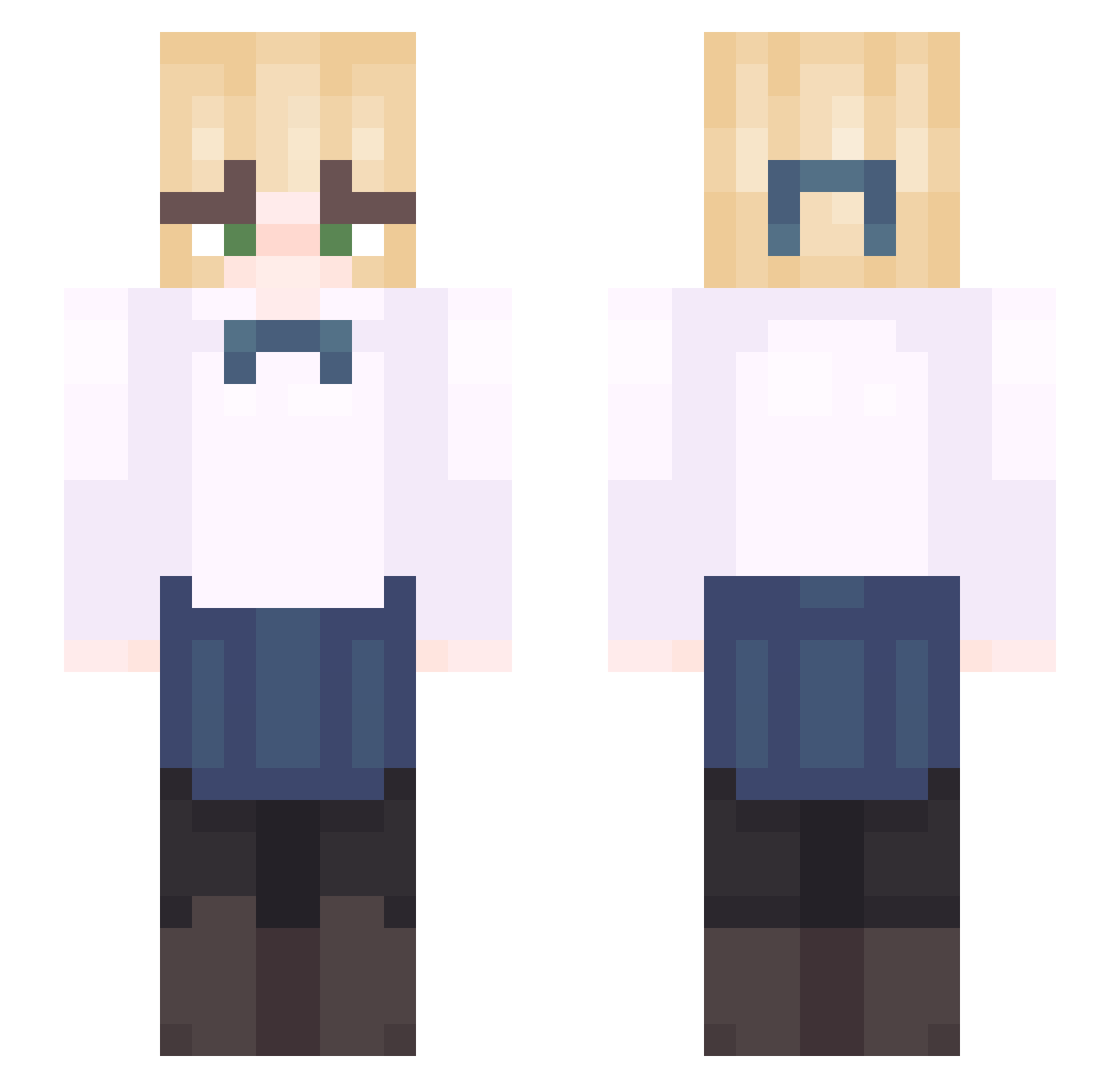
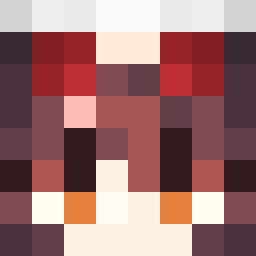
Current Minecraft skin of the player Kebabsla, loaded from the official Mojang API. Rotate the 3D model with your mouse or finger, then download the skin as a PNG file and use it in Minecraft: Bedrock Edition or Java Edition for free. When Kebabsla changes their skin, this page updates automatically and the old skin stays in the history below.
Other players with this skin (44)
Kebabsla was the 11th player we have seen with this skin, first spotted on 22.08.2026. The same skin was seen on these players. Open a nickname to see their current skin and skin history.
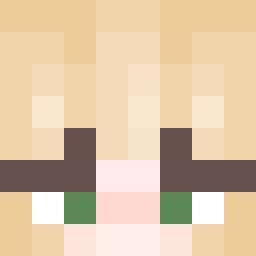 DanteYagi Chirpiness Youking_1029 testcase vutit_ nifret KoehYang rren213 NutellaAndToast Racherim omargaga5 ASocialReject HaHaruu SnakesEatApples FiftyWind Murushiro
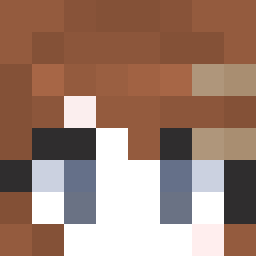 Namhas _Jun726
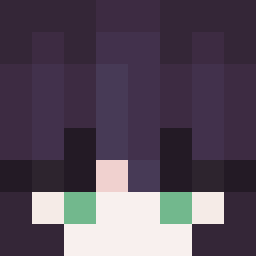 Kyr4i Cadmass Osmanxshadow44
 surgjus Esterrr__ Rollezy 1xr9s Alcogolichka cablepastry Overloxdd Xawtrix_x Nextappend Trollvjl DmitriyBebrovich _Valerie1_ t3light xablaz KingBrindal ThatGiraffe550 xzzltrov weisserauch bongo_nm reservedforhell isaaxpert zDragon987 Fnnd1355
More School Uniform Minecraft skins
See all 6645 School Uniform skins
How to install the Kebabsla skin
- Press the Download button above to save the skin as a PNG file.
- Minecraft: Bedrock Edition (PE): open the Dressing Room from the main menu (or tap your character → Edit Character), go to Classic Skins → Owned, press the + (new skin) button, choose the downloaded PNG and pick the Slim (Alex) model. Works on PC and mobile; consoles cannot import custom skins.
- Minecraft: Java Edition: open the Minecraft Launcher, go to the Skins tab, click New Skin, load the PNG, pick the Slim (Alex) model and press Save & Use. You can also upload it at minecraft.net → Profile → Change Skin.
The skin does not show up after import - what should I do?
Restart Minecraft and open the Dressing Room again - imported skins sometimes appear only after a restart. Also make sure you selected the imported skin and picked the Slim (Alex) model.
Which model should I choose, Classic or Slim?
This skin is designed for the Slim (Alex) model. If you pick the wrong model, the arms of the skin will look stretched or squeezed.
Is the skin of Kebabsla free to download?
Yes. Press Download, save the PNG file and use it in Minecraft: Bedrock Edition or Java Edition - no payment or registration needed. The skin also works on multiplayer servers and Realms.
More skins
Looking for more? Go back to all Minecraft skins and check the top skins of the week, month and all time, or find any player's skin by nickname.