
Kawfea - Minecraft Skins & Skin History
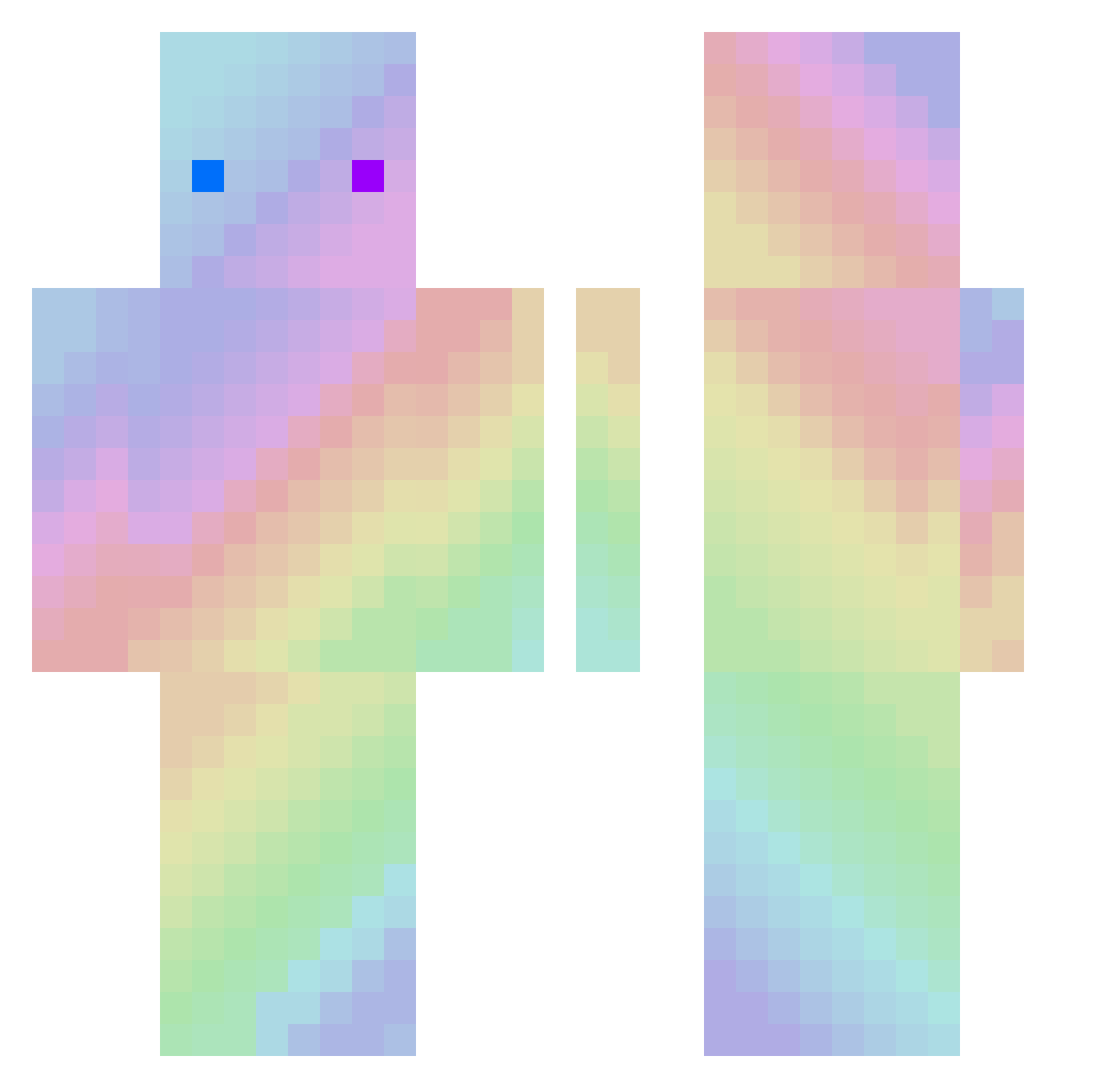
Current Minecraft skin of the player Kawfea, loaded from the official Mojang API. Rotate the 3D model with your mouse or finger, then download the skin as a PNG file and use it in Minecraft: Bedrock Edition or Java Edition for free. When Kawfea changes their skin, this page updates automatically and the old skin stays in the history below.
Other players with this skin (195)
Kawfea was the 39th player we have seen with this skin, first spotted on 17.08.2026. The same skin was seen on these players. Open a nickname to see their current skin and skin history.
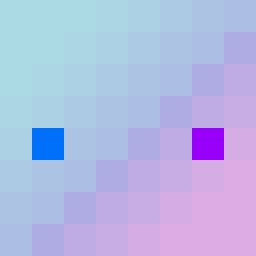 Marka3 NOdidZONG Mikisha00 matfelser
 Tonno15 xin_lun JimRexo super_bear_71 LIXUHUI_X spoconybananek adjlda DirgeBS Reck_ovo qingyou_a XXXLoK1 sldjaak1 TheLuke0823 jOsephawa markplain TenacityV4 Goobyhbear WUwei622 lepidlaka musekld Raven_1925 Ramramyu HaidenPhew xpakrhr Angel_dusti Despair_zhu AlovelyMonkey MissingAA LinDao_Xing Tnnayc Sp00nLess JMmoran Birdy_520 FranciscoBG 1EmIrHaNN9 Kuroshii96
 EEEECALI look_your_back Kaeko_eth zelia77 167M_Z TAICHI49 ManateeX
 SongGF bo_bo_BOY Spike1895 Fempty Samujeje MgXn Jackson_Bob mylife_isOnl79
 Cutezzflood SONY_LOVE One_Pig
 M_CSHG_C HoShiNoYui_OVO
How to install the Kawfea skin
- Press the Download button above to save the skin as a PNG file.
- Minecraft: Bedrock Edition (PE): open the Dressing Room from the main menu (or tap your character → Edit Character), go to Classic Skins → Owned, press the + (new skin) button, choose the downloaded PNG and pick the Classic (Steve) model. Works on PC and mobile; consoles cannot import custom skins.
- Minecraft: Java Edition: open the Minecraft Launcher, go to the Skins tab, click New Skin, load the PNG, pick the Classic (Steve) model and press Save & Use. You can also upload it at minecraft.net → Profile → Change Skin.
The skin does not show up after import - what should I do?
Restart Minecraft and open the Dressing Room again - imported skins sometimes appear only after a restart. Also make sure you selected the imported skin and picked the Classic (Steve) model.
Which model should I choose, Classic or Slim?
This skin is designed for the Classic (Steve) model. If you pick the wrong model, the arms of the skin will look stretched or squeezed.
Is the skin of Kawfea free to download?
Yes. Press Download, save the PNG file and use it in Minecraft: Bedrock Edition or Java Edition - no payment or registration needed. The skin also works on multiplayer servers and Realms.
More skins
Looking for more? Go back to all Minecraft skins and check the top skins of the week, month and all time, or find any player's skin by nickname.