
Kapucyn1 - Minecraft Skins & Skin History
Current Minecraft skin of the player Kapucyn1, loaded from the official Mojang API. Rotate the 3D model with your mouse or finger, then download the skin as a PNG file and use it in Minecraft: Bedrock Edition or Java Edition for free. When Kapucyn1 changes their skin, this page updates automatically and the old skin stays in the history below.
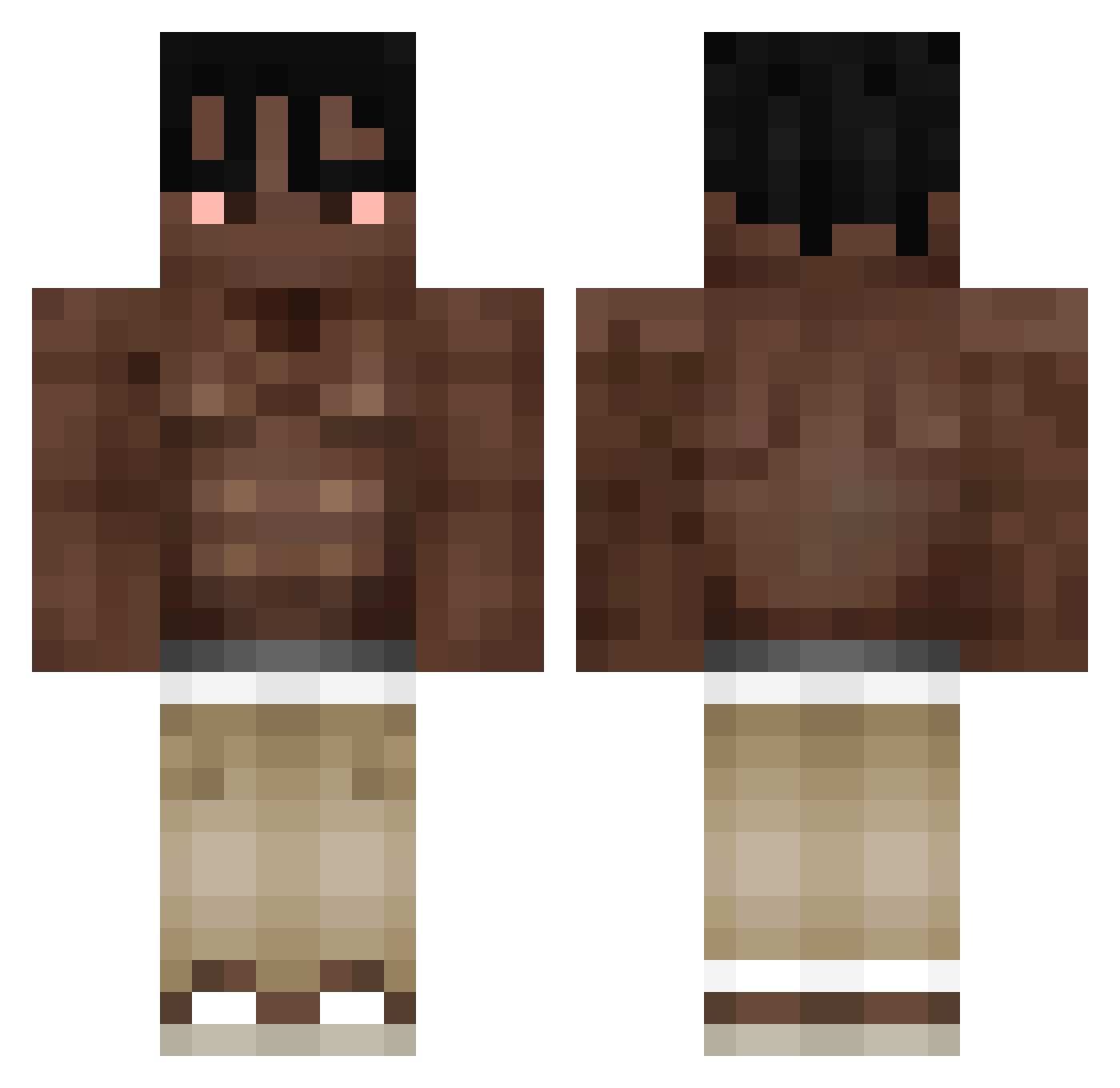
Other players with this skin (317)
Kapucyn1 was the 54th player we have seen with this skin, first spotted on 07.08.2026. The same skin was seen on these players. Open a nickname to see their current skin and skin history.
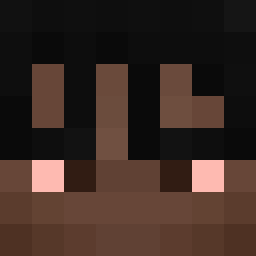 MrCrob24 Zovvkk alxnsofsx 3Raider1 ChiefToadpc jangwool KavixPL TFang_ Rafchixx Fartsgocrazy Noy3k
 Bernardess_ Jeam013 Nicolau06 Freeloadin sm65 DoenerDeniz realnotgate CoisaRuim20 Erikthebest310 DIEGOMP0 bramborak97 AllenZ_0811 Grzejnik967 DAYBEOK Edgzy irfanhasnizi Squzan filipwek azonoftw vigneauhome Chaseito alexthepromax1 bruhgaming4205 WEEDANIO OmarGaming552 0tuk dermarvo caydandan ItsFishi david08033 CW3L3 Bona0703 aleksandrpietro xetoflexx Drew2144
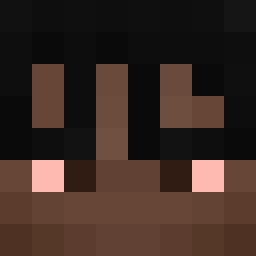 vBlaster alixneyy moon_is_dead_ pudding20011 guilyy BruhBabyy inx_3 Nucce Trxstyy Bxrtyy myood66 shabikbr zSwetty shhnn
More Shirtless Minecraft skins
How to install the Kapucyn1 skin
- Press the Download button above to save the skin as a PNG file.
- Minecraft: Bedrock Edition (PE): open the Dressing Room from the main menu (or tap your character → Edit Character), go to Classic Skins → Owned, press the + (new skin) button, choose the downloaded PNG and pick the Classic (Steve) model. Works on PC and mobile; consoles cannot import custom skins.
- Minecraft: Java Edition: open the Minecraft Launcher, go to the Skins tab, click New Skin, load the PNG, pick the Classic (Steve) model and press Save & Use. You can also upload it at minecraft.net → Profile → Change Skin.
The skin does not show up after import - what should I do?
Restart Minecraft and open the Dressing Room again - imported skins sometimes appear only after a restart. Also make sure you selected the imported skin and picked the Classic (Steve) model.
Which model should I choose, Classic or Slim?
This skin is designed for the Classic (Steve) model. If you pick the wrong model, the arms of the skin will look stretched or squeezed.
Is the skin of Kapucyn1 free to download?
Yes. Press Download, save the PNG file and use it in Minecraft: Bedrock Edition or Java Edition - no payment or registration needed. The skin also works on multiplayer servers and Realms.
More skins
Looking for more? Go back to all Minecraft skins and check the top skins of the week, month and all time, or find any player's skin by nickname.