
Jrku - Minecraft Skins & Skin History
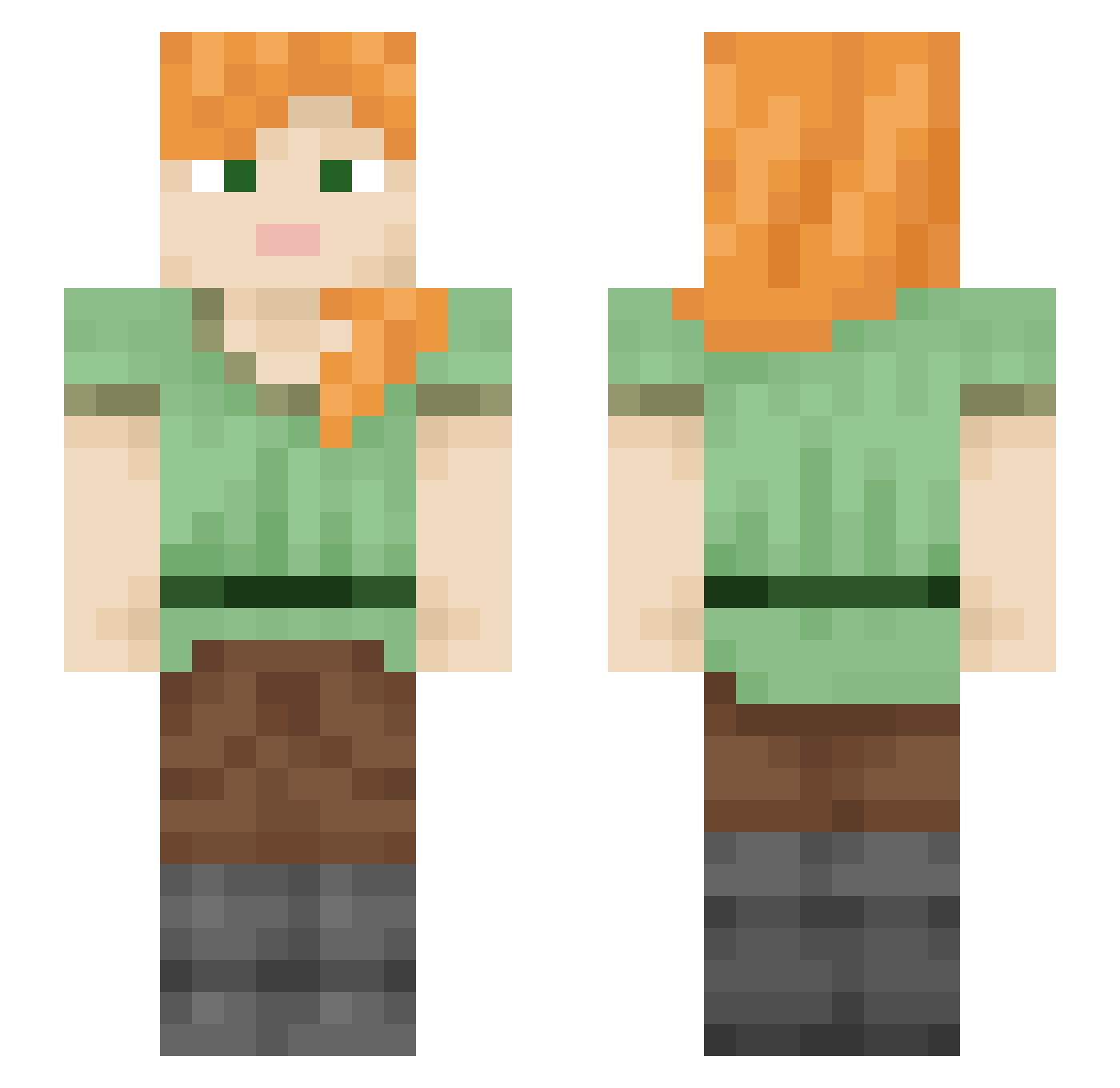
Current Minecraft skin of the player Jrku, loaded from the official Mojang API. Rotate the 3D model with your mouse or finger, then download the skin as a PNG file and use it in Minecraft: Bedrock Edition or Java Edition for free. When Jrku changes their skin, this page updates automatically and the old skin stays in the history below.
Other players with this skin (2108)
Jrku was the 1022nd player we have seen with this skin, first spotted on 18.09.2026. The same skin was seen on these players. Open a nickname to see their current skin and skin history.
 T_S_M Bynoxtag Djvito15 falcon9xr rekinlololol SaintsHeads Svarshik20 Roseleen Transients trackerq Bergamot hellnaith Sebastt21 Flyngs Spiracular Diacope pareu cadencex TheNavysDecoy hurenchang robot_37701609 feliymili11 Slow_1008 avtc Pinkanator GreeneFox8 pislikbocek lollopollo99 XAIIK LostNost Opz_icyy NNMike willybuckets Sevardo Itz_Men2a Unatho Mr_Aura100 Ostiarius Crystallike MonsterSpawner25 Newsboys redthroat Z00h teratoma amousa Dreavious s_oy MC0x8 Silency Digiwarrior erifxx7 Quentin854 Helical uais Shiico JethroDee Ali_301 Drakenmay CrantS ItsImJohnny_
How to install the Jrku skin
- Press the Download button above to save the skin as a PNG file.
- Minecraft: Bedrock Edition (PE): open the Dressing Room from the main menu (or tap your character → Edit Character), go to Classic Skins → Owned, press the + (new skin) button, choose the downloaded PNG and pick the Slim (Alex) model. Works on PC and mobile; consoles cannot import custom skins.
- Minecraft: Java Edition: open the Minecraft Launcher, go to the Skins tab, click New Skin, load the PNG, pick the Slim (Alex) model and press Save & Use. You can also upload it at minecraft.net → Profile → Change Skin.
The skin does not show up after import - what should I do?
Restart Minecraft and open the Dressing Room again - imported skins sometimes appear only after a restart. Also make sure you selected the imported skin and picked the Slim (Alex) model.
Which model should I choose, Classic or Slim?
This skin is designed for the Slim (Alex) model. If you pick the wrong model, the arms of the skin will look stretched or squeezed.
Is the skin of Jrku free to download?
Yes. Press Download, save the PNG file and use it in Minecraft: Bedrock Edition or Java Edition - no payment or registration needed. The skin also works on multiplayer servers and Realms.
More skins
Looking for more? Go back to all Minecraft skins and check the top skins of the week, month and all time, or find any player's skin by nickname.